Add your photo
Choose, drop or paste one photo or up to 30 at once.
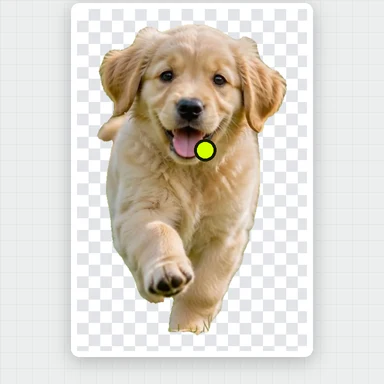
AI cuts out the person, pet or product and fills everything behind it with a single color.
Pick any shade with the color picker, or a ready studio color, and download a full-size JPG or PNG.
People, pets, products and more. One photo or a whole batch.
JPG, PNG, WebP, AVIF, GIF or BMP · up to 50 MB each · up to 30 at a time · or pasteOpen a sample photo, or a batch of four, and remove the background in one click.
Choose, drop or paste one photo or up to 30 at once.
Press the button: AI cuts out the subject and places it on the chosen color.
Any color is already selected: open the color picker, choose a shade, then save JPG, PNG or WebP.
Create backgrounds, product scenes and short clips from a prompt with WaveSpeed AI.
Place your product or portrait in any scene you describe.
Bring the photo to life as a short video clip.
Turn a cut-out object into a 3D model.
$1 in free credits for eligible new accounts. No card needed. Generators have separate account and credit requirements. The background remover is free.
Add the photo and press the button to cut out the subject. Any color is already selected: pick a shade in the color picker and the preview updates. Download when it looks right.
Yes. The color picker accepts any color, so you can match a brand color or a specific shade. Ready-made studio colors such as light gray, beige and sky blue are one click away.
Yes. The background you choose is used for every photo in the batch, and the download saves them all in one ZIP.
On most photos, yes. Fine hair, fur, glass and busy backgrounds are the hardest: open Edges to adjust the edge position and softness, and keep color-fringe cleanup on.
Any color · Batch of up to 30 · Free, no watermark