WAN 2.7 Instruction-Based Video Editing Guide
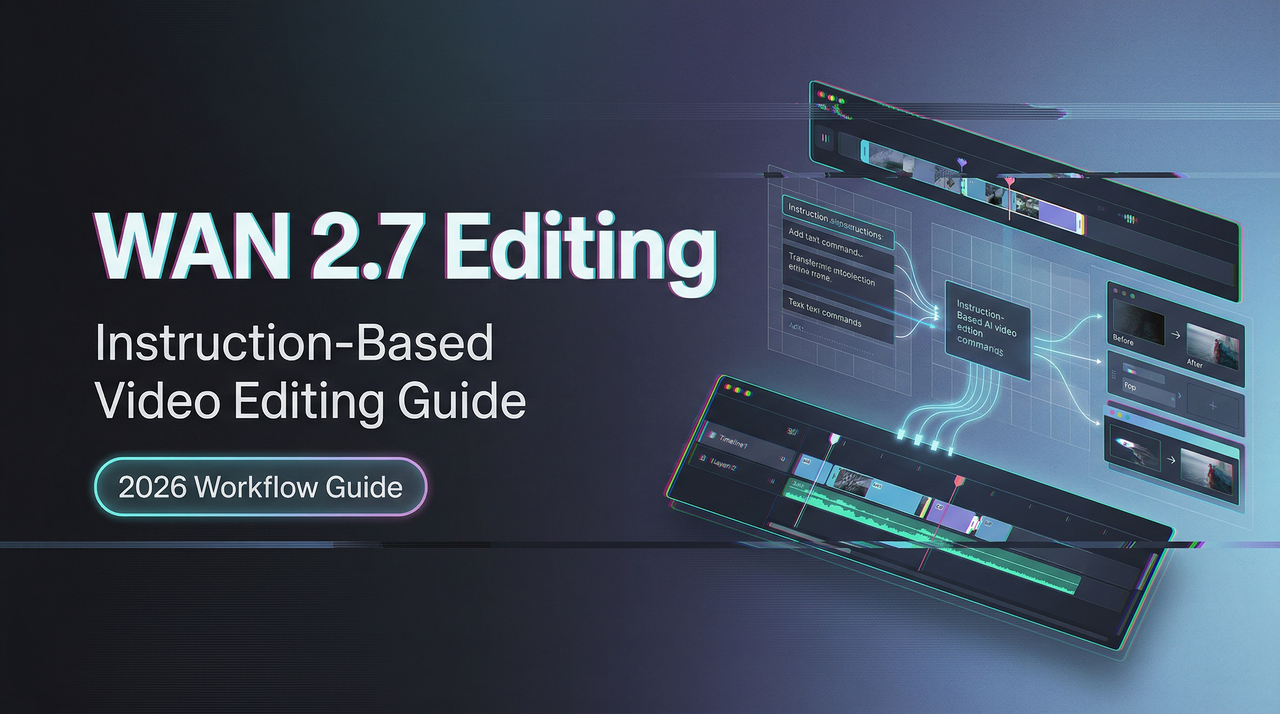
Hello, everybody. I’m Dora. I’ve been working with AI video tools for a while now, and when I first heard about WAN 2.7’s instruction-based editing feature, I wasn’t immediately convinced it would change much. Editing video with text commands sounded like one of those features that looks good in a demo but falls apart when you actually need it.
I admit I was partly wrong.
What Instruction-Based Video Editing Means in WAN 2.7
You take an existing video clip, write what you want changed, and the model adjusts that specific element while keeping everything else intact. Not a regeneration. An edit.
How it differs from standard text-to-video generation
Text-to-video starts from nothing. You write a prompt and get whatever comes out.
Instruction editing starts from something that exists. The clip is there. The timing is set. You’re asking the model to change one piece—swap the background, shift the lighting, recolor an outfit—without touching the rest.
WaveSpeedAI’s analysis notes this matters operationally: iteration cycles that previously required regenerating clips from scratch can now be handled as lightweight edits. Regenerating because the jacket color was wrong felt wasteful. Editing just the jacket felt right.
How it differs from Video Recreation
Recreation takes a reference video’s motion structure and applies it to new subjects or styles. Motion transfer.
Instruction editing modifies. The original clip stays; only the element you specify changes.
What the model receives as input
Two things: the source video (up to 15 seconds at 1080P) and a natural language instruction.
What surprised me: no masking, no layer isolation. Just the clip and the sentence.
What You Can and Cannot Edit With Instructions
Supported edit categories
From testing and Dzine’s platform documentation, instruction editing handles:
- Background swaps (indoor to outdoor, sunny to rainy)
- Lighting shifts (golden hour to blue hour)
- Object-level adjustments (change shirt color, add props)
- Style modifications (realistic to illustrated)
These work because they’re bounded changes. The model knows what a background is, what lighting does.
What resists instruction-based editing
Complex spatial rearrangements don’t work well. “Move the character left” didn’t produce clean results. The character stayed put or the composition shifted awkwardly.
Identity-heavy scenes—specific facial expressions, fine logo details—resist editing. The model can change lighting but struggles to maintain exact features when altering expression or age.
Physics changes are hit or miss. “Make the water flow faster” sometimes worked, sometimes looked glitchy.
Edit granularity
All edits are prompt-level. You describe what changes; the model infers which part that applies to. No object-level targeting yet.
I learned to write very specific instructions. “Change the jacket to red” worked better than “make the outfit warmer tones.”
Designing Effective Edit Instructions
What makes a good edit instruction
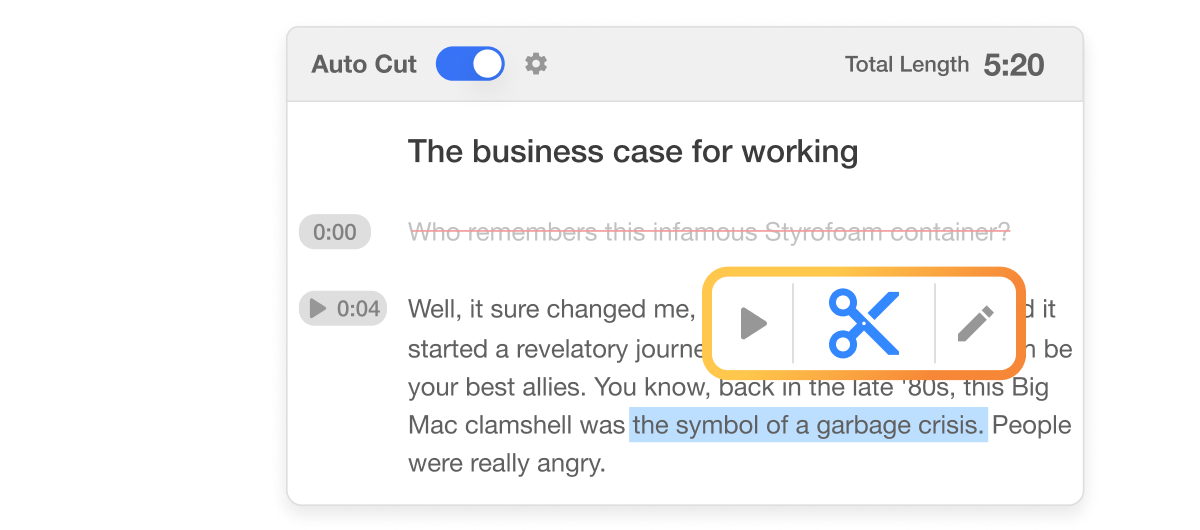
Good instructions are specific, directional, and bounded. This approach echoes the philosophy behind tools like Descript, where you can edit video simply by editing text without any masking or layer isolation.
“Change the sky to overcast with dark clouds” worked consistently. It specifies what changes, what it becomes, and adds detail.
“Make it look more dramatic” did not. Too vague. The model interpreted it differently each time.
What makes a bad one
Instructions that contradict the source clip fail quietly. “Remove the person from the scene” on a character-focused shot either got ignored or produced broken frames.
Instructions with multiple conflicting elements struggle. “Change the jacket to blue and the background to a forest and add rain” attempted three edits at once. One edit per instruction worked better. This clear prompting pattern—state what changes and describe the target state—aligns with best practices seen in Visla’s text-based video editing, where you refine footage by directly editing the transcript.
Prompting pattern
The pattern that worked:
- State what changes
- Describe the target state
- Keep it under 15 words
“Swap the urban background to a mountain landscape” — clear subject, clear target, clean results.
Input Requirements
Source video spec
Source videos: 2 to 15 seconds, up to 1080P. I tested 5-second clips at 1080P and 10-second clips at 720P. Both worked.
Reference alignment
If your source has heavy motion blur, rapid cuts, or extreme exposure, edit results degrade. The model needs clear frames.
Fast-panning shots produced smeared background swaps. Static or slow-moving shots produced clean edits.
Where Instruction Editing Fits in a Production Pipeline
I didn’t expect to use this as a primary tool. I expected it to be a novelty. It’s not.
Post-generation polish loop
After generating a clip with standard text-to-video, I’d often get 80% of what I wanted. The motion was right, the framing was right, but the color grading felt off or the background didn’t match the brief.
Before instruction editing, that meant regenerating with adjusted prompts and hoping. Hit rate: maybe 40%. Each regeneration took 60-90 seconds, and I’d often burn through three or four attempts before landing something usable.
Now I generate once, then edit the specific element that’s wrong. Hit rate is closer to 70%, and the iteration is faster. Instead of three full regenerations at 90 seconds each (4.5 minutes total), I do one generation plus one edit (roughly 2.5 minutes total). The time savings add up across multiple projects.

Style iteration without full regeneration
I tested this by generating one base clip of a character walking through a city street, then creating three style variants with instruction edits:
- “Shift to cyberpunk neon aesthetic”
- “Change to watercolor painting style”
- “Make it black and white film noir”
All three edits preserved the original motion and composition. Only the visual style changed. The character’s walk cycle stayed identical. The camera movement didn’t shift.
That’s useful for client presentations where you want to show concept options without regenerating the entire scene three times. Also useful for A/B testing ad creatives without burning through generation credits.
I tried the same workflow with regeneration instead of editing—writing three different prompts with style keywords baked in. Two of the three came back with slightly different motion timing, which broke the comparison. Editing kept everything comparable except the style variable I was testing.
Cost comparison: edit vs regenerate
Based on WaveSpeedAI’s cost analysis, instruction-based editing will likely carry a different cost profile than standard generation, but exact pricing hasn’t been published yet.
From a workflow perspective, even if editing costs the same per second as generation, it’s still cheaper in practice because you’re not discarding failed attempts. One generation plus one targeted edit beats three full regenerations.
The calculation: If generation costs **$0.12/second for 1080P (WAN 2.6 pricing from PiAPI), a 5-second clip costs $0.60. Three regenerations cost $1.80. One generation plus one edit—even if the edit costs the same $0.60—only costs $1.20**. That’s a 33% savings just from reducing waste.
If editing turns out to be cheaper than generation (which seems likely given it’s modifying existing frames rather than creating new ones from scratch), the savings multiply.
API Access Implications
Separate endpoint or parameter flag?
WaveSpeedAI’s analysis suggests instruction editing will require new payload fields—likely an edit_instruction parameter and possibly a distinct endpoint.
I’m waiting for official API documentation before production integration.
Token and compute cost
Multi-input inference is heavier than single-input generation. Instruction editing processes both source video and edit instruction, meaning higher compute cost.
Budget accordingly, but don’t finalize projections until pricing goes live.
Async job considerations
All WAN operations run asynchronously. Submit request, get task ID, poll until complete.
Expected wait from my tests: 30 seconds to 2 minutes for a 5-second 1080P edit.
FAQ
Is instruction-based editing available via WaveSpeed API at launch?
WAN 2.7 launches within March 2026. API availability for instruction editing hasn’t been confirmed yet. WaveSpeedAI typically adds new endpoints within days of official releases.
How long can the source video be for editing?
Up to 15 seconds at 1080P. Shorter clips (2-5 seconds) process faster and produce cleaner edits.
Does editing preserve the original audio? Depends on the edit. Background changes preserve audio. Style shifts that alter visual aesthetics sometimes affect sync. Worth testing case-by-case.
Previous Posts:
- Discover how natural language instruction editing works in WAN 2.7
- See the key differences between WAN 2.7 and WAN 2.6, especially for lightweight instruction-based edits
- Learn practical ways to combine instruction-based editing with first/last frame control
- Explore WAN 2.7’s new features including instruction-based video editing and API upgrade path
- Understand real-world production use cases and iteration benefits of instruction editing in WAN 2.7
Related Articles
LTX-2.3 API Guide: 7 Endpoints, Access Options & Production Use
LTX-2.3: What's New in Lightricks' 22B Video Model (2026)

WaveSpeedAI vs Media.io Watermark Remover: Which One Actually Delivers?

Goodbye Sora: Top 5 Best Sora Alternatives for Making AI Videos in 2026

Google Veo 4: What We Might See From Google's Next AI Video Model