WAN 2.7 API Quick Start on WaveSpeed (2026)
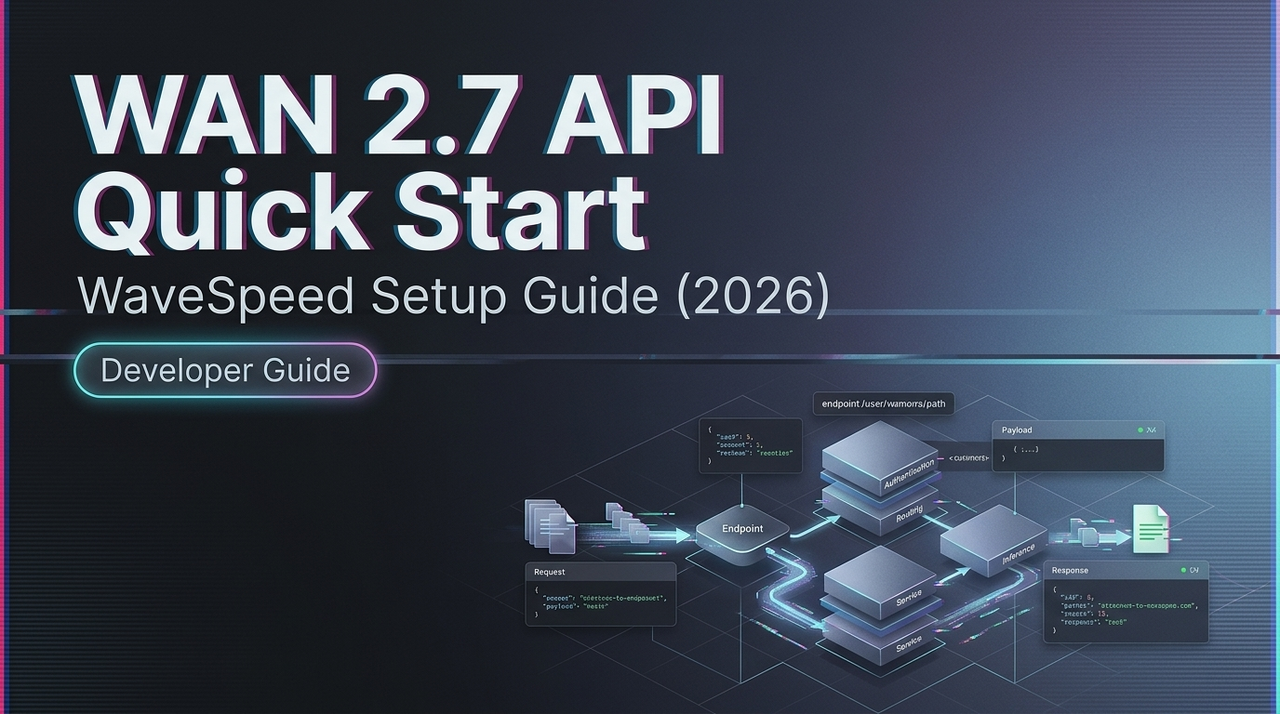
Hey, guys. I’m Dora. I kept putting this off. WAN 2.7 dropped. I had a project that needed it, and I told myself I’d wire it up “after things stabilize.” That’s usually the wrong instinct. The API surface is straightforward once you get past the version naming — and most of the friction comes from one or two decisions you make early on that quietly affect everything downstream.
This isn’t a feature showcase. It’s what I actually needed on day one.
WAN 2.7 on the Platform: Model ID & Availability
Before writing a single line of code, I spent ten minutes just confirming the model string. This sounds obvious, but WAN has a naming pattern that trips people up — wan2.5-i2v, wan2.6-i2v, wan2.7-flf2v — and using a stale ID returns a clean 404 with no helpful error message.
The model catalog is the first place to check. Navigate to the video generation section, filter by version 2.7, and copy the exact model ID string. Don’t type it from memory.
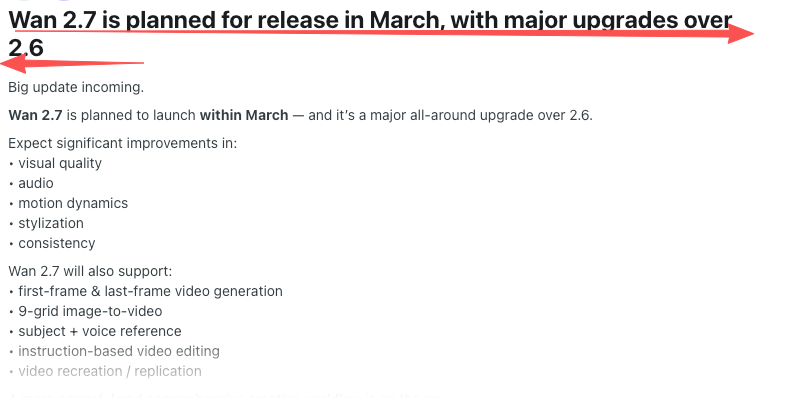
Availability timing matters too. WAN 2.7 launched in March 2026 with a meaningful set of new capabilities — first/last frame control, 3×3 grid image-to-video synthesis, up to five video references, and instruction-based editing. According to the Alibaba Cloud Model Studio video generation overview, hosted inference endpoints for new WAN versions typically go live within days of an official release — but not always on the same day, so check the platform status page before building anything time-sensitive.
Auth & API Key Setup
This part is quick. Your API key goes in the Authorization header as a Bearer token. The base URL follows the region you selected during account setup — Singapore, Virginia, or Beijing for the Chinese Mainland deployment. Cross-region calls will fail, not loudly, just with an auth error that wastes twenty minutes if you’re not expecting it.
Authorization: Bearer YOUR_API_KEY
Content-Type: application/json
One thing I do from the start: store the API key in an environment variable and never hardcode it, not even in local test scripts. A leaked key is a billing surprise you don’t want.
The base URL structure follows standard REST conventions as defined in IETF RFC 9110 (HTTP Semantics). If you’ve worked with any modern AI API, this will feel familiar — JSON in, JSON out, status codes that behave as expected.
Core Request Parameters
Here’s where I’d encourage you to slow down a little. The required parameters are small — model ID, prompt, input type — but the optional ones shape output quality more than you’d expect.
Required:
model— exact model string, verified from the catalogprompt— your text description; for video, specificity matters more than length- Input: either
image_url(for I2V) or text-only for T2V
Optional but practically important:
resolution— accepts"480P","720P","1080P"; WAN 2.7 supports native 1080P output up to 15 secondsduration— 2 to 15 seconds; longer clips cost more and take longer to processseed— lock this once you find a good output. It’s the one parameter that makes your results reproducible across runsnegative_prompt— useful for suppressing flicker, blur, and motion artifacts
WAN 2.7-specific parameters to verify at official doc release:
first_frame_url+last_frame_url— for FLF2V (first-and-last-frame) modeimage_grid— the 9-grid input structure for richer I2V compositionedit_instruction— natural language editing on an existing video
The last three are new in 2.7. Parameter names can shift between preview and general availability. The official API reference is the authoritative source — build on provisional parameter names at your own risk.
First Request Patterns
Text-to-video (minimal)
response = VideoSynthesis.async_call(
    model="wan2.7-t2v",      # verify exact string at launch
    prompt="A slow dolly shot through a foggy pine forest at dawn.",
    resolution="720P",
    duration=5,
    seed=42
)
task_id = response.output.task_id
Standard image-to-video
response = VideoSynthesis.async_call(
    model="wan2.7-i2v",
    img_url="https://your-cdn.com/input.jpg",
    prompt="Camera holds still. Subject turns slowly toward light.",
    resolution="720P",
    duration=5
)
First-frame + last-frame (FLF2V)
This is where WAN 2.7 does something previous versions couldn’t cleanly do. You define the opening and closing frame; the model fills in the motion between them. It isn’t animation in the traditional sense — it’s structured inference from two semantic endpoints.
response = VideoSynthesis.async_call(
    model="wan2.7-flf2v",   # verify exact string at launch
    first_frame_url="https://your-cdn.com/start.png",
    last_frame_url="https://your-cdn.com/end.png",
    prompt="Fixed camera. Smooth transition. Natural lighting.",
    resolution="720P",
    seed=99
)
The quality of your frame pair matters more than the prompt. A well-matched pair with a clear spatial relationship will consistently outperform a polished prompt on mismatched input frames. I’ve tested enough runs now to say this with some confidence. For reference on how the open-weight variant handles frame conditioning, the Hugging Face WAN model repository documents the architecture in detail — useful even if you’re only calling the hosted API.
9-grid image-to-video
The 9-grid input lets you pass a 3×3 arrangement of still images as compositional references for a single generation. Verify the exact payload structure at launch — the parameter likely accepts an array of nine image URLs, but treat any pre-release documentation as provisional.
Async Job Handling: Submit → Poll → Result
Video generation is never synchronous. Even for short clips, expect 1–5 minutes per job. The pattern is always the same: submit → get a task_id → poll → retrieve result URL.
import time

def poll_for_result(task_id, interval=15, timeout=600):
    elapsed = 0
    while elapsed < timeout:
        result = VideoSynthesis.fetch(task_id)
        status = result.output.task_status
        if status == "SUCCEEDED":
            return result.output.video_url
        if status == "FAILED":
            raise Exception(f"Task failed: {result}")
        time.sleep(interval)
        elapsed += interval
    raise TimeoutError("Job exceeded timeout")
Polling interval: 15 seconds is the documented recommendation from Alibaba’s own API reference for the Wan image-to-video endpoint. Don’t poll faster — it won’t speed anything up and you’ll burn through rate limits.
Task status transitions: PENDING → RUNNING → SUCCEEDED or FAILED. The result URL is valid for 24 hours after generation. Download and store it immediately — if you miss that window, the task ID also expires after 24 hours and returns UNKNOWN on subsequent queries. I learned this the awkward way on my first batch run.
Error Handling
The errors you’ll hit most often:
| Error | Likely cause | Fix |
|---|---|---|
| 404 on model | Wrong or outdated model ID | Verify exact string from catalog |
| 400 on input | Image format rejected or URL inaccessible | Use public HTTPS URLs; verify format |
| 429 Too Many Requests | Rate limit hit | Exponential backoff with jitter |
| UNKNOWN task status | Task ID expired (24hr window) | Poll sooner; download result immediately |
For 429s: back off, add jitter, don’t retry in tight loops. The MDN HTTP documentation on Retry-After header behavior explains the standard pattern — the response headers often tell you exactly when to retry.
Video job rate limits for WAN 2.7 are published separately from image generation limits. High-resolution or longer-duration jobs typically count against a concurrent job limit, not just a per-minute request limit. Verify against your account tier’s documentation.
Cost Estimation
WAN 2.7 pricing wasn’t finalized at the time of writing. From what’s consistent across the WAN model family, costs scale on three dimensions:
- Resolution — 1080P costs meaningfully more than 720P per second of output
- Duration — billed per second of generated video
- Input complexity — multi-reference inputs may carry a multiplier; confirm at launch
A rough estimation formula:
estimated cost = duration (seconds) × resolution multiplier × unit price per secondBefore running a batch, test one clip at each resolution and duration combination you plan to use. The Alibaba Cloud billing overview for Model Studio will have per-second unit costs once official WAN 2.7 rates are published. Video generation costs add up faster than image generation — resolution is the biggest lever.
FAQ
Is WAN 2.7 available the same day as the official Alibaba launch?
Not always. Hosted API endpoints typically go live within days of an open-weight release, sometimes the same day, sometimes a week later. Monitor the platform changelog directly. The WAN model GitHub repository has historically been where Alibaba’s team first documents schema changes for new open-weight releases.
Are WAN 2.5 API calls compatible with WAN 2.7?
Standard T2V and single-image I2V payloads should be structurally compatible — the new 2.7 features appear additive rather than breaking. That said, you’ll need to update the model ID string, and any code using 2.5-specific parameters should be tested before treating it as a drop-in. The 9-grid and FLF2V modes require new payload structures entirely.
What’s the rate limit for WAN 2.7 video jobs?
Verify against your account tier at runtime. As a working default: queue jobs with a steady drip rather than bursting. Handle 429 with exponential backoff. Log the request_id from every response — it’s the most useful field when something goes wrong and you need to trace it.
The mechanics here aren’t complicated. What actually takes time is building good input assets — the frame pairs, the reference images, the prompts that stay specific without becoming rigid. Once those are stable, the API side becomes routine.
I’ll update this once the official WAN 2.7 parameter documentation is live and I’ve had a chance to test the 9-grid format end-to-end. That’s the part I’m most curious about.
Previous Posts:
- Discover how natural language instruction editing works in WAN 2.7
- See the key differences between WAN 2.7 and WAN 2.6, especially for lightweight instruction-based edits
- Learn practical ways to combine instruction-based editing with first/last frame control
- Explore WAN 2.7’s new features including instruction-based video editing and API upgrade path
- Understand real-world production use cases and iteration benefits of instruction editing in WAN 2.7
Related Articles
LTX-2.3 API Guide: 7 Endpoints, Access Options & Production Use
LTX-2.3: What's New in Lightricks' 22B Video Model (2026)

WaveSpeedAI vs Media.io Watermark Remover: Which One Actually Delivers?

Goodbye Sora: Top 5 Best Sora Alternatives for Making AI Videos in 2026

Google Veo 4: What We Might See From Google's Next AI Video Model