
MaxClaw Pricing Explained: Plans, Costs & Is It Worth It?
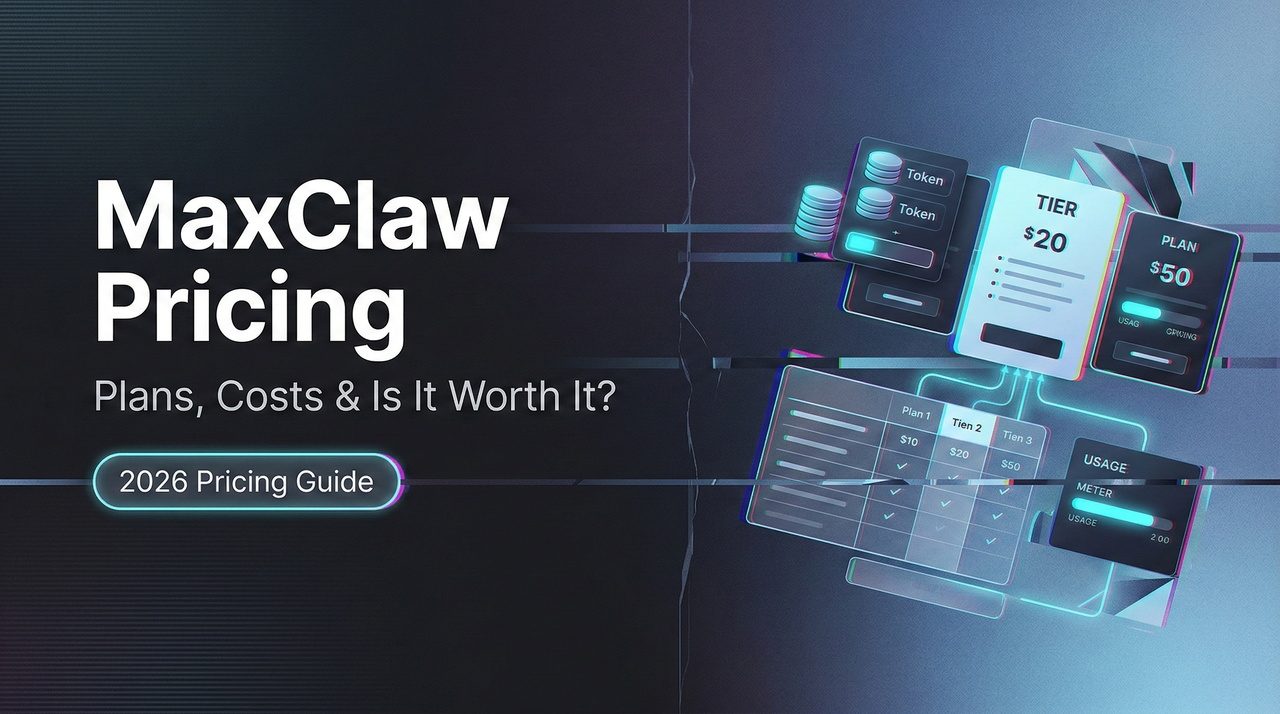
Hello, I’m Dora. I didn’t go looking for another platform fee. I bumped into it. A spreadsheet flagged yet another “API overage” from a side project I’d left running over the weekend, and I caught myself wishing for a softer ceiling. That’s what nudged me into checking MaxClaw pricing in late February 2026. Not because I needed a new toy, I wanted a calmer way to run agents without babysitting meters.
Here’s what I saw, what I tried, and where math felt fair (or didn’t). If you’re already surrounded by AI tools and prefer systems over stunts, this is for you.
MaxClaw Pricing at a Glance
I’ll keep this simple. MaxClaw pricing follows the same pattern I’ve seen across managed agent platforms: a limited way to try it, then tiers that scale agent capacity, memory, and integrations.
Is there a free tier?
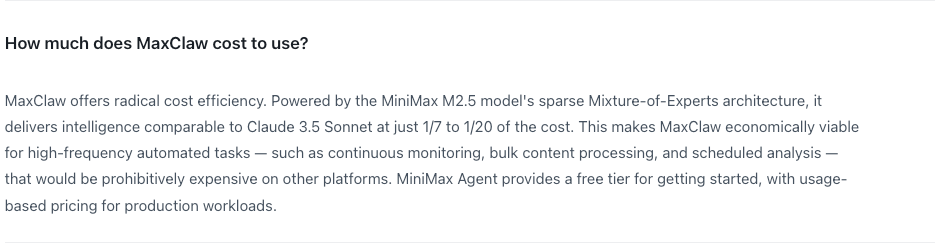
When I signed up, I landed on a credit-gated starter experience, effectively a free tier with strict limits. Think: a few agent runs per month, lower priority queuing, and watermark-style constraints on memory or history length. It was enough to build and test a basic agent loop, but not enough to run a live workflow for clients. I didn’t need a card to kick the tires.
Two notes from that first week:
- The free tier let me connect to one messaging surface (Slack in my case) but throttled events. That saved me from surprise bills while I tuned prompts.
- Logs were available but truncated. Helpful for quick debugging, not great for postmortems.
Paid plan overview
The paid tiers I saw were stacked around practical thresholds rather than raw “unlimited.” Names may change, but the structure felt stable:
- A starter paid plan for solo or small teams: more agent runs, better concurrency, basic memory window, and a couple of integrations turned on by default. Good for one or two automations that touch real traffic.
- A mid-tier for teams running multiple agents across channels: higher concurrency caps, larger memory/state, custom skills, and priority support. This is where the platform starts to matter more than per-run cost.
- An upper tier/enterprise track: SSO, audit logs, bigger retention, custom rate limits, and stricter governance. If you need procurement-friendly boxes checked, it’s here.
No wild claims of “unlimited,” which I appreciated. The tiers read like they were built by someone who has operated agents at 2 a.m. and paid for the mistake the next day.
What’s Included in Each Plan
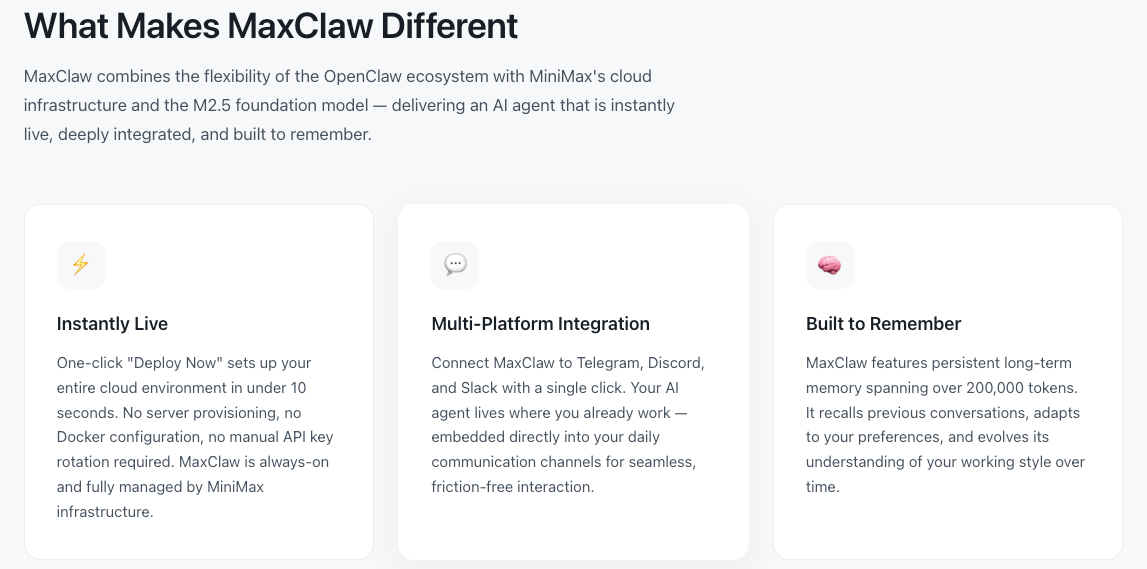
The features on the page didn’t mean much until I put them against a simple routine I run: a two-agent handoff that pulls messages from Slack, drafts a response with retrieval, and logs outcomes to a doc. Here’s how the plan features showed up in real work.
Agent limits & concurrent tasks
- Concurrency is the quiet limit. On the free tier, I could process a trickle of events before MaxClaw queued them. That was fine for testing edge cases, not for handling an active channel at 9 a.m.
- The entry paid tier raised the cap enough that a small Slack channel (under a few hundred messages/day) stayed responsive. Past that, I hit the queue during bursts, not a dealbreaker, but I noticed it around weekly launches.
- On the mid-tier, concurrency matched my mental model: messages got picked up as they came in, even when two agents were juggling tasks (classification + drafting) in parallel.
What mattered in practice: if your workflow chains multiple tools (RAG fetch, structured extraction, then a reply), each hop can eat into concurrency. I learned to batch where I could. This didn’t save me time at first, but after three runs, I saw it reduce mental effort.
Memory & skill access
- Memory windows grew with each tier. The free tier kept short conversation memory: it worked for single-turn helpers but forgot longer threads. Paid plans increased context and retention windows, which improved responses in channels that revisit the same topic every few days.
- “Skills” (tools, functions, or actions) were capped by tier. The mid-tier let me bring in a custom retrieval skill and a lightweight spreadsheet action without ceremony. That’s where I felt the platform actually help: less duct tape between steps.
- System prompts and guardrails were editable across all tiers, but versioning and rollback appeared in higher tiers. When I broke a prompt (I did), having a saved version helped me recover in minutes, not an afternoon.
Messaging platform integrations
- I connected Slack quickly. Webhook noise and event filters were handled in the UI, a relief if you’ve wrestled with app scopes before.
- Email and Discord connectors appeared as toggles on paid tiers. I didn’t push them hard, but the hand-offs looked consistent.
- Rate limits were visible. On the starter paid plan, MaxClaw slowed itself before Slack complained. That alone probably saved me a support ticket.
Small friction I noticed: switching an agent’s integration sometimes reset parts of the configuration (env-specific settings). Not a big deal, just a reminder to export configs before making changes.
Hidden Costs to Watch For
I didn’t see sneaky fees, but there are still places where cost drifts if you’re not careful:
- Long-running threads: If your agent keeps context for days and checks back often, you pay in memory and runs. Shorten the loop or add a “go idle” rule at night.
- Over-eager tools: Extra retrieval calls add up. I moved from “retrieve on every message” to “retrieve on demand” with a simple classifier. Cheaper, cleaner.
- Integrations that multiply events: One mention in Slack can fan out to multiple tasks (classification, enrichment, response). It feels fast, and goes fast.
- Debug logging: Verbose logs are great until they’re not. I turned them off once the workflow stabilized.
Cost analysis of agent frameworks shows that token usage, retrieval calls, and infrastructure costs often become the largest hidden expenses when running autonomous agents. If you’re used to raw API billing, MaxClaw’s guardrails do help. But they don’t cancel basic math: more steps, more state, more money.
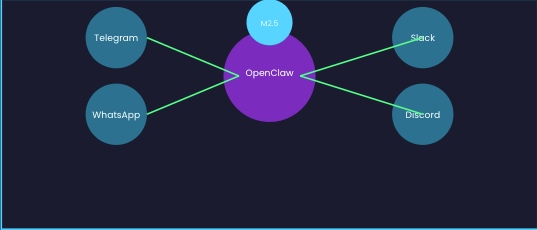
MaxClaw vs DIY: Real Cost Comparison
I ran a back-of-the-envelope comparison 2026 using the same two-agent Slack workflow. Your numbers will differ. That’s the point. The method matters more than my totals.
Running OpenClaw + Claude API, monthly estimate
Assumptions I used for a modest team channel:
- 8,000 Slack messages/month observed by the agent
- Classifier agent touches 50% of messages (4,000 calls)
- Drafting agent responds to 20% (1,600 calls)
- Average prompt+completion tokens per call: 2K for classify, 6K for draft (with retrieval on half of those)
- Retrieval calls: 800 RAG lookups, lightweight and cached
- Infra for OpenClaw (self-hosted orchestrator): one small VM, monitoring, backups
DIY line items I tracked:
- Claude API usage for classification and drafting
- Vector DB (hosted or self-managed) storage + read ops
- VM costs for the orchestrator and a small worker
- Observability (logs, traces) if you like sleeping at night
- Your time: setup (6–10 hours) + monthly upkeep (2–4 hours)
What I observed:
- Pure usage costs were lower DIY when traffic was steady and predictable. No platform margins.
- The moment I added proper retries, back off, per-channel rate limits, and a safe queue, the infra bill crept up, not huge, but real.
- The time cost dominated the first month. I lost an afternoon to a webhook misconfig and another to vector index sharding. Not glamorous.
Net: DIY can be cheaper on paper, especially if you already run agents elsewhere. But if you value your weekends, the soft costs can erase the savings.
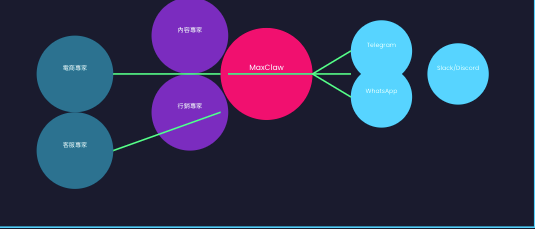
The “overnight API bill” problem MaxClaw avoids
Two weekends ago, a mention storm hit a channel I’d forgotten to mute. On DIY, that would have meant a row of spike-shaped charges by Monday. On MaxClaw, the concurrency cap and rate-smoothing kept the run-rate sane. Yes, a queue formed. No, I was surprised by a number that made me defensive in a finance meeting.
This is the part of MaxClaw pricing I came to appreciate: it bakes in a speed governor. Not glamorous, but very human.
When the Subscription Clearly Pays Off
- You’re running agents in front of real users. The guardrails (queues, rate limits, safe fallbacks) beat a patchwork of scripts.
- You need multichannel presence. Slack + email + Discord without three different deployment stories is worth something.
- You ship often. Versioned prompts, rollbacks, and per-environment configs save hours during messy weeks.
- You don’t want to micromanage tokens. A single bill with predictable tiers makes mental load lighter.
In my case, the subscription paid for itself once the workflow crossed a few hundred meaningful interactions a week and needed to be there on Mondays without me.
When You Should Skip It and Self-Host
- You love your stack and already have orchestration, queues, and metrics dialed in. Adding MaxClaw would duplicate what you’ve built.
- Your usage is spiky and rare. Spinning up OpenClaw for a quarterly experiment can be cheaper if you’re disciplined about turning it off.
- You need absolute control. Extreme data residency, custom governance, or experimental model routing, DIY will move freer, if slower.
- You measure cost in code, not in time. If you enjoy the plumbing (truly), the hands-on control is its own reward.
A small observation to end on: the calmer my weeks get, the more I value tools that stay out of the way. MaxClaw pricing didn’t feel flashy or “disruptive.” It just made the floor visible. I’m fine paying for that, and also fine turning it off when I need a bare floor and my own broom.
Related Articles

Introducing Bria Embed Product on WaveSpeedAI

Introducing Google Nano Banana 2 Edit Fast on WaveSpeedAI
