
Introducing WaveSpeedAI Z Image Turbo Controlnet on WaveSpeedAI
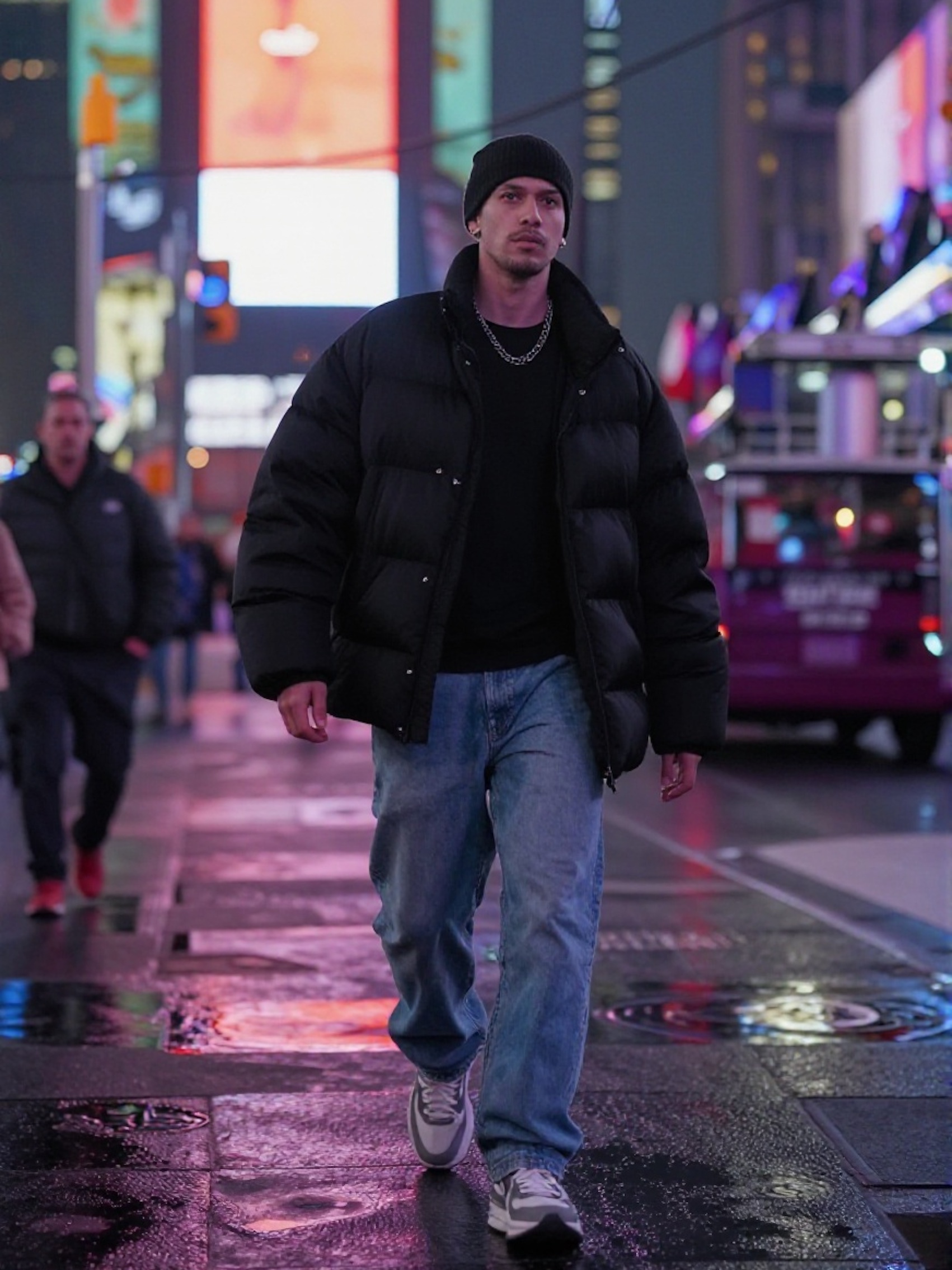
Precision Meets Speed: Introducing Z-Image Turbo ControlNet
What if you could tell an AI image generator exactly where everything should go? Not through increasingly elaborate prompts hoping the model understands your vision, but by showing it the exact structure you want?
Z-Image Turbo ControlNet brings this level of precision to WaveSpeedAI. This model analyzes reference images to extract structural blueprints—depth maps, edge contours, or human poses—then generates entirely new images that follow those exact compositions while matching your creative prompts.
What is Z-Image Turbo ControlNet?
Traditional text-to-image models interpret prompts freely, which can be both a blessing and a frustration. Sometimes you want that creative interpretation. Other times, you need the subject in a specific position, the composition to match a particular layout, or a character to hold an exact pose.
Z-Image Turbo ControlNet solves this by separating structure from style. You provide a reference image and choose how the model should analyze it. The model extracts that structural information and uses it as a blueprint, then fills in the details according to your text prompt.
The result? Images that match your intended composition precisely while giving you complete creative freedom over appearance, style, and content.
Key Features
Three Powerful Control Modes
-
Depth Mode: Extracts 3D spatial relationships from your reference image. Perfect for architectural scenes, landscapes, and any composition where foreground/background relationships matter.
-
Canny Mode: Detects edges and outlines, preserving exact shapes and boundaries. Ideal for converting sketches to finished artwork or maintaining precise contours.
-
Pose Mode: Identifies human body keypoints and skeletal structure. Essential for character work, action scenes, and figure-based compositions.
Adjustable Control Strength
Fine-tune how strictly the model follows your structural blueprint. Lower values (around 0.3-0.4) provide loose inspiration while allowing creative interpretation. Higher values (0.7-1.0) enforce strict adherence to the reference structure. The default 0.6 offers a balanced starting point.
Turbo-Optimized Performance
Built on the Z-Image Turbo architecture, this model delivers rapid generation without sacrificing quality. No cold starts, no waiting—just fast, controlled image generation.
Flexible Output Options
Generate images at custom dimensions with support for JPEG, PNG, and WebP output formats. Whether you need square social media images or wide landscape compositions, the model adapts to your requirements.
Real-World Use Cases
Architectural Visualization
Architects and designers can maintain spatial relationships while exploring different materials, lighting conditions, or styles. Take a 3D render and use depth mode to generate photorealistic variations, or transform a photograph into different architectural styles while preserving the exact spatial layout.
Character Art and Animation
Artists working on characters can capture reference poses from photographs or quick sketches, then generate fully rendered characters in those exact positions. This dramatically speeds up concept art workflows and ensures consistency across character sheets.
Product Photography
E-commerce teams can generate product images with consistent composition across variations. Photograph one product, extract the depth structure, then generate images of different colorways or configurations that maintain identical positioning and perspective.
Style Transfer with Precision
Unlike basic style transfer that can distort compositions, ControlNet preserves exact structures while completely changing visual style. Convert a photograph into anime illustration, transform a modern interior into Victorian aesthetic, or turn a sketch into photorealistic render—all while maintaining the original composition.
Comic and Illustration Production
Illustrators can use rough sketches or pose references to generate detailed artwork. Canny mode preserves line work for inking-style outputs, while pose mode enables rapid generation of characters in specific stances for storyboarding and sequential art.
Getting Started on WaveSpeedAI
Using Z-Image Turbo ControlNet through the WaveSpeedAI API is straightforward:
import wavespeed

output = wavespeed.run(
    "wavespeed-ai/z-image-turbo/controlnet",
    {
        "prompt": "A cyberpunk warrior in neon-lit armor, dramatic lighting, detailed sci-fi environment",
        "image": "https://your-reference-image-url.jpg",
        "mode": "pose",
        "strength": 0.6,
        "size": "1024*1024"
    },
)

print(output["outputs"][0])
The model accepts any publicly accessible image URL as a reference. Choose your control mode based on what structural element you want to preserve:
| Mode | Extract This | Use When |
|---|---|---|
| depth | 3D spatial relationships | Preserving scene composition and depth |
| canny | Edges and outlines | Working from sketches or preserving shapes |
| pose | Human body structure | Character poses and figure work |
| none | Nothing (standard generation) | You don’t need structural guidance |
Tips for Best Results
Match your mode to your reference: Depth mode needs images with clear spatial depth. Canny mode works best with distinct edges and outlines. Pose mode requires visible human figures—it won’t extract useful data from landscapes or objects.
Start at 0.6 strength and adjust: This default provides good structural adherence while allowing prompt influence. Decrease for more creative freedom, increase for stricter blueprint following.
Consider how prompt and strength interact: At lower strength values, your prompt has more influence. At high strength, structure dominates regardless of what you write. Balance these based on your priorities.
Use consistent seeds for comparisons: When testing different control modes or strength values, fix the seed to see exactly how each parameter affects output while eliminating random variation.
Quality in, quality out: Clear, well-lit reference images produce more accurate control signals. Blurry or poorly exposed references will generate less precise structural guidance.
Pricing
Z-Image Turbo ControlNet costs $0.012 per image—flat rate regardless of control mode, output size, or format. No hidden fees, no complexity tiers.
Why WaveSpeedAI?
WaveSpeedAI provides the infrastructure that makes models like Z-Image Turbo ControlNet practical for production use:
- No cold starts: Models stay warm and ready, eliminating the wait times that plague other platforms
- Consistent performance: Enterprise-grade infrastructure ensures reliable generation times
- Simple pricing: Predictable per-image costs without compute-time complexity
- API-first design: Built for integration into applications, workflows, and automated pipelines
Start Creating with Precision
Z-Image Turbo ControlNet represents a fundamental shift in how you can work with AI image generation. Instead of hoping the model interprets your vision correctly, you can show it exactly what you want—then let it bring that structure to life with any style, content, or aesthetic you can describe.
Whether you’re an architect visualizing designs, an artist generating character concepts, or a developer building image generation features, ControlNet gives you the precision that text prompts alone can’t provide.
Try Z-Image Turbo ControlNet on WaveSpeedAI and experience what controlled generation can do for your creative workflow.
Related Articles
GPT-5 Model Versions Explained: From GPT-5 to GPT-5.4
How to Remove Sora Watermark: Best Methods

GPT-5.4 for Developers: What the Leaked Signals Mean for AI Workflows

SkyReels V4 Use Cases: 6 Ways Creators Can Use It Right Now

GPT-5.4 Release Date: What the Signals Say
