
Introducing WaveSpeedAI Qwen Image Max Edit on WaveSpeedAI
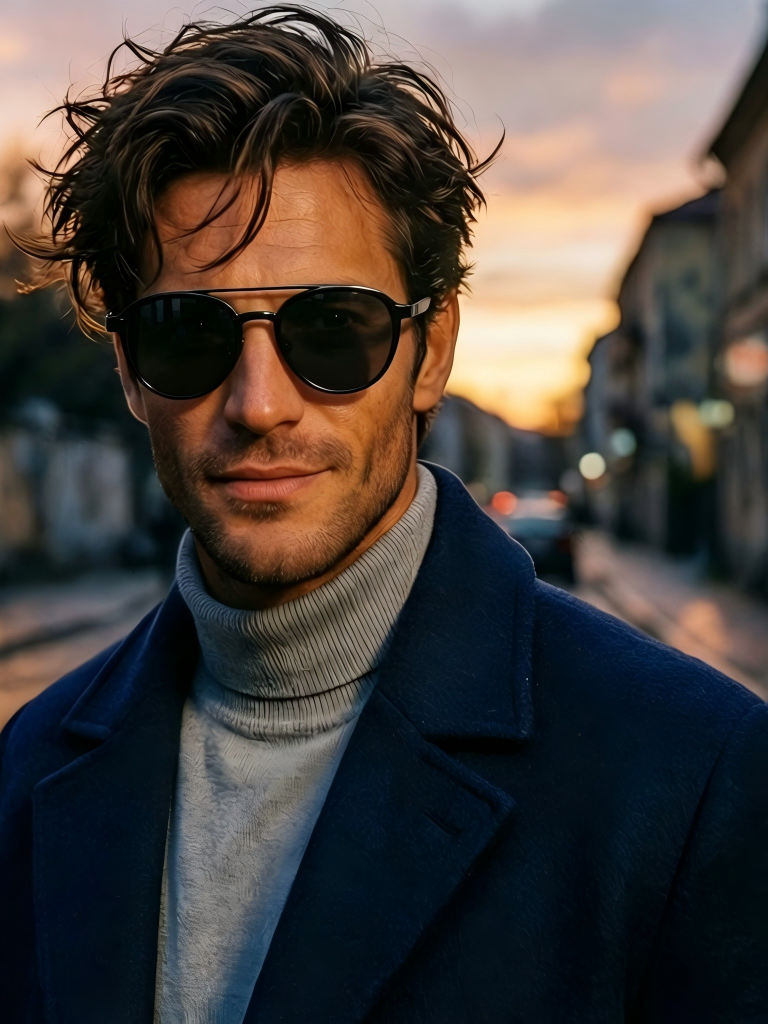
Introducing Qwen Image Max Edit: Transform Your Images with Bilingual AI Precision
The future of image editing has arrived with bilingual intelligence. We’re excited to announce the availability of Qwen Image Max Edit on WaveSpeedAI—Alibaba’s powerful 20-billion-parameter image editing model that understands both Chinese and English with equal fluency, delivering precise transformations while preserving the essence of your original images.
What is Qwen Image Max Edit?
Qwen Image Max Edit represents a significant leap forward in AI-powered image manipulation. Built on Alibaba’s advanced Qwen-Image foundation, this model employs a sophisticated dual-path architecture that processes your images through both Qwen2.5-VL for semantic understanding and a variational auto-encoder (VAE) for appearance encoding. This innovative approach enables the model to understand not just what you want to change, but how to preserve the visual qualities—color, texture, lighting—that make your images unique.
What sets Qwen Image Max Edit apart from other image editing solutions is its native bilingual capability. Whether you craft your prompts in English or Chinese, the model delivers equally accurate results, making it an invaluable tool for global teams, localization workflows, and anyone working across language boundaries.
Key Features
-
True Bilingual Understanding: Write your editing instructions in Chinese or English—the model processes both languages with equal precision. This isn’t simple translation; it’s native understanding that captures the nuances of both languages.
-
Multi-Image Context: Upload up to 6 reference images to guide complex editing scenarios. Whether you’re combining elements from multiple sources or need additional visual context, the model leverages all inputs for more informed transformations.
-
Flexible Output Dimensions: Choose from preset aspect ratios (1:1, 16:9, 9:16, 4:3, 3:4, 3:2, 2:3) or specify custom dimensions from 256 to 1536 pixels. Leave it unset to automatically match your original image size.
-
Text-Within-Image Editing: One of Qwen’s standout capabilities is its precise text editing. Add, remove, or modify text directly in images while preserving the original font characteristics, size, and styling—crucial for localization and marketing applications.
-
Semantic and Appearance Control: The model excels at both low-level appearance edits (surgically adding or removing elements) and high-level semantic transformations (style transfer, object rotation, novel view synthesis). In benchmark comparisons, Qwen has demonstrated state-of-the-art performance, scoring approximately 7.56 on English tasks and 7.52 on Chinese tasks—outperforming competitors particularly on Chinese text and mixed semantic/appearance operations.
-
Multiple Output Formats: Export your edited images as JPEG, PNG (with transparency support), or WebP (for optimized file sizes).
Real-World Use Cases
E-Commerce Product Photography
Streamline your product imaging workflow by editing backgrounds, adjusting compositions, or adapting product shots for different marketplaces—all without reshooting. The bilingual capability is especially valuable for brands selling across Western and Asian markets.
Marketing and Advertising
Rapidly adapt campaign visuals for different regions and languages. Edit on-image text between Chinese and English while maintaining brand consistency. Transform a single creative asset into market-specific variations in minutes rather than hours.
Photo Retouching and Enhancement
Remove unwanted objects, fix imperfections, or enhance specific details with natural-language instructions. Describe what you want changed, and the model handles the technical execution while preserving image quality.
Creative Design and Style Transfer
Transform scenes, apply artistic effects, or modify visual elements with sophisticated semantic understanding. The model preserves the intent and coherence of your original image while implementing your creative vision.
Content Localization
For global businesses, the ability to edit text within images using either Chinese or English prompts dramatically accelerates localization workflows. Adapt signage, labels, and text overlays for different markets without manual graphic design intervention.
Getting Started with WaveSpeedAI
Using Qwen Image Max Edit on WaveSpeedAI is straightforward. Our platform provides fast inference with no cold starts, ensuring your editing requests are processed immediately without waiting for model initialization.
import wavespeed

output = wavespeed.run(
    "wavespeed-ai/qwen-image-max/edit",
    {
        "prompt": "Remove the background and replace with a modern office setting",
        "images": ["https://your-image-url.com/image.jpg"]
    },
)

print(output["outputs"][0])
For more complex edits with multiple reference images:
import wavespeed

output = wavespeed.run(
    "wavespeed-ai/qwen-image-max/edit",
    {
        "prompt": "将图片中的英文标题改为中文'欢迎光临'",
        "images": [
            "https://your-image-url.com/main-image.jpg",
            "https://your-image-url.com/reference.jpg"
        ],
        "size": "16:9"
    },
)

print(output["outputs"][0])
At just $0.07 per image, Qwen Image Max Edit offers professional-grade editing capabilities at an accessible price point. Combined with WaveSpeedAI’s infrastructure—which eliminates cold starts and delivers consistent performance—you can integrate sophisticated image editing into production workflows without unpredictable latency or costs.
Pro Tips for Best Results
-
Be Specific: Clear, detailed editing instructions yield the best results. Instead of “make it better,” describe exactly what changes you want.
-
Use Multiple References: For complex edits requiring additional context—like style matching or element combination—leverage the multi-image input capability.
-
Experiment with Seeds: Use
seed: -1for variety when exploring options, then lock in a specific seed when you find a result you want to reproduce. -
Choose the Right Format: Select WebP for smaller file sizes in web applications, PNG when you need transparency support, and JPEG for general-purpose use.
-
Match Your Language to Content: While the model handles both languages equally well, using Chinese prompts for Chinese text edits and English for English can sometimes improve precision.
Start Editing Today
Qwen Image Max Edit brings enterprise-grade image editing capabilities to developers and creators of all scales. Its bilingual intelligence, sophisticated semantic understanding, and preservation of image quality make it ideal for everything from quick retouches to complex creative transformations.
Ready to experience the future of AI-powered image editing? Try Qwen Image Max Edit on WaveSpeedAI and discover how bilingual AI precision can transform your visual content workflows.
Related Articles

GPT-5.4 for Developers: What the Leaked Signals Mean for AI Workflows

SkyReels V4 Use Cases: 6 Ways Creators Can Use It Right Now

GPT-5.4 Release Date: What the Signals Say

GPT-5.4 vs GPT-5.3: What Might Actually Change
