
Introducing WaveSpeedAI Qwen Image Edit 2509 Multiple Angles on WaveSpeedAI
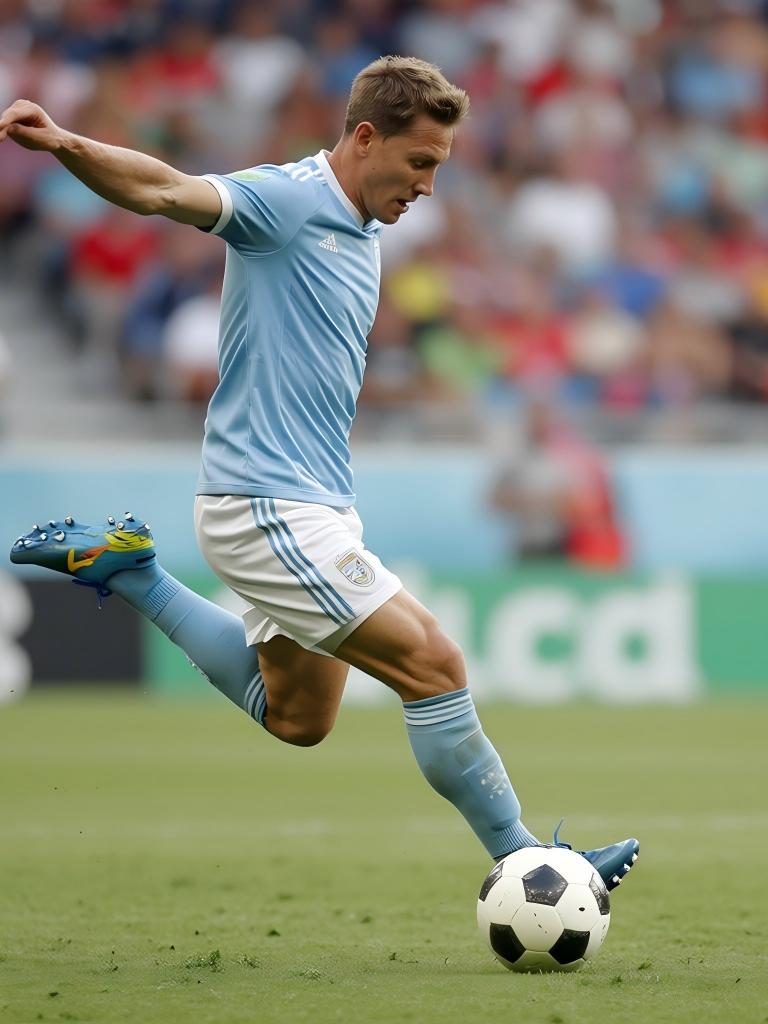
Transform Any Image Into Multiple Perspectives with AI
What if you could photograph an object once and instantly see it from every angle? That’s the promise delivered by Qwen Image Edit 2509 Multiple Angles, now available on WaveSpeedAI. This powerful image-to-image model generates photorealistic multi-angle views from as few as one reference image, giving photographers, e-commerce teams, and creative professionals a tool that replaces hours of studio work with a single API call.
What is Qwen Image Edit 2509 Multiple Angles?
Built on Alibaba’s state-of-the-art Qwen-Image-Edit foundation, Qwen Image Edit 2509 Multiple Angles is a specialized LoRA model trained on over 3,000 synthetic 3D data pairs using Gaussian Splatting techniques. This training approach gives the model a genuine understanding of three-dimensional geometry — it doesn’t merely warp pixels, it infers depth, structure, and surface properties to reconstruct your subject from entirely new camera positions.
Upload one to three reference images of any object or scene, specify the camera angle you want, and the model generates a clean, consistent new perspective. It preserves shape, texture, material properties, and lighting across views, producing results that look like they came from an actual camera repositioned in 3D space.
Key Features
- Multi-Reference Input: Provide up to 3 reference images from different angles for more accurate and detailed view synthesis
- Precise Horizontal Rotation: Choose from 5 horizontal positions — left profile (-90°), 45° left (-45°), front (0°), 45° right (45°), and right profile (90°)
- Vertical Tilt Control: Adjust camera elevation across 4 levels — low angle at -30° (looking up), eye level at 0°, elevated at 30°, and high angle at 60° (looking down)
- Camera Distance Settings: Select close-up (0), medium shot (1), or wide shot (2) to control framing and zoom
- Optional Prompt Guidance: Add text descriptions to refine output — for example, specifying lighting conditions or background preferences
- Flexible Output Formats: Export in JPEG, PNG, or WebP to fit your pipeline
- Reproducible Results: Lock the seed value to generate consistent outputs while experimenting with different angle combinations
Camera Control at a Glance
The model provides 60 distinct camera positions through the combination of its rotation, tilt, and distance parameters:
| Control | Values | Description |
|---|---|---|
| Horizontal Angle | -90, -45, 0, 45, 90 | Left profile → Front → Right profile |
| Vertical Angle | -30, 0, 30, 60 | Low angle → Eye level → Bird’s eye |
| Distance | 0, 1, 2 | Close-up → Medium → Wide |
This gives you systematic coverage of a subject without the complexity of a full orbital camera rig.
Real-World Use Cases
E-Commerce Product Photography
Product listings with multiple viewing angles see significantly higher conversion rates, yet traditional multi-angle photography is expensive. A typical professional product shoot costs around $39 per photo, and businesses running hundreds or thousands of SKUs face substantial photography budgets. With Qwen Image Edit 2509 Multiple Angles, you can generate front, side, back, and elevated views from a single well-lit product photo at just $0.025 per generated image — a cost reduction of over 99%. Businesses adopting AI photography tools report savings of 80% or more on content production while increasing their volume of visual assets by up to 10x.
3D Visualization and Prototyping
Industrial designers and 3D artists can rapidly preview how an object looks from multiple perspectives without building a full 3D model. Upload a concept render or a physical prototype photo and generate a set of views that communicate spatial relationships to stakeholders — all before committing to expensive modeling work.
Character Turnarounds for Game Development
Concept artists can take a single character illustration and generate the front, side, and back reference views needed for 3D modelers and animators. The model maintains consistent proportions and styling across views, producing clean turnaround sheets in minutes rather than hours.
Sports and Action Photography
Capture one frame of an action moment and explore what it would look like from different press box positions, sideline angles, or aerial perspectives. Content teams can produce diverse editorial imagery from limited source material.
Creative Exploration and Composition
Photographers and visual artists can experiment freely with perspective. Turn a standard portrait into a dramatic low-angle hero shot. Transform a flat product photo into a top-down composition. The cost of exploring is virtually zero, encouraging creative experimentation that would be impractical with physical cameras.
Getting Started on WaveSpeedAI
Integrating multi-angle generation into your workflow takes just a few lines of code with WaveSpeedAI’s Python SDK.
Generate a right-side profile:
import wavespeed

output = wavespeed.run(
    "wavespeed-ai/qwen-image/edit-2509-multiple-angles",
    {
        "images": ["https://example.com/product.jpg"],
        "horizontal_angle": 90,
        "vertical_angle": 0,
        "distance": 1
    },
)

print(output["outputs"][0])
Create a dramatic low-angle close-up:
output = wavespeed.run(
    "wavespeed-ai/qwen-image/edit-2509-multiple-angles",
    {
        "images": ["https://example.com/subject.jpg"],
        "horizontal_angle": 45,
        "vertical_angle": -30,
        "distance": 0
    },
)
Use multiple reference images for better accuracy:
output = wavespeed.run(
    "wavespeed-ai/qwen-image/edit-2509-multiple-angles",
    {
        "images": [
            "https://example.com/front.jpg",
            "https://example.com/side.jpg",
            "https://example.com/back.jpg"
        ],
        "horizontal_angle": -45,
        "vertical_angle": 30,
        "distance": 2
    },
)
Tips for Best Results
- Use well-lit, high-resolution input images — the model’s output quality is directly tied to input quality
- Provide multiple reference images when possible — views from 2-3 different angles dramatically improve reconstruction accuracy
- Combine rotation with tilt for dynamic compositions — a 45° horizontal with 30° vertical creates compelling product hero shots
- Use consistent seed values when comparing different angle settings on the same subject
- Start with distance 1 (medium shot) as your baseline before adjusting framing
Why WaveSpeedAI?
Running AI inference shouldn’t come with operational headaches. WaveSpeedAI gives you:
- No Cold Starts: The model is always warm and ready — your first request is as fast as your hundredth
- Fast Inference: Optimized infrastructure delivers results quickly, even during peak demand
- Simple, Predictable Pricing: $0.025 per generated image with no hidden fees or minimum commitments
- Production-Ready REST API: Clean endpoints that integrate directly into your existing applications and pipelines
Start Generating Multi-Angle Views Today
Qwen Image Edit 2509 Multiple Angles eliminates the gap between having one photo and needing many. Whether you’re building an e-commerce catalog, creating character turnarounds, or exploring creative compositions, this model turns a single reference image into a comprehensive set of perspectives — in seconds, at a fraction of traditional photography costs.
Try Qwen Image Edit 2509 Multiple Angles on WaveSpeedAI and see what your images look like from every angle.
Related Articles

Introducing Bria Embed Product on WaveSpeedAI

Introducing Google Nano Banana 2 Edit Fast on WaveSpeedAI
