
Introducing WaveSpeedAI Firered Image Edit on WaveSpeedAI
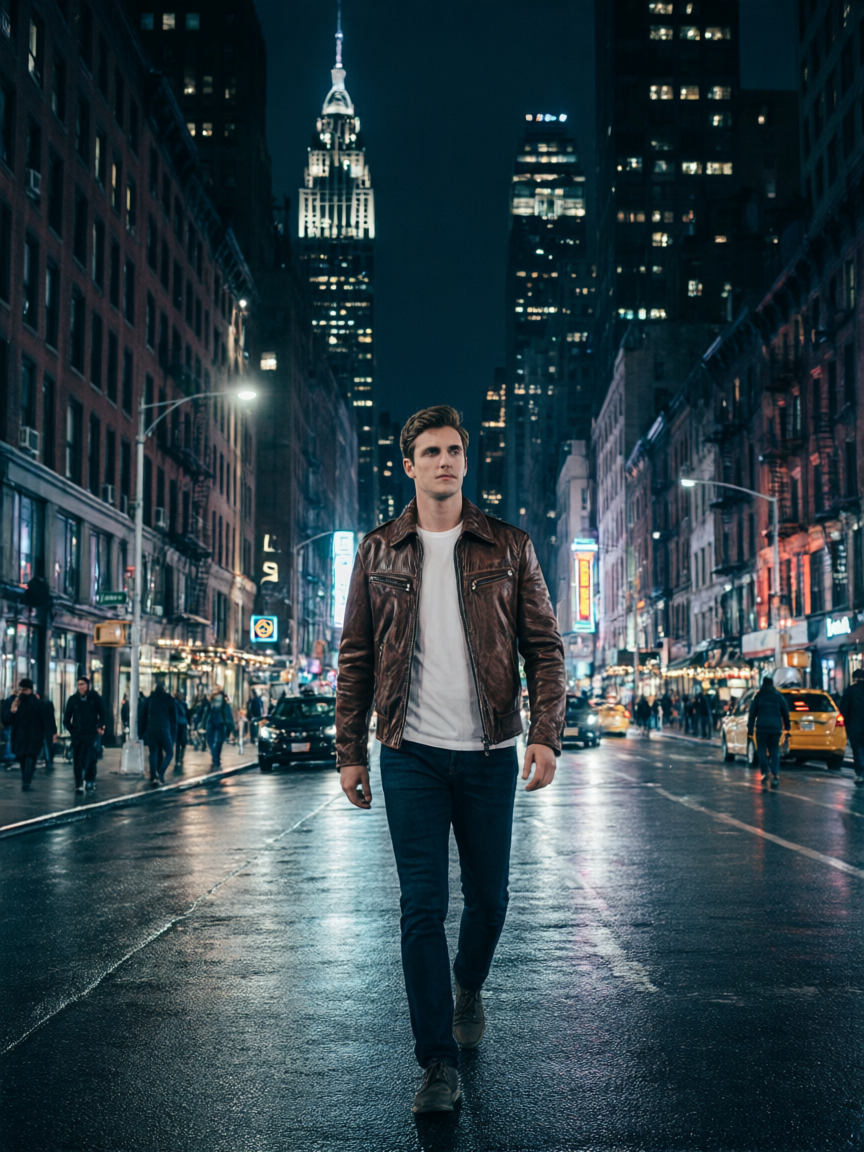
Introducing FireRed Image Edit: State-of-the-Art Natural Language Image Editing
WaveSpeedAI is excited to announce the availability of FireRed Image Edit, a powerful AI image editing model from Xiaohongshu’s FireRed team that delivers state-of-the-art performance across multiple editing benchmarks. Built as a diffusion transformer, FireRed Image Edit combines natural language understanding with multi-image composition to enable precise, high-fidelity edits through simple text instructions.
What is FireRed Image Edit?
FireRed Image Edit is a general-purpose image editing model trained on a massive 1.6 billion sample corpus—comprising 900 million text-to-image pairs and 700 million image editing pairs. After rigorous data curation and multi-stage filtering, over 100 million high-quality samples were retained for a training pipeline that spans pre-training, supervised fine-tuning, and reinforcement learning.
What sets FireRed Image Edit apart is its ability to work with multiple reference images simultaneously. Rather than editing a single image in isolation, you can upload several reference images—of people, objects, environments, or styles—and describe how to combine them. The model intelligently merges elements while maintaining natural composition, lighting, and perspective.
The model supports both English and Chinese prompts, making it equally effective for global teams and Chinese-language workflows.
Key Features
Multi-Image Composition
FireRed Image Edit’s standout capability is combining elements from multiple reference images into a single cohesive output. Upload a photo of a person and a photo of an outfit, then instruct the model to put them together. Reference images by number in your prompt—“Put the person from Figure 1 in the outfit from Figure 2”—for precise control over which elements go where.
Natural Language Precision
Describe your edits in plain English or Chinese. From simple changes like “replace the sky with a sunset” to complex multi-step instructions like “change the dress color to red while keeping the pattern,” FireRed Image Edit follows your instructions with high accuracy. The model achieves approximately 65.7% prompt-following accuracy on standardized benchmarks, placing it among the best in its class.
Benchmark-Leading Performance
FireRed Image Edit has established itself as a top performer across major editing benchmarks:
- GEdit Benchmark: Score of 7.92, outperforming closed-source competitors including Qwen-Image-Edit and Seedream 4.0
- ImgEdit Benchmark: State-of-the-art among open-source models
- REDEdit-Bench: Leading results across 15 editing categories
Across general editing dimensions—Add, Adjust, Replace, Remove, Stylize, and Text editing—FireRed Image Edit consistently ranks at or near the top among both open-source and proprietary systems.
Intelligent Blending
The model automatically adapts lighting, perspective, and style when compositing elements from different sources. This means you don’t need to worry about mismatched lighting conditions or awkward composites—the model handles the visual harmonization for you.
Built-In Prompt Enhancer
Not sure how to phrase your edit? FireRed Image Edit includes a built-in prompt enhancement tool that automatically refines your descriptions for better results, lowering the barrier to getting high-quality outputs.
Bilingual Support
Native support for both English and Chinese prompts with equal proficiency. This is particularly valuable for e-commerce teams, marketing agencies, and content creators working across Western and Chinese markets.
Real-World Use Cases
Virtual Try-On
Upload a photo of a person and a separate photo of clothing, then instruct the model to combine them. FireRed Image Edit creates realistic composites that show how the garment looks on the subject, complete with accurate folds, shadows, and body fit—ideal for fashion e-commerce.
Product Visualization
Place products in different environments or on different models without expensive photo shoots. Show a piece of furniture in various room settings, display a watch on different wrists, or preview packaging designs in retail contexts.
Character Compositing
Combine character features with new environments, accessories, or poses. Game developers, animators, and concept artists can rapidly prototype character designs by mixing and matching elements from reference images.
Marketing and Advertising
Create customized campaign visuals by combining brand assets—logos, products, backgrounds, and models—into polished compositions. Iterate quickly across multiple variations without returning to the studio.
Old Photo Restoration
Beyond composition, FireRed Image Edit excels at restoring and enhancing old photographs, bringing faded or damaged images back to life with high fidelity and natural-looking results.
Style Transfer
Apply the visual style of one image to another while preserving the content and structure. Transform photographs into paintings, apply cinematic color grading, or unify the visual style across a set of marketing materials.
Getting Started on WaveSpeedAI
Using FireRed Image Edit on WaveSpeedAI takes just a few steps:
- Visit the model page: Go to wavespeed.ai/models/wavespeed-ai/firered-image-edit
- Upload your reference images: Add all images containing elements you want to combine
- Write your prompt: Describe the edit using “Figure 1”, “Figure 2”, etc. to reference specific images
- Set size (optional): Specify output dimensions, or leave blank to match the first image’s aspect ratio
- Generate: Submit and download your edited image
You can also integrate directly via the WaveSpeedAI API:
import wavespeed

output = wavespeed.run(
    "wavespeed-ai/firered-image-edit",
    {
        "prompt": "Put the person from Figure 1 in the outfit from Figure 2 in a modern office setting",
        "images": [
            "https://example.com/person.jpg",
            "https://example.com/outfit.jpg",
        ],
    },
)

print(output["outputs"][0])
At $0.08 per image, FireRed Image Edit delivers professional-quality results at a fraction of the cost of manual editing or traditional photo shoots.
Why WaveSpeedAI?
WaveSpeedAI provides the fastest, most reliable way to access FireRed Image Edit in production:
- No cold starts: Requests begin processing immediately with zero warm-up delay
- Fast inference: Optimized infrastructure delivers results in seconds
- Affordable pricing: Transparent, pay-per-use pricing with no hidden fees
- Production-ready API: Integrate seamlessly into your applications and workflows
Start Editing Today
FireRed Image Edit represents the cutting edge of instruction-based image editing—combining multi-image composition, bilingual natural language understanding, and benchmark-leading quality in a single model. Whether you’re building virtual try-on experiences, automating product photography, or creating marketing visuals at scale, FireRed Image Edit delivers the precision and quality you need.
Try FireRed Image Edit now on WaveSpeedAI at wavespeed.ai/models/wavespeed-ai/firered-image-edit—no setup required, no cold starts, just instant access to state-of-the-art image editing.
The article is ready to be saved to src/content/posts/en/introducing-wavespeed-ai-firered-image-edit-on-wavespeedai.mdx. Would you like me to try writing the file again, or would you prefer to copy the content above?
Related Articles

Introducing Bria Embed Product on WaveSpeedAI

Introducing Google Nano Banana 2 Edit Fast on WaveSpeedAI
