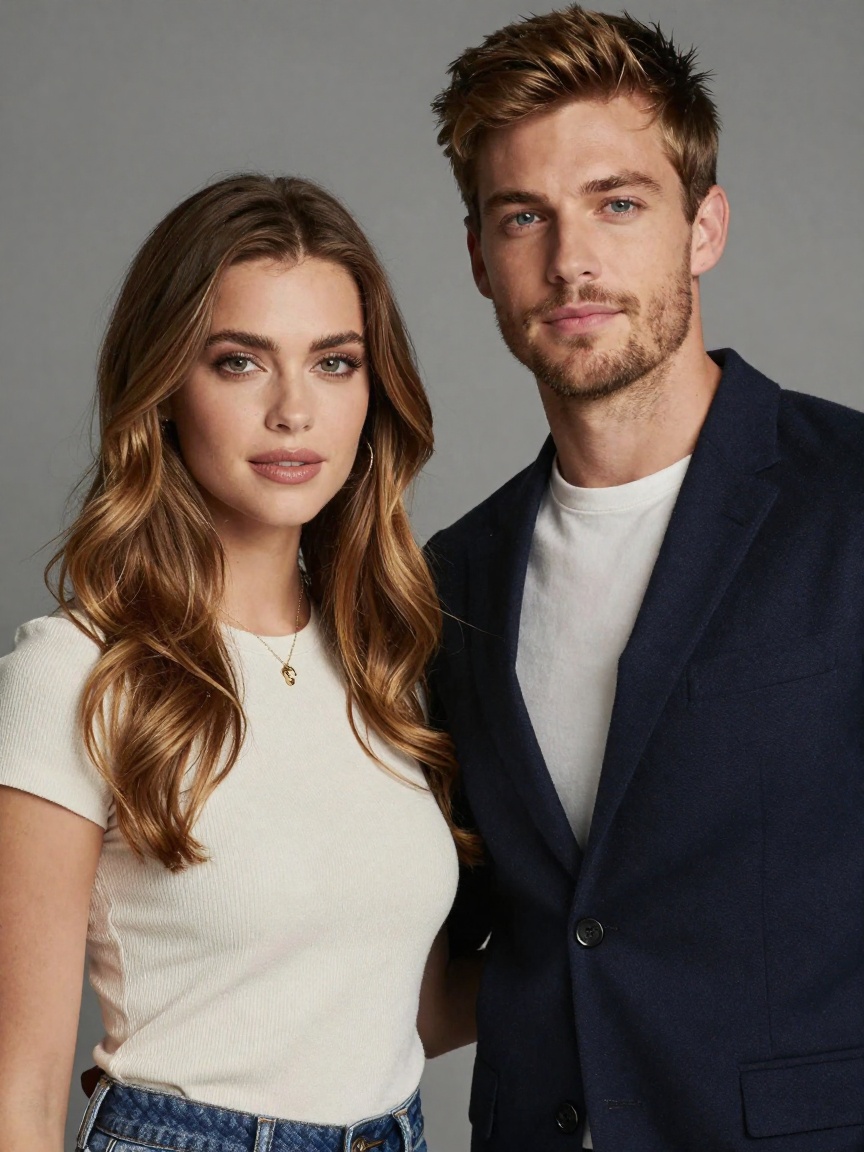
Introducing Video Effects Smooth Shift on WaveSpeedAI
Try Video Effects Smooth Shift for FREE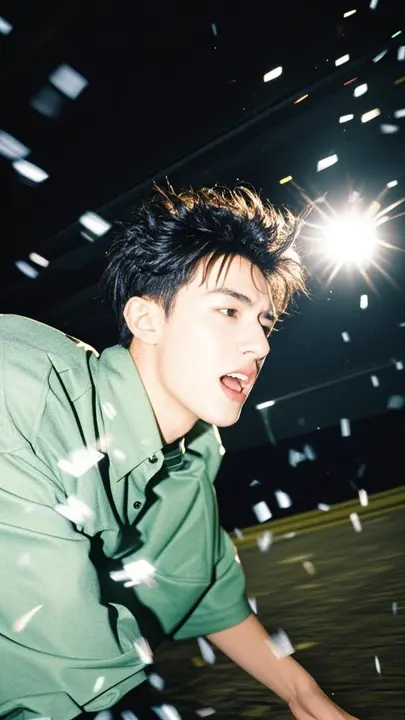
Transform Your Photos into Captivating Videos with Smooth Shift
The way we create video content is evolving at an unprecedented pace. In 2025, AI-generated short-form videos account for over 52% of content on platforms like TikTok and Instagram Reels, and creators everywhere are looking for tools that can help them produce professional-quality transitions without extensive editing expertise. Today, we’re excited to announce that Smooth Shift is now available on WaveSpeedAI—a powerful video effect that transforms static photos into dynamic, emotionally compelling video clips with natural motion and seamless transitions.
What is Smooth Shift?
Smooth Shift is an AI-powered image-to-video effect that takes two photographs and intelligently generates a fluid, polished video transition between them. Unlike simple fades or basic crossfades, Smooth Shift analyzes the visual elements in both images and creates natural motion that tells a story—morphing poses, transforming scenes, and blending subjects with cinematic precision.
The technology behind Smooth Shift represents the cutting edge of AI video generation. Rather than merely interpolating frames, it understands the composition, subjects, and visual narrative of your images to produce transitions that feel intentional and emotionally resonant. Whether you’re creating a before-and-after reveal, a character transformation, or a scene shift, Smooth Shift delivers results that previously required hours of professional editing.
Key Features
- Dual Image Input: Upload exactly two images—your starting point and your destination—and let the AI handle everything in between
- Natural Motion Generation: Creates organic, believable movement rather than mechanical morphing effects
- Emotive Transitions: Produces transitions with emotional depth, adding visual storytelling elements that engage viewers
- Single Person Optimization: Delivers exceptional results when working with portraits and single-subject compositions
- Prompt Guidance: Fine-tune the transformation with text prompts while maintaining the proven default structure for optimal results
- Polished Output: Generates ready-to-use video clips suitable for social media, marketing, and professional projects
- Consistent Quality: Maintains visual fidelity between source images throughout the transition
Use Cases
Social Media Content Creation
With users spending 50% of their time on Instagram watching Reels and TikTok surpassing 2 billion monthly active users, short-form video content has never been more important. Smooth Shift enables creators to produce eye-catching transition videos that align with trending formats—from the popular “before and after” reveals to creative character transformations that capture audience attention.
Personal Branding and Influencer Content
Transform your photo collections into dynamic content that showcases style evolution, fitness journeys, or creative transformations. The smooth, professional transitions elevate everyday photos into shareable video moments that stand out in crowded feeds.
Marketing and Advertising
Create compelling product reveals, seasonal campaign transitions, or brand story videos without the overhead of traditional video production. Smooth Shift allows marketing teams to rapidly iterate on creative concepts and produce polished assets for A/B testing.
Portrait and Photography Enhancement
Photographers can transform static portfolios into dynamic showcases, creating smooth transitions between poses, lighting setups, or styling changes. This adds a new dimension to client presentations and social media promotion.
Event and Memory Compilation
Turn event photos into emotional video narratives—wedding day transformations, graduation milestones, or travel memories that flow naturally from moment to moment, creating more engaging keepsakes than traditional slideshows.
Getting Started with Smooth Shift on WaveSpeedAI
Using Smooth Shift on WaveSpeedAI is straightforward:
-
Navigate to the model: Visit Smooth Shift on WaveSpeedAI
-
Upload your images: Select exactly two photos—your starting image and your ending image. For best results, use clear, well-lit photos with similar quality and positioning
-
Optimize your inputs: The effect works best with single-person images where faces and features are clearly visible. Similar poses, angles, or compositions between your two images will produce smoother transitions
-
Add your prompt: Use the default prompt structure for optimal results, or customize it to guide specific creative directions while maintaining the core format
-
Generate and download: Submit your request and receive a polished video transition ready for immediate use
Best Practices for Optimal Results
- Use high-quality, well-lit photographs for both images
- Ensure consistent image quality between your starting and ending photos
- Position subjects similarly across both images when possible
- Keep backgrounds relatively simple to help the AI focus on the primary subject
- Stick to the default prompt structure unless you have specific creative requirements
Why Choose WaveSpeedAI
WaveSpeedAI provides the infrastructure that creative professionals need to work efficiently:
- Fast Inference: Get your video transitions generated quickly, enabling rapid iteration and experimentation
- No Cold Starts: Your requests begin processing immediately—no waiting for instances to spin up
- Affordable Pricing: Access professional-quality AI video effects without enterprise-level costs
- Simple API Integration: Integrate Smooth Shift into your existing workflows and applications with our straightforward REST API
Create Your First Smooth Shift Video Today
The demand for dynamic video content continues to accelerate, and AI-powered tools are becoming essential for creators who want to stay competitive. Smooth Shift removes the technical barriers between your creative vision and polished video output, enabling you to transform simple photographs into engaging video content in moments rather than hours.
Whether you’re a social media creator looking to elevate your content, a marketer seeking efficient ways to produce campaign assets, or a photographer wanting to showcase your work in new formats, Smooth Shift provides the capability you need.
Ready to see what Smooth Shift can do with your images? Try Smooth Shift on WaveSpeedAI and transform your first photo pair into a captivating video transition today.
Related Articles

Introducing Google Lyria 3 Clip on WaveSpeedAI

Introducing Google Lyria 3 Pro on WaveSpeedAI

Best Free AI Video Generator Online in 2026: Sora, Kling, Veo, Seedance — All in One Place

Introducing Kling Image O3 on WaveSpeedAI
Introducing AI Girl Filter on WaveSpeedAI