
Introducing Topaz Image Sharpen on WaveSpeedAI
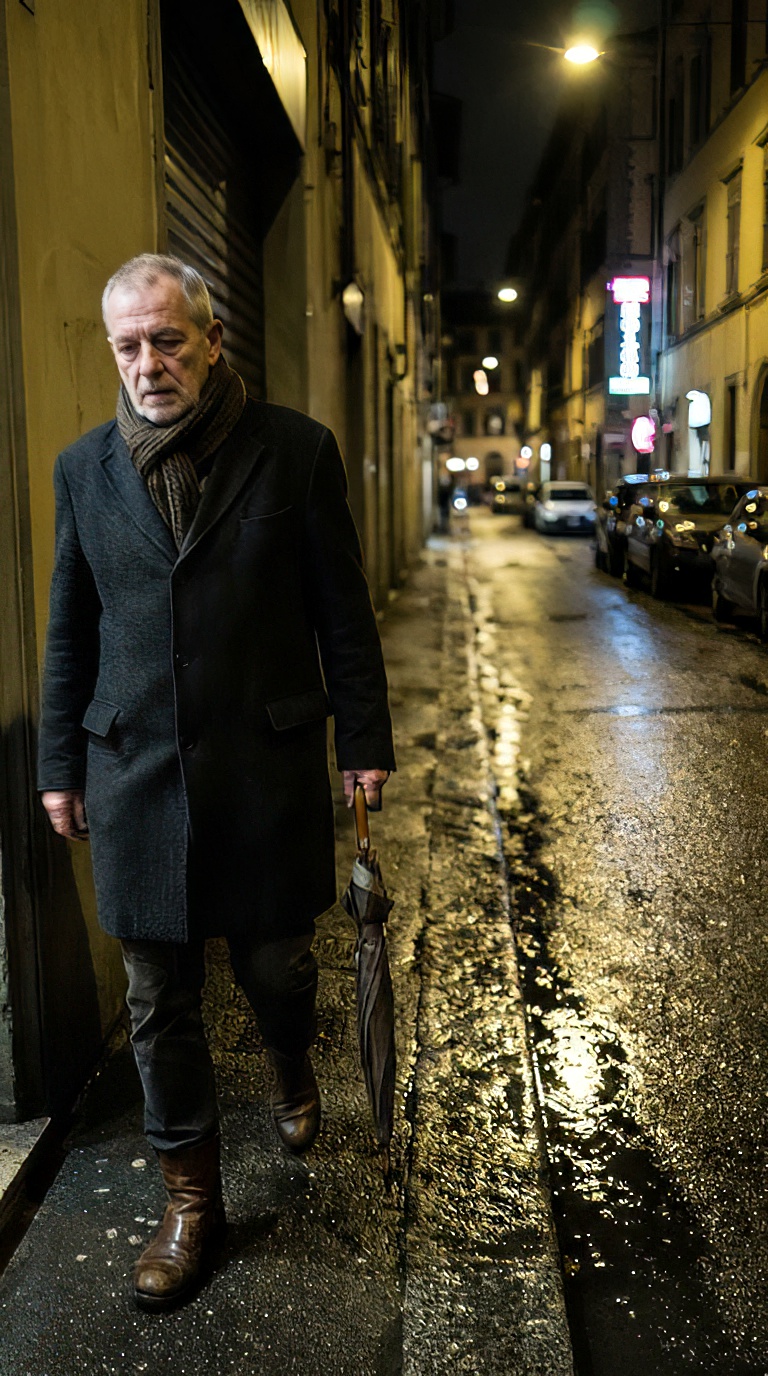
Introducing Topaz Image Sharpen on WaveSpeedAI
Blurry photos happen to even the best photographers. Whether it’s a slight camera shake during a wildlife shot, a missed focus point on a portrait, or general softness from a lens not performing at its peak—these imperfections can mean the difference between a keeper and a delete. Today, we’re excited to announce that Topaz Image Sharpen is now available on WaveSpeedAI, bringing professional-grade AI sharpening to your workflow through a simple REST API.
What is Topaz Image Sharpen?
Topaz Image Sharpen is a professional AI-powered image sharpening solution built on Topaz Labs’ industry-leading technology—trusted by photographers and content creators worldwide. Unlike traditional sharpening methods that simply boost contrast and enhance edges (often creating halos and artifacts), Topaz Image Sharpen uses deep learning to actually reverse specific types of blur, recovering real detail for natural-looking results.
The technology behind Topaz’s sharpening has been refined over years of development, with AI models trained on millions of images to understand the difference between genuine image detail and unwanted blur. This means the software can intelligently enhance fur, feathers, skin texture, and fine details without the over-sharpened, artificial look that plagues conventional tools.
Key Features
Topaz Image Sharpen on WaveSpeedAI offers a comprehensive suite of capabilities designed for professional workflows:
-
9 Specialized Sharpening Models: Choose from purpose-built models including Standard, Strong, Natural, Portrait, Wildlife, Lens Blur, Lens Blur V2, Motion Blur, and Refocus—each optimized for specific scenarios and content types.
-
Intelligent Blur Recovery: The Lens Blur and Motion Blur models don’t just sharpen—they actually work to reverse blur from out-of-focus shots and camera shake, recovering detail that traditional sharpening cannot.
-
Professional Output Formats: Export your results as JPEG, PNG, or TIFF based on your workflow needs, with lossless options for maximum quality preservation.
-
Natural Results: AI-trained to avoid over-sharpening artifacts, halos, and noise amplification that plague conventional sharpening tools.
-
Simple Flat-Rate Pricing: Just $0.07 per image, regardless of resolution or model selected.
Specialized Models Explained
| Model | Optimized For |
|---|---|
| Standard | General-purpose sharpening for everyday use |
| Strong | More aggressive correction for notably soft images |
| Natural | Subtle enhancement that preserves the original look |
| Portrait | Facial features and skin texture without over-processing |
| Wildlife | Animal fur, feathers, and fine natural textures |
| Lens Blur | Recovering detail from slightly out-of-focus shots |
| Lens Blur V2 | Improved version with better edge handling |
| Motion Blur | Correcting shake and movement blur in action shots |
| Refocus | Bringing soft areas back into sharp focus |
Real-World Use Cases
Wildlife & Nature Photography
Wildlife photographers know the frustration of capturing a perfect moment only to find slight motion blur on a bird’s wing or soft focus on an animal’s face. The Wildlife model is specifically optimized to enhance fur, feathers, and natural textures while maintaining authenticity. Professional photographers have noted significant improvements in recovering detail from challenging shots that would otherwise be discarded.
Portrait & Event Photography
Wedding and event photographers often work in challenging conditions where perfect focus isn’t always possible. The Portrait model enhances facial features, hair, and skin while avoiding the over-processed look that can make subjects appear artificial. For photographers shooting fast-paced events, the Motion Blur model can help recover shots affected by camera shake or subject movement.
E-Commerce & Product Photography
Crisp, detailed product images are essential for conversions in online retail. Topaz Image Sharpen refines edges and enhances texture visibility, ensuring customers can see every detail of your products—from fabric weave to material texture. Whether you’re selling on Amazon, Shopify, or your own platform, sharper images help products stand out.
Real Estate Photography
Property photos need to convey quality and attention to detail. The AI sharpener enhances architectural details, interior textures, and landscape features in exterior shots. Sharper images help listings stand out in competitive markets and give potential buyers confidence in what they’re viewing.
Film Scanning & Archival Work
For those digitizing film archives or scanning old prints, Topaz Image Sharpen excels at enhancing scanned images. Photographers have noted that the AI handles film grain intelligently, sharpening actual detail without amplifying grain patterns—a common problem with traditional sharpening tools.
Getting Started with WaveSpeedAI
Using Topaz Image Sharpen through WaveSpeedAI is straightforward. With our REST API, you can integrate professional sharpening into any application or workflow in minutes:
import wavespeed

output = wavespeed.run(
    "topaz/image/sharpen",
    {
        "image": "https://your-image-url.com/photo.jpg",
        "model": "Wildlife"
    },
)

print(output["outputs"][0])
Why WaveSpeedAI?
- No Cold Starts: Your API calls execute immediately without waiting for model initialization
- Fast Inference: Optimized infrastructure delivers results quickly, even for high-resolution images
- Affordable Pricing: Pay only $0.07 per image with no hidden fees or complex pricing tiers
- Ready-to-Use API: No model deployment or infrastructure management required—just send your images and receive sharpened results
Pro Tips for Best Results
- Start with Standard: For general use, the Standard model provides excellent results without over-processing
- Use Portrait for People: Avoid over-sharpening skin by using the Portrait model for headshots and people photography
- Try Lens Blur V2: When working with out-of-focus shots, the V2 model often produces better results with improved edge handling
- Choose Lossless Formats: Use PNG or TIFF output for professional workflows where quality preservation matters
- High-Resolution Sources: For best results, work with high-resolution source images—the AI has more detail to work with
Transform Your Image Workflow Today
Blurry and soft images no longer need to end up in the trash. With Topaz Image Sharpen on WaveSpeedAI, you have access to the same professional-grade AI technology trusted by photographers worldwide—delivered through a simple, affordable API with no infrastructure headaches.
Whether you’re building an image enhancement pipeline, integrating sharpening into your photography workflow, or adding professional-quality image processing to your application, Topaz Image Sharpen on WaveSpeedAI gives you the tools to deliver crisp, detailed results every time.
Related Articles

GPT-5.4 for Developers: What the Leaked Signals Mean for AI Workflows

SkyReels V4 Use Cases: 6 Ways Creators Can Use It Right Now

GPT-5.4 Release Date: What the Signals Say

GPT-5.4 vs GPT-5.3: What Might Actually Change
