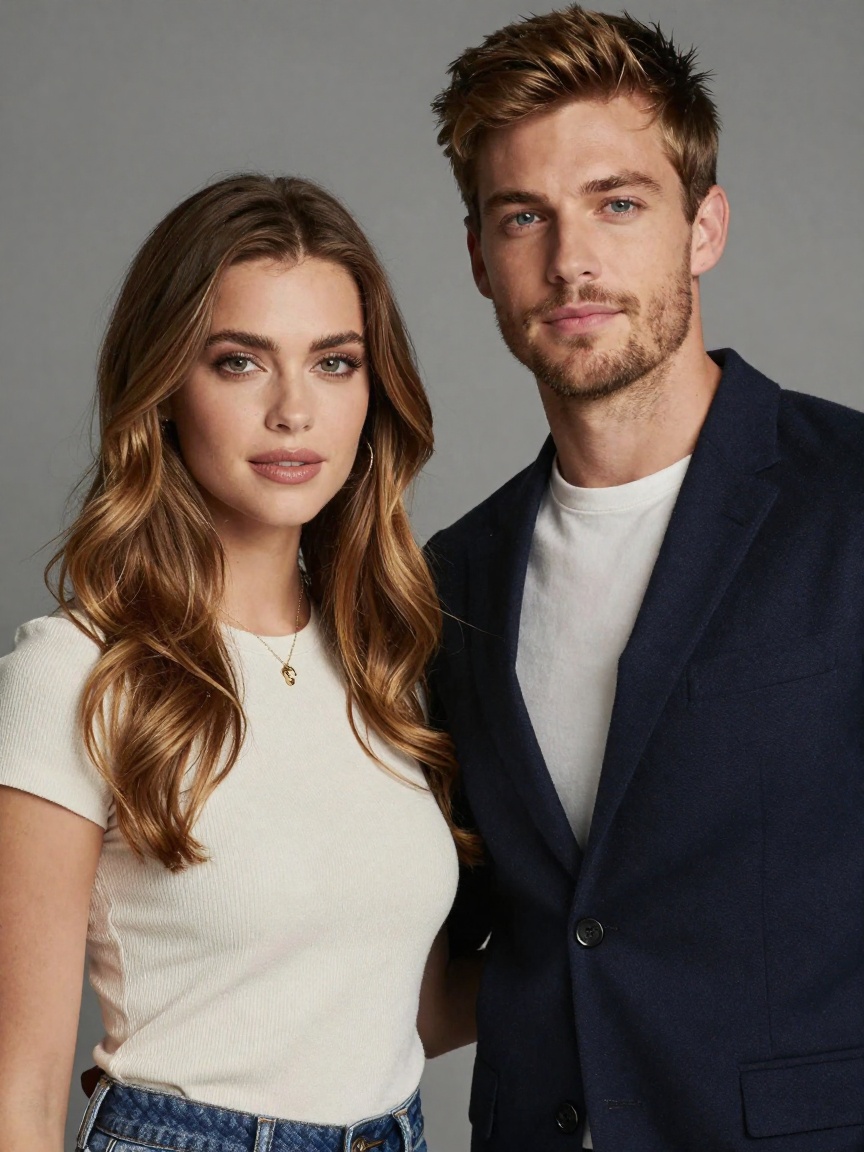
Introducing PixVerse V5.5 Image-to-Video on WaveSpeedAI
Try Pixverse Pixverse V5.5 Image To Video for FREEIntroducing PixVerse V5.5 Image-to-Video on WaveSpeedAI
The future of visual storytelling has arrived. We’re thrilled to announce that PixVerse V5.5 Image-to-Video is now available on WaveSpeedAI, bringing one of the most advanced AI video generation models directly to your fingertips through our fast, reliable inference API.
Transform any static image into cinematic video clips with smooth motion, exceptional detail preservation, and remarkable subject fidelity. Whether you’re creating logo stingers, character animations, or social media content, PixVerse V5.5 delivers professional-quality results that were previously only achievable with expensive production equipment and specialized expertise.
What is PixVerse V5.5 Image-to-Video?
PixVerse V5.5 represents a significant evolution in AI video generation technology. Building on the foundation of earlier versions that have already served over 100 million users worldwide, version 5.5 introduces substantial improvements in motion quality, temporal consistency, and visual refinement.
The image-to-video model takes your input image as the anchor point—preserving the identity, pose, composition, and style of your original—while adding natural motion, dynamic camera movements, lighting transitions, and cinematic effects. The result is video content that maintains perfect continuity with your source material while bringing it to life in ways that feel organic and professional.
Industry benchmarks place PixVerse among the top performers, ranking 2nd in image-to-video generation on Artificial Analysis. Users consistently report that the output feels “more polished and less AI-like” compared to competing solutions.
Key Features
Image-Aware Animation Your input image becomes the first frame, with the model intelligently preserving character identity, clothing, facial features, and compositional elements throughout the generated video. This consistency is particularly crucial for brand assets and character-focused content.
Flexible Resolution and Aspect Ratios Support for multiple resolutions from 360p to 1080p ensures optimal quality for any use case. Choose from standard aspect ratios including 16:9 for YouTube and landscape content, 9:16 for TikTok, Reels, and Stories, or 1:1 and 4:3 for feed posts and banners.
Variable Duration Options Generate 5-second, 8-second, or 10-second clips depending on your needs. Perfect for quick social hooks, short-form content, or slightly longer narrative moments.
Enhanced Motion Quality PixVerse V5.5 delivers improved temporal stability that significantly reduces jitter, model drift, and shape inconsistencies that affected earlier AI video models. Lighting and color integrate evenly, while character movements remain stable and fluid.
Intelligent Prompt Optimization The optional “thinking_type” parameter allows the system to analyze and refine complex prompts before generation, ensuring your creative vision translates accurately into the final output.
Negative Prompt Control Fine-tune your results by specifying elements to avoid—such as watermarks, distortions, or unwanted visual artifacts—giving you greater control over the final quality.
Use Cases
Social Media and Content Creation
Content creators and influencers are leveraging PixVerse to maintain consistent posting schedules while dramatically reducing production time. The ability to transform product photos, personal images, or creative assets into scroll-stopping video content has become invaluable for building audience engagement. The platform’s viral effects have generated millions of interactions across TikTok, Instagram, and other social platforms.
Marketing and E-commerce
Marketing teams have embraced image-to-video AI for rapid production of advertisements, product demonstrations, and promotional materials. Fashion retailers can animate catalog images to show how clothing moves naturally. E-commerce businesses report increased engagement and conversion rates when replacing static product images with dynamic video presentations.
Brand Identity and Logo Animation
Create compelling logo stingers and brand animations without the need for motion graphics specialists. Upload your logo or brand assets and generate professional intro sequences, social media openers, or presentation animations in minutes rather than hours.
Character Animation and Storytelling
Bring illustrated characters, game assets, or concept art to life with natural movement. The model excels at maintaining character identity across frames, making it ideal for animated storytelling, character reveals, and creative projects.
Architecture and Design Visualization
Professionals in architecture and interior design use image-to-video generation to animate renderings, helping clients visualize how proposed spaces might look and feel when inhabited. This dynamic presentation transforms static concepts into immersive experiences.
Getting Started on WaveSpeedAI
Accessing PixVerse V5.5 Image-to-Video through WaveSpeedAI is straightforward:
-
Prepare Your Image: Upload a clean, high-quality source image. Front-facing, well-lit images with clear subjects work best.
-
Craft Your Prompt: Describe the motion, camera movements, and atmosphere you want. Focus on how elements should move rather than redesigning the visual content. For example: “Camera slowly pushes in, cloak flutters in the wind, sparks drift across frame, cinematic lighting.”
-
Select Your Parameters: Choose your preferred resolution (360p to 1080p), duration (5, 8, or 10 seconds), and aspect ratio based on your target platform.
-
Generate and Iterate: The API returns results quickly, allowing you to review and refine your prompt or settings as needed.
Why WaveSpeedAI?
When you run PixVerse V5.5 through WaveSpeedAI, you benefit from:
- No Cold Starts: Instant inference without waiting for model initialization
- Reliable Performance: Consistent, production-ready API responses
- Transparent Pricing: Clear per-generation costs starting at $0.85 for 5-second clips at standard resolution, scaling to $2.80 for 8-second clips at 1080p
- Simple Integration: REST API that integrates seamlessly into existing workflows
Best Practices for Optimal Results
- Align image and prompt: Your motion description should complement the source image rather than contradict it
- Keep motions focused: One to three clear actions typically produce better results than overloaded prompts
- Use appropriate shot framing: Medium or close shots work best for character-focused animations; wide shots can feel sparse
- Leverage prompt optimization: Enable the thinking_type parameter for complex, multi-sentence prompts
- Choose resolution strategically: For platforms with heavy compression, prefer 720p or 1080p to maintain detail clarity
Conclusion
PixVerse V5.5 Image-to-Video represents a meaningful step forward in accessible AI video generation. The combination of strong subject fidelity, smooth motion, and flexible output options makes it a versatile tool for creators, marketers, and businesses alike.
With WaveSpeedAI’s infrastructure handling the inference, you get fast, reliable access without the complexity of managing GPU resources or dealing with cold start delays. Whether you’re producing social content at scale, creating marketing materials, or exploring creative possibilities, PixVerse V5.5 delivers professional results through a simple API call.
Ready to bring your images to life? Try PixVerse V5.5 Image-to-Video on WaveSpeedAI and discover what’s possible when cutting-edge AI meets reliable, affordable inference.
Related Articles

Introducing Google Lyria 3 Clip on WaveSpeedAI

Introducing Google Lyria 3 Pro on WaveSpeedAI

Best Free AI Video Generator Online in 2026: Sora, Kling, Veo, Seedance — All in One Place

Introducing Kling Image O3 on WaveSpeedAI
Introducing AI Girl Filter on WaveSpeedAI