
Introducing MiniMax Image 01 Image To Image on WaveSpeedAI
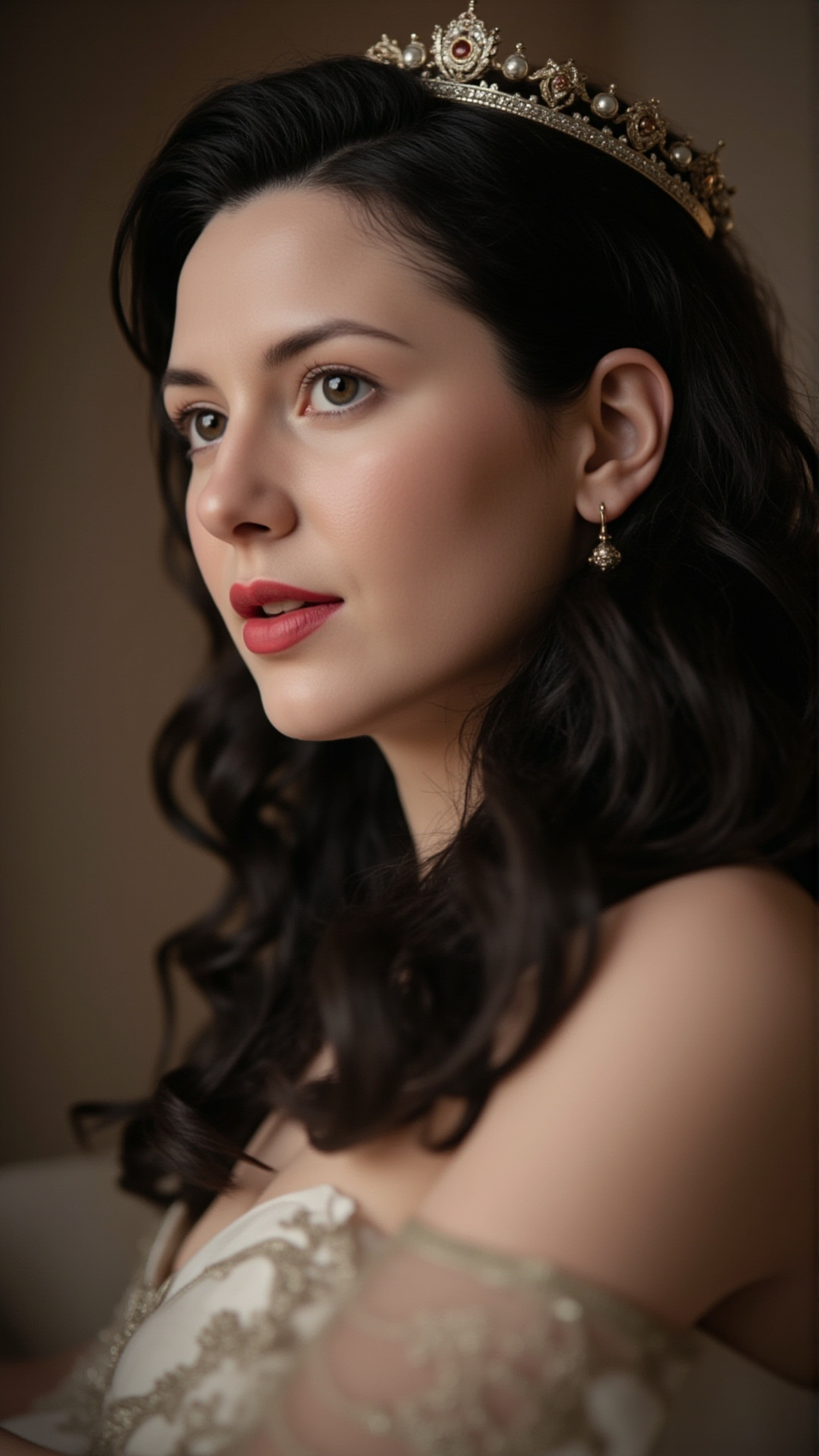
Introducing MiniMax Image-01 Image-to-Image on WaveSpeedAI
Transform your existing images into stunning new creations with MiniMax Image-01 Image-to-Image, now available on WaveSpeedAI. This powerful model from MiniMax—the Chinese AI company that recently made headlines with its Hong Kong IPO—brings professional-grade image transformation capabilities to creators, designers, and developers at an incredibly accessible price point.
What is MiniMax Image-01 Image-to-Image?
MiniMax Image-01 Image-to-Image is an advanced AI model that takes existing images and transforms them based on your text prompts. Unlike text-to-image models that generate visuals from scratch, this image-to-image approach gives you precise control over the output by using your reference image as a foundation.
The model builds on MiniMax’s expertise in multimodal AI. As part of one of China’s leading AI companies—backed by Alibaba, Tencent, and other major investors—MiniMax has developed a reputation for creating AI tools that prioritize clarity, accuracy, and realistic output over heavy stylization.
MiniMax Image-01 excels at producing natural-looking results with balanced lighting, accurate proportions, and subtle textures. Whether you’re working with portraits, product photos, or architectural visualizations, the model interprets your instructions with clarity and avoids over-processing.
Key Features
-
Character Reference Support: Use portrait photos as character references to maintain consistent appearance across generated images. This is ideal for creating character variations with different poses, outfits, or environments while preserving identity.
-
Flexible Output Dimensions: Generate images from 512×512 up to 2048×2048 pixels, with support for common aspect ratios including square (1024×1024), widescreen (1280×720), portrait (720×1280), and ultra-wide (1344×576).
-
Batch Generation: Create up to 9 variations in a single request, making it easy to explore different directions and select the best result.
-
Built-in Prompt Optimizer: An automatic prompt enhancement feature helps you achieve better results even with simple descriptions.
-
Reproducible Results: Seed values ensure you can regenerate consistent outputs, essential for iterative refinement and production workflows.
-
Multiple Input Formats: Accept JPG, JPEG, or PNG images up to 10MB via public URLs or Base64 encoding.
Use Cases
Product Photography and E-commerce Transform product shots into different contexts, backgrounds, or lighting conditions. MiniMax Image-01 handles symmetry, material textures, and spatial consistency particularly well, making it effective for mockups, catalogs, and storefronts.
Character Art and Consistency Using the character reference feature, maintain consistent character appearance across multiple images. Generate your character in different scenes, poses, or situations while preserving their distinctive features.
Style Transfer Apply artistic treatments or visual styles to existing photographs. Transform photos into different aesthetic directions while maintaining the core composition and subject matter.
Content Creation Quickly produce variations of images for social media, marketing materials, or creative campaigns. Generate multiple options in a single request to find the perfect version.
Design Prototyping Iterate rapidly on visual concepts by using reference images as starting points. Test different directions without starting from scratch each time.
Getting Started with WaveSpeedAI
Using MiniMax Image-01 Image-to-Image on WaveSpeedAI is straightforward. Here’s a basic example using the WaveSpeed Python SDK:
import wavespeed

output = wavespeed.run(
    "minimax/image-01/image-to-image",
    {
        "prompt": "Transform this photo into a watercolor painting with soft pastel colors",
        "image": "https://example.com/your-reference-image.jpg",
        "size": "1024*1024"
    },
)

print(output["outputs"][0])
For character-consistent generation, use the subject reference parameter:
import wavespeed

output = wavespeed.run(
    "minimax/image-01/image-to-image",
    {
        "prompt": "The character standing on a mountain peak at sunset",
        "image": "https://example.com/scene-reference.jpg",
        "subject_reference": [{"type": "character", "image": "https://example.com/portrait.jpg"}]
    },
)

print(output["outputs"][0])
Why Use WaveSpeedAI?
WaveSpeedAI provides the optimal infrastructure for running MiniMax Image-01 Image-to-Image:
No Cold Starts: Your requests begin processing immediately without waiting for model initialization.
Affordable Pricing: Generate images at just $0.0035 per image. For batch requests, the cost is simply $0.0035 multiplied by the number of images generated.
Ready-to-Use API: No complex setup or infrastructure management. Access the model through a clean REST API or official SDKs.
Reliable Performance: Consistent inference speeds ensure your workflows run smoothly, whether you’re generating a single image or processing batches.
Best Practices
For optimal results with MiniMax Image-01 Image-to-Image:
- Use clear, well-lit reference images for the best transformation quality
- Front-facing portraits work best for character reference features
- Enable the prompt optimizer if you’re new to writing image generation prompts
- Generate multiple variations (set num_images between 2-9) to have options to choose from
- Use seed values when you want to iterate on a specific result without random variation
- Keep prompts descriptive but concise for optimal interpretation
Start Creating Today
MiniMax Image-01 Image-to-Image opens up new possibilities for anyone working with visual content. Whether you’re a product photographer looking to expand your offerings, a game developer needing consistent character art, or a content creator seeking efficient workflows, this model delivers professional results at a fraction of traditional costs.
Explore MiniMax Image-01 Image-to-Image on WaveSpeedAI and start transforming your images today.
Related Articles

GPT-5.4 for Developers: What the Leaked Signals Mean for AI Workflows

SkyReels V4 Use Cases: 6 Ways Creators Can Use It Right Now

GPT-5.4 Release Date: What the Signals Say

GPT-5.4 vs GPT-5.3: What Might Actually Change
