
Introducing Kuaishou Kling V1 AI Multi Shot on WaveSpeedAI
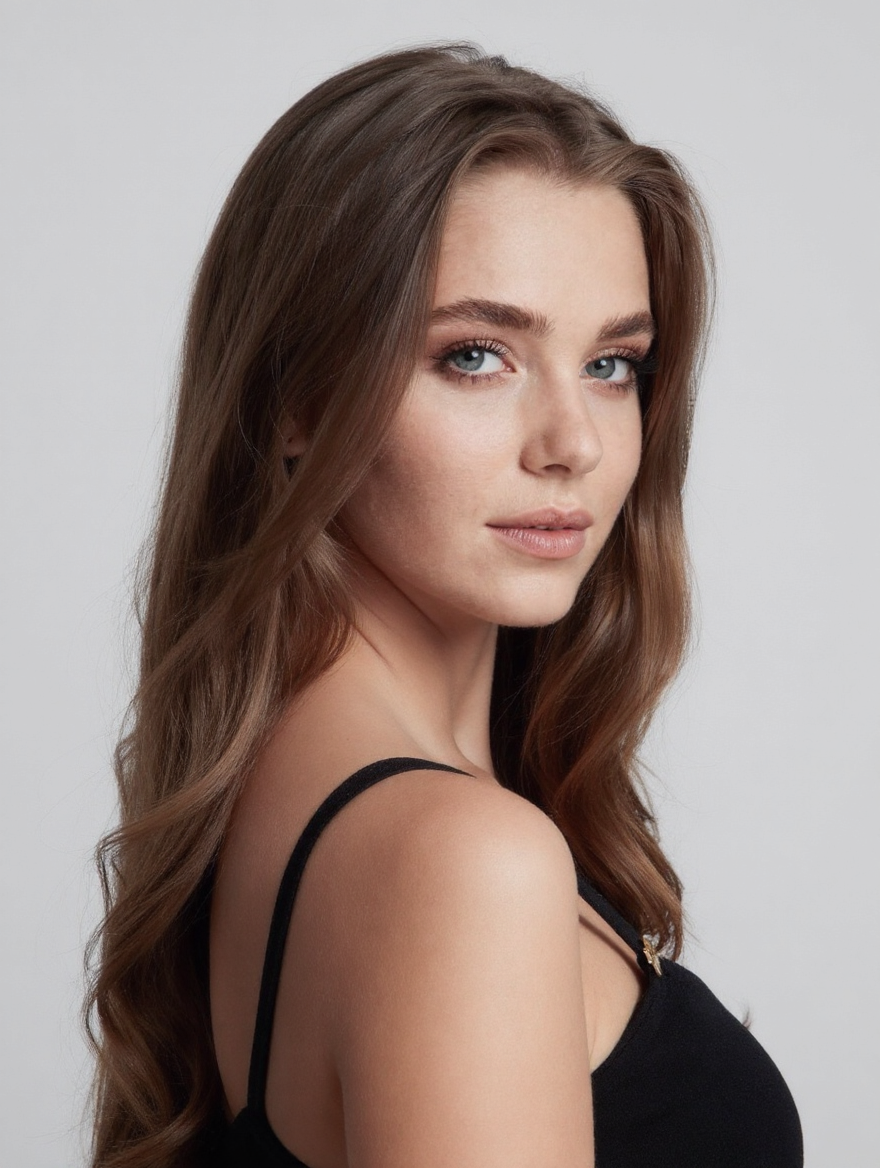
Kling V1 AI Multi-Shot Is Now Available on WaveSpeedAI
Creating professional multi-angle video content from a single image used to require a full camera crew, a shot list, and hours of editing. Kling V1 AI Multi-Shot eliminates that entire pipeline. Upload one image, and the model automatically generates a complete multi-shot video sequence with varied camera angles, cinematic transitions, and visual consistency across every frame—ready to use in seconds.
What Is Kling V1 AI Multi-Shot
Kling V1 AI Multi-Shot is an image-to-video model from Kuaishou that takes a single input image and generates a dynamic sequence of shots from multiple camera perspectives. Rather than producing a single continuous clip, the model breaks the generation into distinct shots—each with its own camera angle, framing, and movement—then stitches them together into a cohesive visual narrative.
The technology builds on the Kling architecture that has earned top marks in independent benchmarks, with the broader Kling family consistently ranking among the highest-scoring video generation models available. What makes Multi-Shot distinct is its focus on automated cinematography: the model determines optimal shot compositions, camera movements, and transitions without any manual configuration.
This represents a shift in how creators approach video content. Instead of generating a single clip and hoping for the right angle, Multi-Shot delivers multiple professional perspectives from one source image—the kind of coverage that traditionally required multiple camera setups and careful planning.
Key Features and Capabilities
One Image, Multiple Camera Angles
The core capability is straightforward: provide a single image, and the model generates a sequence of shots from varied perspectives. Wide establishing shots, medium frames, close-ups, and dynamic angles are all determined automatically based on the content of your source image. The model reads the composition and subject matter to select angles that make cinematic sense.
Professional Camera Movements
Each generated shot includes camera movement that mimics real-world cinematography. Smooth dolly movements, controlled pans, subtle zooms, and tracking shots are applied with the kind of restraint and intentionality you’d expect from a trained camera operator. The motion feels deliberate, not algorithmic—fabric drapes naturally, hair responds to movement, and environmental details maintain physical plausibility.
Rock-Solid Visual Consistency
Maintaining identity across multiple shots is one of the hardest problems in AI video generation. Kling V1 AI Multi-Shot solves this by preserving lighting, color grading, character identity, and compositional coherence across every shot in the sequence. A face in the opening wide shot looks identical in the subsequent close-up. Clothing textures, background elements, and lighting conditions remain stable throughout.
Zero Configuration Required
There are no complex parameter menus to navigate. The model requires exactly one input—your image. No prompt engineering, no camera angle specifications, no duration controls. Upload your image, run the model, and receive a complete multi-shot sequence. This makes it accessible to creators who want professional results without a learning curve.
Ready-to-Use Output
Generated sequences are delivered as finished output that can be used immediately in presentations, social media posts, product pages, and marketing materials. No post-production assembly is required—the model handles shot selection, transitions, and pacing internally.
Real-World Use Cases
E-Commerce Product Showcases
Transform a single product photograph into a professional multi-angle showcase video. Fashion brands can display garments from multiple perspectives—front, side, detail close-ups—all generated from one hero shot. Electronics, accessories, jewelry, and consumer goods all benefit from the kind of 360-degree visual coverage that used to require a product photography studio and a rotating turntable.
At $0.07 per generation, producing multi-angle product videos at scale becomes economically viable for catalogs of any size. A merchant with 500 products can generate professional video content for their entire inventory for under $35.
Character and Portrait Presentations
For game developers, concept artists, and creative studios, Multi-Shot transforms a single character illustration or portrait into a dynamic showcase with varied angles and perspectives. Present characters from hero angles, profile views, and dramatic close-ups—all maintaining perfect identity consistency. This is particularly valuable for pitch decks, character sheets, and social media reveals.
Real Estate and Architecture
Generate virtual tour-style sequences from a single property photograph. Interior shots gain depth and spatial context when presented from multiple angles, giving prospective buyers or tenants a richer sense of space without scheduling a physical walkthrough or hiring a videographer.
Social Media and Marketing Content
Content teams can produce a week’s worth of video variations from a single brand image. Each generation delivers a unique multi-shot sequence, meaning the same source image can fuel multiple posts with distinct visual presentations. The cinematic quality of the output—professional camera movements, consistent lighting, smooth transitions—elevates social content above the standard static-image-with-motion-effect approach.
Film Pre-Production and Storyboarding
Directors and cinematographers can use Multi-Shot to rapidly explore how a scene might look from different camera setups. Upload a concept frame or location photograph, and receive a multi-angle breakdown that can inform shot lists, storyboards, and production planning. It’s faster and cheaper than physical location scouts with a camera.
Getting Started on WaveSpeedAI
Generating multi-shot video on WaveSpeedAI is simple:
import wavespeed

output = wavespeed.run(
    "kwaivgi/kling-v1/ai-multi-shot",
    {
        "image": "https://your-image-url.com/product.jpg"
    },
)

print(output["outputs"][0])
Step by step:
- Upload your image — provide a high-quality source image (JPG, PNG, up to 10MB, minimum 300px on each side)
- Run — the model automatically determines optimal camera angles and shot compositions
- Download — receive your completed multi-shot sequence, ready to use
Pro tips:
- Use high-resolution source images for the best quality across all generated shots
- Images with clear, well-defined subjects produce more varied and dynamic shot compositions
- Portraits, product images, and scenes with clear focal points yield the strongest results
- Keep your source image within the 1:2.5 to 2.5:1 aspect ratio range
Pricing
| Output | Cost |
|---|---|
| Per generation | $0.07 |
At seven cents per generation, Kling V1 AI Multi-Shot is one of the most cost-effective ways to produce professional multi-angle video content. No subscriptions, no credits to manage—pay only for what you generate.
WaveSpeedAI delivers these results with zero cold starts and consistent inference performance. Whether you’re generating a single showcase video or processing thousands of product images through the API, the infrastructure is built for production workloads with no queue times and no rate surprises.
Why WaveSpeedAI
Running Kling V1 AI Multi-Shot through WaveSpeedAI gives you a production-ready REST API with immediate availability. No waitlists, no subscription tiers, no GPU management. The platform handles infrastructure complexity so you can focus on generating content.
For teams integrating multi-shot generation into existing workflows—product catalogs, content pipelines, creative tools—the API-first approach means you can automate at scale without manual intervention. Batch process your entire image library and receive professional multi-shot video for every asset.
Start Creating with Kling V1 AI Multi-Shot
Professional multi-angle video content no longer requires a camera crew, a studio, or a post-production pipeline. Kling V1 AI Multi-Shot collapses that entire workflow into a single API call: one image in, a complete cinematic sequence out.
Ready to transform your images into dynamic multi-shot video? Try Kling V1 AI Multi-Shot on WaveSpeedAI and see what one image can become.
Related Articles

Introducing Bria Embed Product on WaveSpeedAI

Introducing Google Nano Banana 2 Edit Fast on WaveSpeedAI
