
Introducing Kuaishou Kling Elements on WaveSpeedAI
Introducing Kling Elements: Build Reusable AI Characters and Objects for Consistent Video Generation
One of the biggest challenges in AI video generation has been consistency. You can generate a stunning video of a character, but the moment you try to create a second scene with that same character, they look completely different. Different face, different clothing, different proportions. For anyone building narratives, branded content, or multi-scene projects, this inconsistency has been a persistent roadblock.
Today, we’re excited to announce the availability of Kling Elements on WaveSpeedAI—a powerful tool from Kuaishou Technology that solves this problem at its root. Instead of fighting for consistency shot by shot, Kling Elements lets you define reusable visual elements once and apply them reliably across all your Kling video generations.
What is Kling Elements?
Kling Elements is a dedicated element creation system that sits alongside Kling’s video generation models. It allows you to upload reference images and define custom visual elements—characters, clothing, objects, styles, or brand assets—that the AI locks in and remembers.
You provide a name, a description, and one or more reference images showing your element from different angles or in different contexts. Kling Elements analyzes these references to extract the essential visual characteristics: colors, textures, proportions, and distinctive features. The result is a stored element with a unique element_id that you can reference in any subsequent Kling video generation.
This is fundamentally different from simply using a reference image in a one-off generation. With Elements, you’re creating a persistent visual identity that the model can recall and reproduce faithfully across dozens or hundreds of video generations.
Key Features
-
Create Once, Use Everywhere: Define your characters, objects, and styles as reusable elements. Each element gets a unique ID that you can plug into any Kling video model—whether you’re using Kling V3.0 Pro, Kling Video O3 Pro, or any compatible pipeline.
-
Multi-Reference Support: Upload multiple reference images to capture your element from different angles, lighting conditions, and contexts. More references mean better recognition and more consistent reproduction across generations.
-
Character Consistency Across Scenes: Maintain the same character appearance—facial features, body proportions, hairstyle, clothing—across completely different scenes, camera angles, and actions. This is the capability that creators working on series content, virtual influencers, and narrative projects have been waiting for.
-
Simple Definition Workflow: Creating an element requires just four inputs: a name, a description, a primary reference image, and additional reference images. No complex configuration, no training loops, no waiting hours for fine-tuning.
-
Remarkably Affordable: At just $0.01 per element creation, building an entire library of reusable characters and assets costs virtually nothing. The real value compounds every time you use those elements across video generations.
Real-World Use Cases
Multi-Scene Storytelling
Kling Elements unlocks coherent AI-generated narratives. Define your protagonist, supporting characters, and key props as elements, then generate scene after scene with consistent visual identity. Whether you’re creating a short film, an animated series, or a social media storyline, your characters look like themselves in every frame.
Virtual Influencers and Brand Mascots
Brands investing in virtual personas can use Elements to lock in their character’s appearance with pixel-level consistency. Generate marketing videos, social posts, and promotional content featuring the same virtual influencer across campaigns—without the drift and variation that plagues standard generation workflows.
Fashion and Virtual Try-On
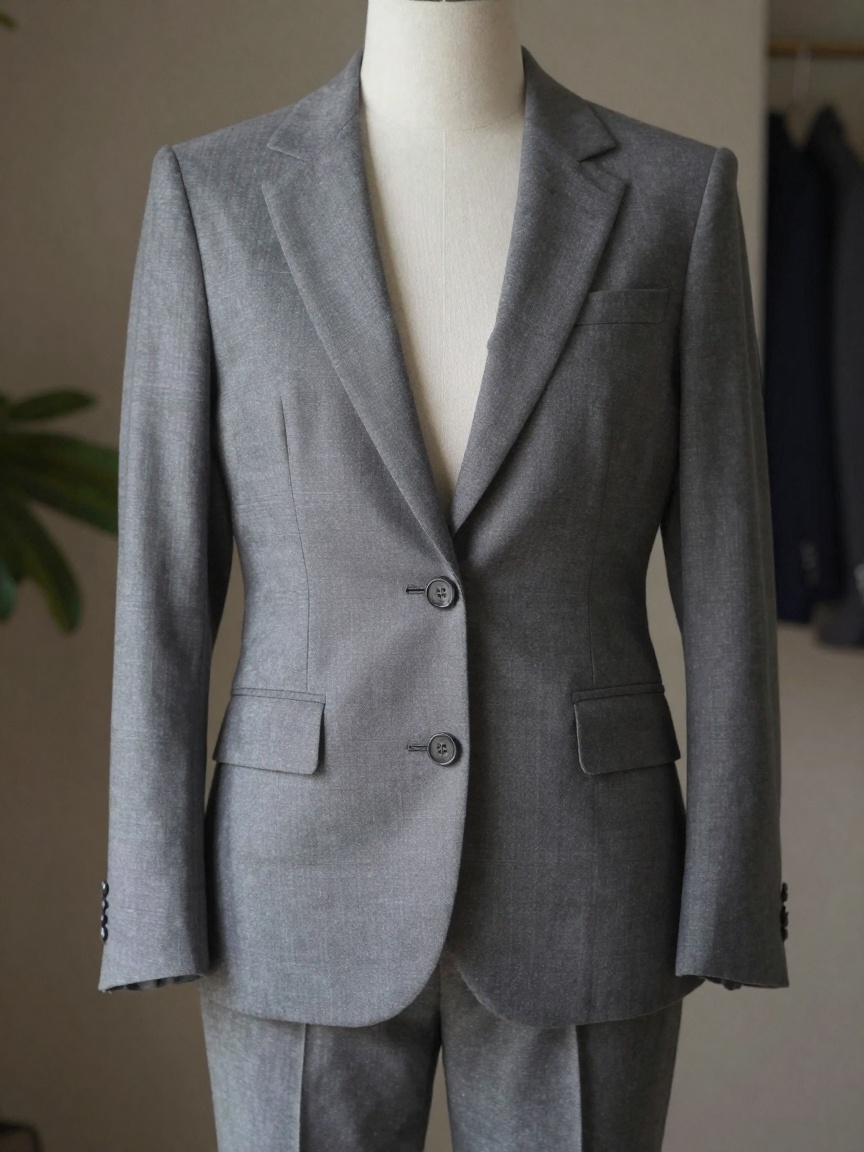
Define clothing items as elements and apply them to different characters or scenarios. Fashion brands can showcase garments in dynamic video content, while e-commerce platforms can build virtual try-on experiences that maintain accurate representation of the actual products.
Product Visualization at Scale
Create elements for your products—whether electronics, furniture, cosmetics, or anything else—and generate video content showing them in diverse settings, use cases, and scenarios. Each video maintains faithful visual accuracy to the real product, making Elements ideal for scalable product marketing.
Brand Asset Management
Logos, mascots, packaging, and signature visual elements can all be stored as Kling Elements. Marketing teams can generate on-brand video content at scale, knowing that brand assets will appear consistently every time they’re referenced.
Getting Started with Kling Elements on WaveSpeedAI
Setting up your first element on WaveSpeedAI is straightforward. The entire workflow is accessible through our REST API with no cold starts—your element creation begins processing the moment you submit the request.
Step 1: Prepare Your References
Gather reference images of the element you want to create. For best results, include images from multiple angles and in different lighting conditions. The more visual information you provide, the more accurately the model can capture your element’s identity.
Step 2: Create Your Element
import wavespeed

output = wavespeed.run(
    "kwaivgi/kling-elements",
    {
        "name": "Main Character",
        "description": "Young woman with short black hair, wearing a red leather jacket and silver earrings",
        "image": "https://example.com/character-front.jpg",
        "element_refer_list": [
            "https://example.com/character-side.jpg",
            "https://example.com/character-back.jpg"
        ]
    },
)

print(output)  # Save the element_id from the response
Step 3: Use Your Element in Video Generation
Take the element_id from the response and reference it in your Kling video generation calls. Your element’s visual identity will be maintained throughout the generated video.
Step 4: Build Your Element Library
At $0.01 per element, there’s no reason not to build a comprehensive library. Create elements for every character, prop, and brand asset you work with regularly. The upfront investment is negligible, and the consistency payoff is enormous.
Why WaveSpeedAI for Kling Elements?
WaveSpeedAI provides the ideal infrastructure for working with Kling Elements and the broader Kling ecosystem:
- No Cold Starts: Element creation and video generation requests start processing immediately—no waiting for infrastructure to warm up
- Full Kling Ecosystem Access: Use your created elements seamlessly with Kling Video O3 Pro Image-to-Video, Reference-to-Video, Kling V3.0 Pro, and other compatible models
- Affordable Pricing: Transparent pay-per-use pricing makes it practical to build extensive element libraries and generate videos at scale
- Reliable API: Clean REST interface with comprehensive documentation for quick integration into your existing workflows
Start Building Your Element Library Today
Kling Elements represents a fundamental shift in how creators approach AI video generation. Instead of treating each generation as an isolated event, you can now build a persistent visual vocabulary—a library of characters, objects, and styles that maintains consistency across every video you create.
The gap between AI-generated content and professional production quality narrows significantly when you can guarantee visual consistency across scenes. For creators, brands, and developers working on multi-scene content, virtual influencers, or scalable video production, Kling Elements is the missing piece.
Visit https://wavespeed.ai/models/kwaivgi/kling-elements to explore the API, create your first element, and start generating consistent, professional-quality video content today.
Related Articles

Introducing Bria Embed Product on WaveSpeedAI

Introducing Google Nano Banana 2 Edit Fast on WaveSpeedAI
