
Access GLM-4.7-Flash via WaveSpeed API
Hey guys, I’m Dora. The nudge came from a small annoyance: yet another project, yet another API key, and another SDK with its own ideas about tokens and retries. I wanted to try GLM-4.7-Flash because people kept mentioning its speed for everyday drafting and quick research. But I didn’t want to rewire my stack just to run a few tests.
So I tried a quieter path: access GLM-4.7-Flash via WaveSpeed API. Same client patterns, one key, model switched. I tested this across a few scripts in January 2026 and kept notes. None of this is dramatic. But it did make my day-to-day a little lighter. And honestly, that’s the bar now—lighter beats louder.
Why Use WaveSpeed
I won’t pretend WaveSpeed is magic. It’s more like a reliable adapter drawer: not exciting, but the thing you reach for when you want to get on with your work.
What mattered to me wasn’t the model count, it was the lack of friction. I could point the same code at different models, swap one line, and move on. That’s it, no drama.
One API Key, 600+ Models
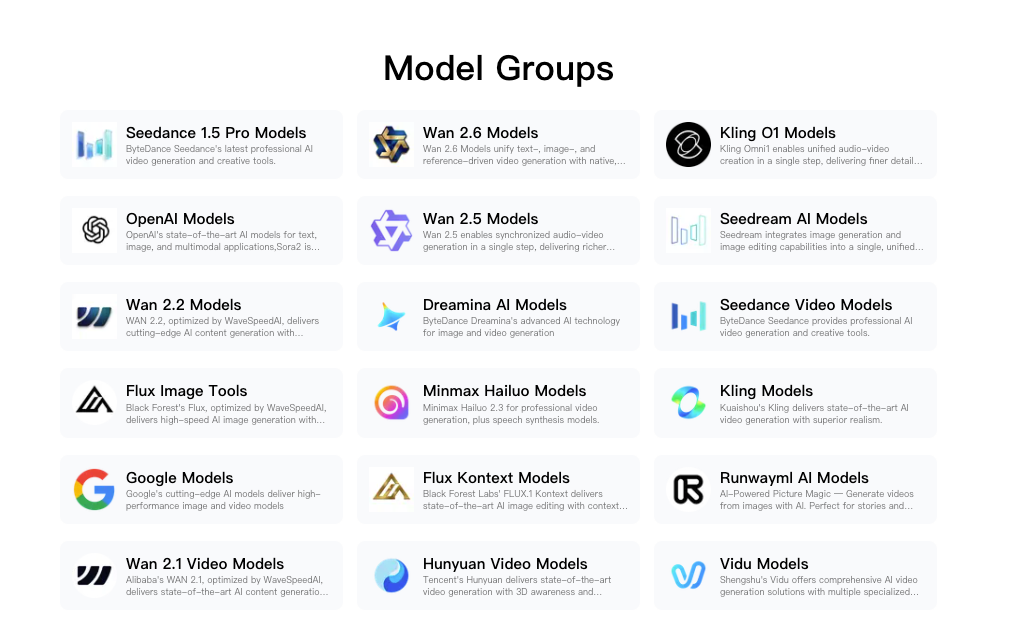 My real win was mental. I’m not hunting through provider dashboards to rotate keys or cap spend. One key in my secrets manager, and I can route to GLM-4.7-Flash for fast drafts, then hop to a heavier model when a prompt needs more depth. I still set per-project limits, but the overhead drops.
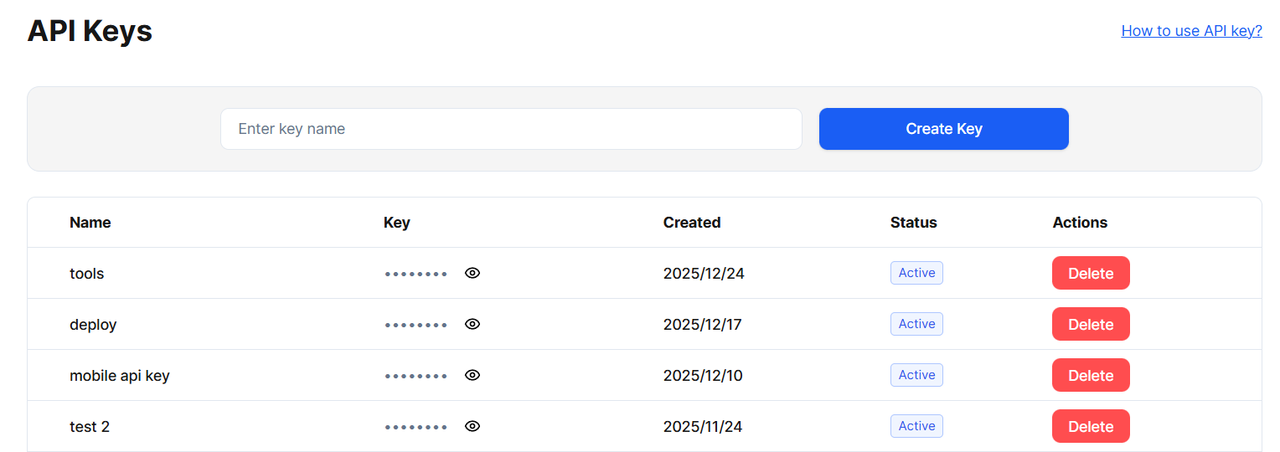
In practice: I kept my existing environment variable (WAVESPEED_API_KEY in my case), and only changed the model name. That small decision—keep names aligned, not clever—saved me from breaking CI.
No SDK Switching
I stayed with the OpenAI-compatible client I already use. No new method names, no re-learning streaming flags. If you’ve built little utilities around chat completions, streaming, and tool calls, they mostly carry over. I like that WaveSpeed doesn’t ask me to adopt its worldview before it’ll return a token, if that makes sense.
Two caveats I noticed:
- Model names vary across providers. I double-check the exact identifier in the official WaveSpeed docs before committing code.
- Provider-specific features (like special response formats or function-call quirks) can still differ. Keep a tiny adapter file where you normalize payloads. Mine is 60 lines and pays rent every week.
Quick Start Code
I used the OpenAI-style endpoints WaveSpeed exposes. If your code already hits a Chat Completions API, this should feel familiar. The only real change is the base URL and the model name.
 I tested this on Jan 12–15, 2026 with small batch prompts. Short prompts started streaming in under a second on my connection. Obviously, your mileage will vary with network, prompt size, and server load.
Drop-in Replacement Example
Here’s the shape I used. Check the official WaveSpeed docs for the latest model identifier (I’ve seen it listed as glm-4.7-flash).
Node.js (fetch):
const resp = await fetch("https://api.wavespeed.ai/v1/chat/completions", {
  method: "POST",
  headers: {
    "Content-Type": "application/json",
    "Authorization": `Bearer ${process.env.WAVESPEED_API_KEY}`
  },
  body: JSON.stringify({
    model: "glm-4.7-flash",
    messages: [
      { role: "system", content: "You are a concise assistant." },
      { role: "user", content: "Summarize this link in 3 bullets: https://example.com/post" }
    ],
    temperature: 0.3,
    stream: true
  })
});
Python (requests):
import os, requests

url = "https://api.wavespeed.ai/v1/chat/completions"

headers = {
  "Authorization": f"Bearer {os.environ['WAVESPEED_API_KEY']}",
  "Content-Type": "application/json",
}

payload = {
  "model": "glm-4.7-flash",
  "messages": [
    {"role": "system", "content": "You are a concise assistant."},
    {"role": "user", "content": "Outline a 5-step plan to vet a research source."}
  ],
  "temperature": 0.2
}

r = requests.post(url, headers=headers, json=payload, timeout=30)
r.raise_for_status()

print(r.json()["choices"][0]["message"]["content"])
Small notes I found useful:
- If your app streams tokens, carry over the same SSE parsing: WaveSpeed’s stream flag behaved as expected in my tests.
- I set per-request timeout slightly higher than usual when I’m not sure about model load.
- Log the model name in responses. Future-you will thank you when outputs drift and you need to confirm what ran.
Combine with Other Models
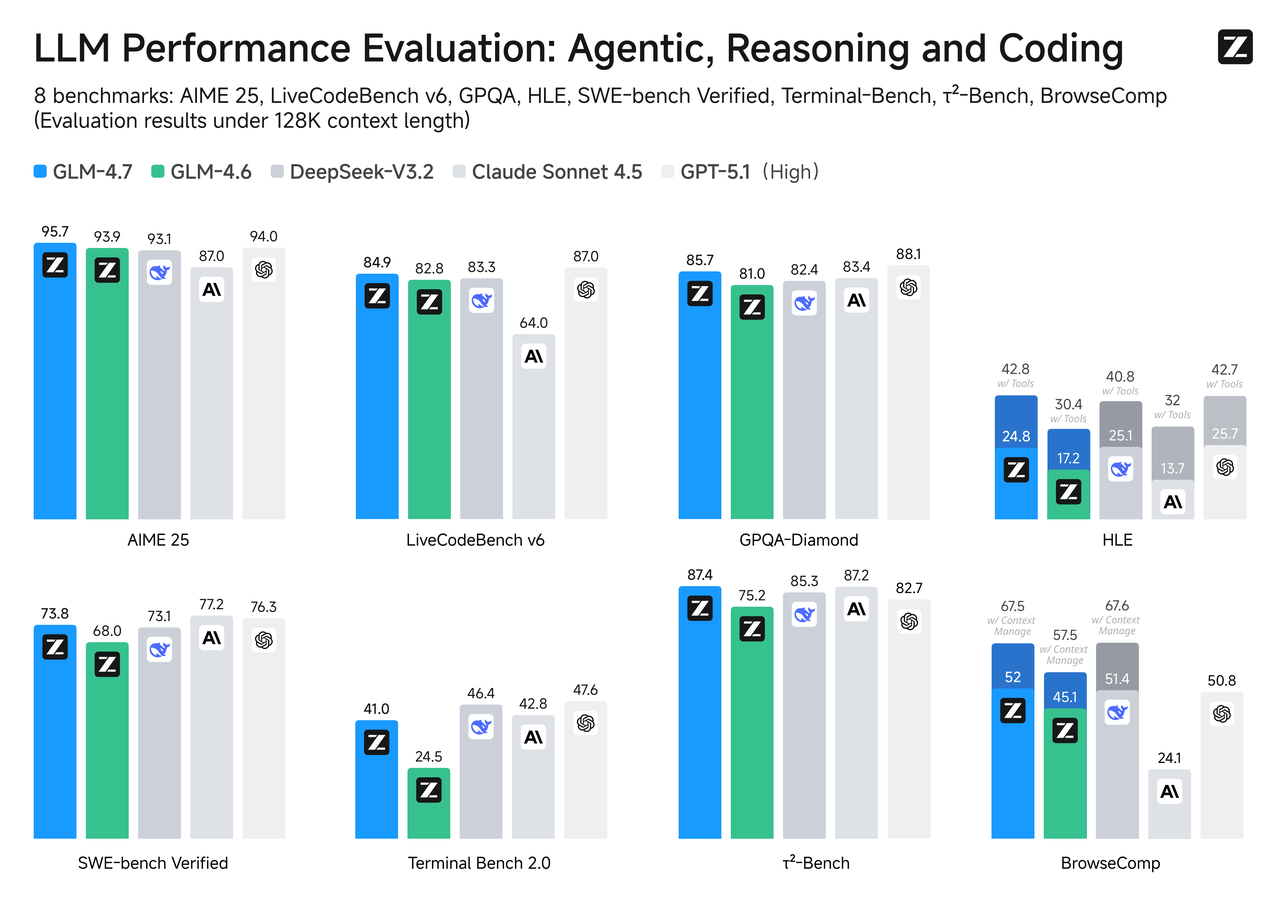 Most of my work mixes models. GLM-4.7-Flash is quick for first passes, drafting, summarizing, basic question answering. When I need heavier reasoning, or a specific capability (like a strong code interpreter or a certain vision feature), I route elsewhere. WaveSpeed lets me keep that routing in one place.
What surprised me a bit: I expected switching models mid-run to feel messy. It didn’t. The prompts stayed the same shape, so I could compare outputs without contorting the code.
Text + Image Workflow
I tried a small routine: collect a screenshot from a user report, run light OCR or a vision caption, then ask GLM-4.7-Flash to produce an action summary in plain language.
My steps:
- Use a vision-capable model to extract text/labels from the image. Keep the output compact, think key-value pairs or short bullets.
- Hand that text to GLM-4.7-Flash with a stable system prompt (two lines), and ask for a short summary with decisions.
- If the image has tables, I add a quick rule: “Preserve numbers and units exactly.” This reduced cleanup later.
Field notes:
- On a 1.2MB PNG with mixed UI + text, the vision pass took ~2–4 seconds for me: GLM-4.7-Flash summarization came back in under a second. That split kept the flow feeling snappy.
- Cost was predictable because I constrained the vision output to a few hundred tokens before handing it off.
- If you don’t need vision nuance, run basic OCR first (Tesseract or a paid OCR API), then pass the text to GLM-4.7-Flash. Cheaper, often good enough.
Text + Video Workflow
Video is heavier, obviously. I didn’t send full video to any model. I pulled the transcript first (whisper or a paid ASR), then routed sections to GLM-4.7-Flash for fast summarization.
A loop that worked:
- Transcribe the video once. If you can, keep timestamps.
- Chunk by speaker turns or 3–5 minute segments (whichever is cleaner).
- Ask GLM-4.7-Flash for segment summaries and decisions. Keep the system prompt anchored: “You return only structured JSON with fields A/B/C.”
- Stitch a top-level outline from the segments with a second pass.
In practice, GLM-4.7-Flash felt right for the segment summaries: fast, low friction, good enough accuracy for planning. For the final outline, I sometimes switched models for tone or nuance. I kept everything inside WaveSpeed so my code didn’t change shape.
Pricing
Pricing is where I slow down. Not because it’s complicated, but because surprises show up in logs, not dashboards.
GLM-4.7-Flash on WaveSpeed
 As of January 2026, GLM-4.7-Flash is available through WaveSpeed with its own per-token rate. The exact numbers can shift, so I won’t pin them here. I check the official pricing page before pushing anything to production and set soft limits in my env config.
How I estimate:
- Sample a typical prompt + response. Multiply by the number of daily runs. That gets me to daily tokens.
- Add 20–30% headroom for bad days or new prompts.
- Compare that to a slower-but-cheaper model for the same task. If the slower model doesn’t increase human editing time, it might win overall.
One practical trick: log tokens by feature flag. I switch GLM-4.7-Flash on for a slice of users and compare edit time and complaints. That tells me more than a price table.
Volume Discounts
WaveSpeed offers volume-based pricing. The tiers matter if you batch jobs or run data backfills. I reached out once to confirm thresholds before a spike week: the answer was straightforward and saved me from throttling work in awkward windows.
My rule: if I expect a 10x burst, campaign, migration, or a research sprint, I email support first. The point isn’t a special deal: it’s a clear ceiling so I don’t babysit jobs overnight, because no one wants that.
We built WaveSpeed for exactly this kind of workflow: fewer keys, fewer SDK switches, and less time spent thinking about infrastructure. If you’re juggling models and just want them to behave behind a single, predictable API, that’s the problem we’re trying to solve.
➡️You can explore it here.
Now over to you: what’s the most ridiculous API-key circus you’ve dealt with lately? Drop it in the comments—I’ll read them all while sipping coffee and feeling slightly less alone.
Related Articles

GPT-5.4 for Developers: What the Leaked Signals Mean for AI Workflows

SkyReels V4 Use Cases: 6 Ways Creators Can Use It Right Now

GPT-5.4 Release Date: What the Signals Say

GPT-5.4 vs GPT-5.3: What Might Actually Change
