
LTX-2 VRAM Requirements: 12GB vs 24GB Reality Check (4K@50fps Tested)
Hi, I’m the guy who has personified his GPU’s VRAM as a grumpy landlord that evicts me the moment I throw a slightly ambitious party. Nice to meet you—I’m here to share the battle scars from a week of January 2026 OOM warfare.
The first time LTX-2 crashed on me, it wasn’t dramatic. Just a quiet “out of memory” box and the kind of sigh you save for a printer jam. I wasn’t pushing anything wild, a short clip, basic prompt, but VRAM math doesn’t care about intentions. The grumpy landlord wasn’t having it. … trust me.
Over the last week (Jan 2026), I kept notes while running LTX-2 across a 12GB laptop GPU, a 16GB desktop card, and a borrowed 24GB machine. Nothing scientific. Just runs, restarts, and a simple question: how far can I go before VRAM taps me on the shoulder? This is what consistently mattered.
5 Factors That Affect VRAM (resolution / fps / length / precision / batch)
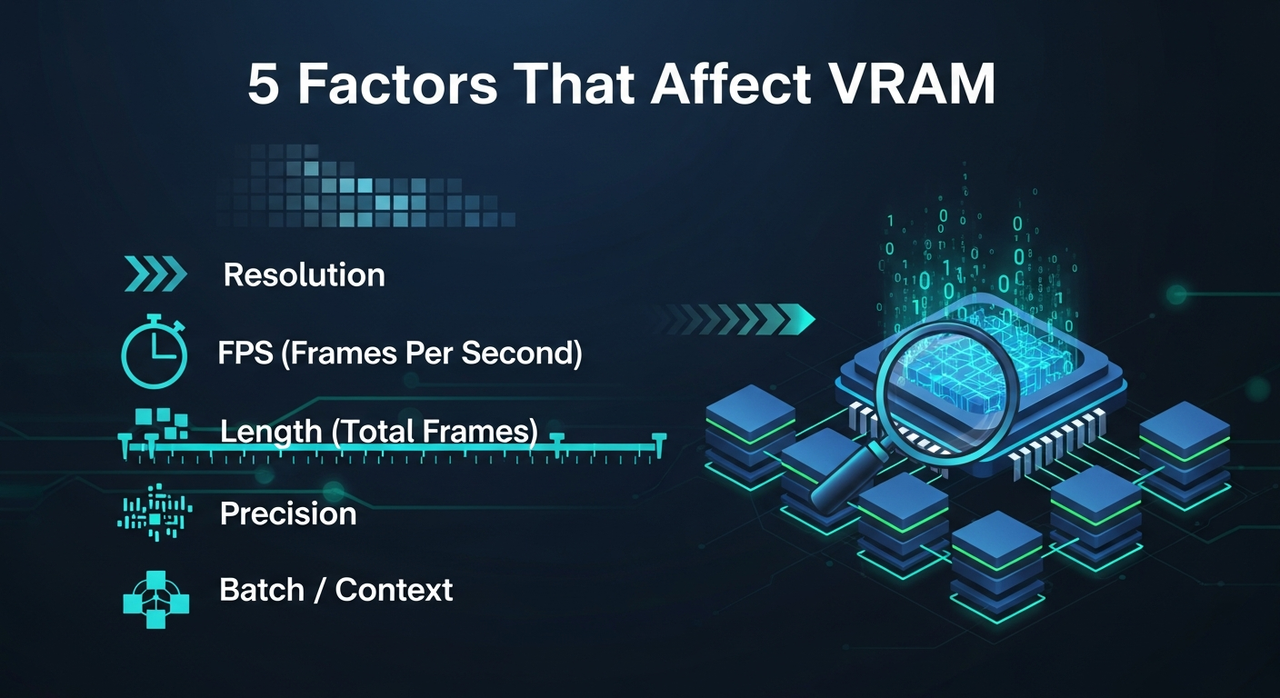 Here’s the short list I felt in practice, not just the docs.
1. Resolution
Doubling width and height roughly quadruples pixels. Models like LTX-2 feel that immediately. 720p to 1080p is the step that often flips a run from fine to fragile. 4K without tricks? That’s where the house of cards wobbles.
2. FPS
More frames per second means more frames held or prepared in memory during certain stages. If you’re close to the edge, dropping from 25 to 16 fps is a small change that frees a surprising amount of VRAM and headroom for consistency. Let me tell you, it’s saved more runs than I can count.
3. Length (total frames)
Length stretches everything. Some pipelines chunk frames, some try to keep bigger context pools. Either way, 4–6 seconds is usually chill, 10–12 seconds gets tight, 20 seconds is where I start planning, not hoping.
4. Precision
fp16 is the default sweet spot for me. bf16 was similar on the 24GB box, but fp32 spiked usage and felt pointless for generation. If you see an 8-bit or quantized path that’s stable, it’s worth a try on low VRAM, but I treated it as experimental.
5. Batch / context
Any form of batching, multi-seed sampling, or long temporal context acts like a multiplier. When I forgot to reset batch to 1, I paid for it instantly.
Small note: Enable efficient attention/backends if your build supports them. I saw modest wins from memory-efficient attention and page-locked I/O: not night and day, but enough to keep a run from tipping over.
Real-World Configs: 12GB / 16GB / 24GB GPUs
These are the setups I could repeat without babysitting. Yours will vary by driver, build, and whatever else your system is doing.
12GB (laptop 3060-class)
- Stable: 576p–720p, 5–8 seconds, 16–24 fps, fp16, batch=1.
- Marginal: 1080p under 4–6 seconds at 12–16 fps with conservative settings.
- Notes: VRAM spikes during the first steps were the usual failure point. Keeping previews off and closing other GPU apps helped.
16GB (desktop 4080-class)
- Stable: 1080p, 6–10 seconds, 16–24 fps, fp16.
- Marginal: 1080p at 12–15 seconds if I dropped fps or used segmentation.
- Notes: This is the first tier where “it just works” starts to apply for 1080p. I still avoided batching.
24GB (4090-class)
- Stable: 1080p, 12–20 seconds, 24 fps, fp16, room for mild guidance tweaks.
- Marginal: 4K via tiling or segmented passes: fine for short clips, but you feel the overhead.
- Notes: If you want headroom for experiments (masks, edits, longer prompts), 24GB felt calm. Not overkill, just calm.
4K@50fps: Is It Achievable & At What Cost
Short answer: yes, but not the way I hoped.
Direct 4K at 50 fps from LTX-2 is where VRAM and time both protest. On 24GB, I only got short bursts to run, and even then, I saw quality wobble and OOM risk the moment I nudged length.
What worked better
- Generate at 1080p, 12–16 fps, keep it clean.
- Upscale to 4K with a dedicated upscaler (Topaz-style or ESRGAN variants if you live on the open side).
- Interpolate frames to 50 fps with RIFE/Flowframes-style tools.
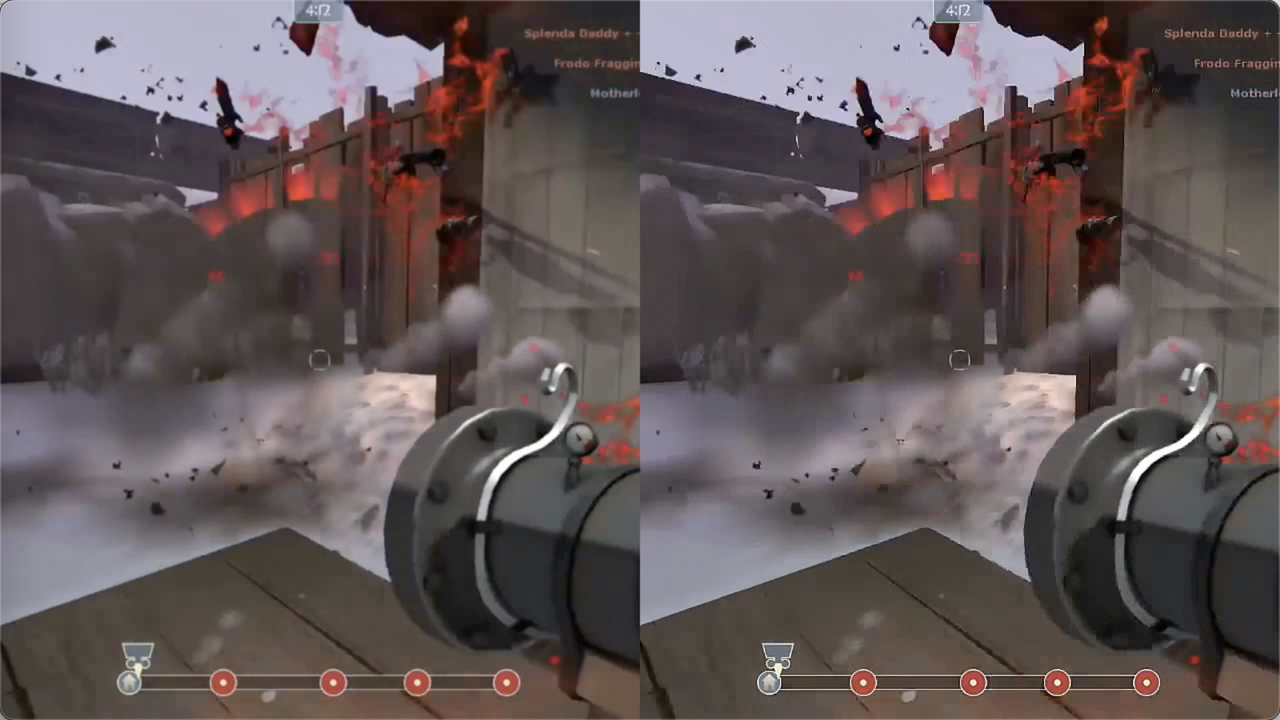
Trade-offs I noticed
- Temporal consistency held better when I upscaled first, then interpolated.
- Interpolation can add a soft soap-opera feel. Dial it down or add a tiny bit of grain after.
- The “native 4K” clips that did run didn’t look meaningfully better than 1080p → upscale for my use. They just took longer and crashed more.
So: achievable, yes. Worth it locally, usually not, unless your clip is under ~5 seconds or you really need single-pass purity.
Low-VRAM Strategies (tile / segment / lower fps)
These are the ones I kept coming back to.
- Tile intelligently: If the pipeline supports tiled diffusion/attention, use it. Overlap a bit to hide seams. It adds time, saves VRAM, and gets you into 4K territory on 16–24GB.
- Segment by time: Render 3–4 second chunks, then stitch. It’s annoying, yes, but it tames VRAM spikes and lets you re-roll problem segments.
- Lower fps first, not resolution: Going from 24 to 16 fps often preserved look and freed memory. Viewers notice resolution drops faster than frame drops at short durations.
- Keep batch=1: Multi-seed runs are nice: they also double your problems.
- Turn off previews: Live previews sometimes hold extra buffers. Headless runs were more stable for me.
- Mixed precision on, exotic precision off: fp16 kept balance. I treated 8-bit paths as a last resort.
- Offload when possible: If your stack supports CPU or disk offload for KV caches, it can buy you a couple extra seconds at the cost of speed.
OOM Troubleshooting Flow
My quick reset when the landlord evicts me:
- Restart the process to clear VRAM residue. Don’t trust partial frees.
- Set batch=1, disable previews, close other GPU apps.
- Drop fps to 16. If it still fails, drop resolution one step (1080p → 900p or 720p).
- Shorten length by 2–3 seconds. Test again.
- Enable tiled/segmented rendering if available.
- Ensure fp16 is on. Avoid bf16/fp32 unless you know you need them.
- If it keeps failing at the start, your peak is too high (resolution/context). If it fails late, it’s likely length/context growth.
- Last resort: switch to a cloud GPU with more VRAM, finish the render, then come back local.
GPU Tier Recommendations
If you’re deciding what to buy or borrow:
- 12GB: Fine for drafts, 576p–720p, quick ideation, and short social cuts. You’ll segment a lot.
- 16GB: Good daily driver for 1080p work under ~10 seconds. Fewer hacks, more flow.
- 24GB: Comfortable for longer 1080p, mild 4K experiments, and trying advanced options without babysitting.
- 24GB+ (or multi-GPU cloud): Use when deadlines matter, or you’re pushing 4K timelines with fewer compromises.
I wouldn’t buy based on a single model. LTX-2 will evolve: your tolerance for tiling and stitching won’t.

When to Use Cloud (WaveSpeed cost comparison)
I keep a simple “WaveSpeed” sheet, not a service, just a back-of-the-envelope way to compare dollars per finished minute of video.
How I estimate (Jan 2026)
- Note the clip target (e.g., 4K@50 fps, 10 seconds).
- Time a clean local run at 1080p, then add my upscale/interp time.
- Price a comparable cloud GPU by the hour.
Typical spot rates I’ve seen lately
(very rough: check your provider)
- L4/A10G-class: $0.50–$1.20/hr
- A100 40/80GB: $1.50–$3.50/hr
- H100: $3–$7/hr
Example, my numbers last week
- Local 24GB box: a 10-second 4K@50 fps pipeline (1080p gen → upscale → interpolate) took ~14 minutes end-to-end. Power + wear is hard to price, but I call it $0.10–$0.20/run.
- Cloud A100 80GB: the same pipeline finished in ~6–8 minutes. At ~$2.50/hr, that’s about $0.25–$0.35 per run.
So my “WaveSpeed” line for that case:
- Local: cheaper per run, slower, but zero queueing.
- Cloud: a bit more per run, faster, and less fiddly when I hit OOM.
When I switch to cloud
- I’m on a deadline and can’t nurse OOM fixes.
- I need a longer 1080p or any serious 4K pass.
- I want to explore settings without fear of crashing.
When I stay local
- Short drafts, look tests, and prompt exploration.
- I’m fine with 720p/1080p and 6–10 seconds.
This worked for me, your costs and timing will differ. If you’re hitting the same walls I did, it’s worth a look.
If you’re hitting VRAM limits or just don’t want to babysit OOM fixes, WaveSpeed lets you run LTX-2 on larger cloud GPUs without changing your workflow. You keep your prompts and settings — the hardware just stops being the bottleneck.
 The quiet surprise: once I priced runs this way, I stopped chasing “native 4K@50” locally. I just got the look right at 1080p and let the pipeline do the lifting.
So, what about you? What’s the most ridiculous OOM crash you’ve survived with LTX-2? Drop your war stories (or victory laps) below—I read every comment and love swapping tricks.
Related Articles
GPT-5 Model Versions Explained: From GPT-5 to GPT-5.4
How to Remove Sora Watermark: Best Methods

GPT-5.4 for Developers: What the Leaked Signals Mean for AI Workflows

SkyReels V4 Use Cases: 6 Ways Creators Can Use It Right Now

GPT-5.4 Release Date: What the Signals Say
