
GPT-5.4 for Developers: What the Leaked Signals Mean for AI Workflows

Hi, I’m Dora. I didn’t plan to track GPT‑5.4. I just kept bumping into little speed bumps in my agent workflows, pauses long enough for me to tab to email, then forget what I was doing. When a model promises “Fast Mode” and full‑resolution vision, my ears perk up, not because I want the newest thing, but because I want fewer of those tiny interruptions.
This piece is for gpt 5.4 developers, or, more accurately, developers who are deciding if and how to build around it. I’m not here to sell the model. I’m here to share where it might reduce friction, where it probably won’t, and what to build toward so today’s work survives tomorrow’s release notes.
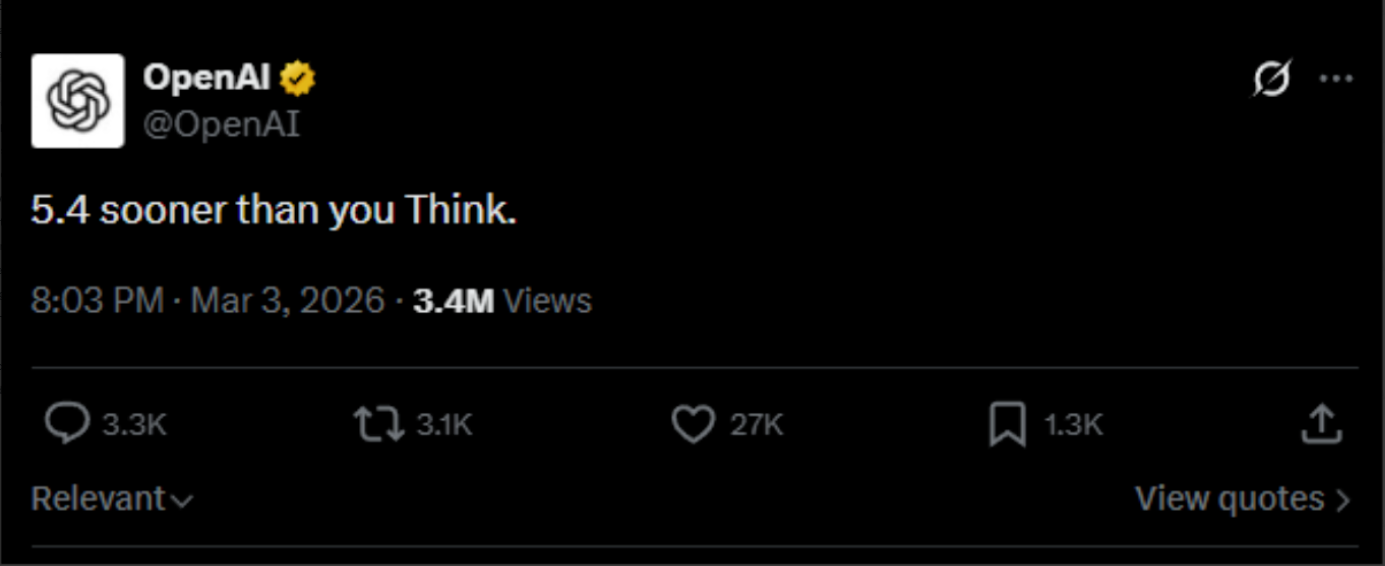
Why Developers Are Watching GPT-5.4 Closely
The shift toward model-as-infrastructure
I’ve noticed a slow but real shift: models are less like “products” and more like utilities you route tasks through. A year ago, I treated each model like a personality. Now I treat them like lanes on a highway: high‑accuracy, fast, and cheap lanes, and I try to merge between them smoothly.
If GPT‑5.4 stabilizes a dual‑lane pattern (fast/slow or fast/think), it nudges us to design agents around routing, not single bets. That sounds abstract until you’re debugging a task with 12 steps and realize step 3 just needs a quick classification, but step 8 needs careful chain‑of‑thought. I’ve stitched that logic by hand in current systems. It’s brittle. If the infrastructure bakes it in, we get fewer places to trip.
I’m not impressed by versions: I care if a release lets me collapse steps or remove glue code. GPT‑5.4, if it’s going where the hints point, could be one of those.
Why incremental releases matter
Small version bumps look boring, but they save teams from rebuilds. When models keep interfaces steady while improving latency or vision fidelity, I don’t need to retrain users (or myself). The value shows up in places like: fewer retries, tighter prompts, shorter timeouts.
I keep an eye on the OpenAI API docs and the model pages for shape changes rather than slogans. If GPT‑5.4 slots into existing endpoints with saner defaults and clearer system behavior, that’s a win. Less code churn, more predictable logs. And for anyone maintaining agents in production, predictability beats novelty every day.
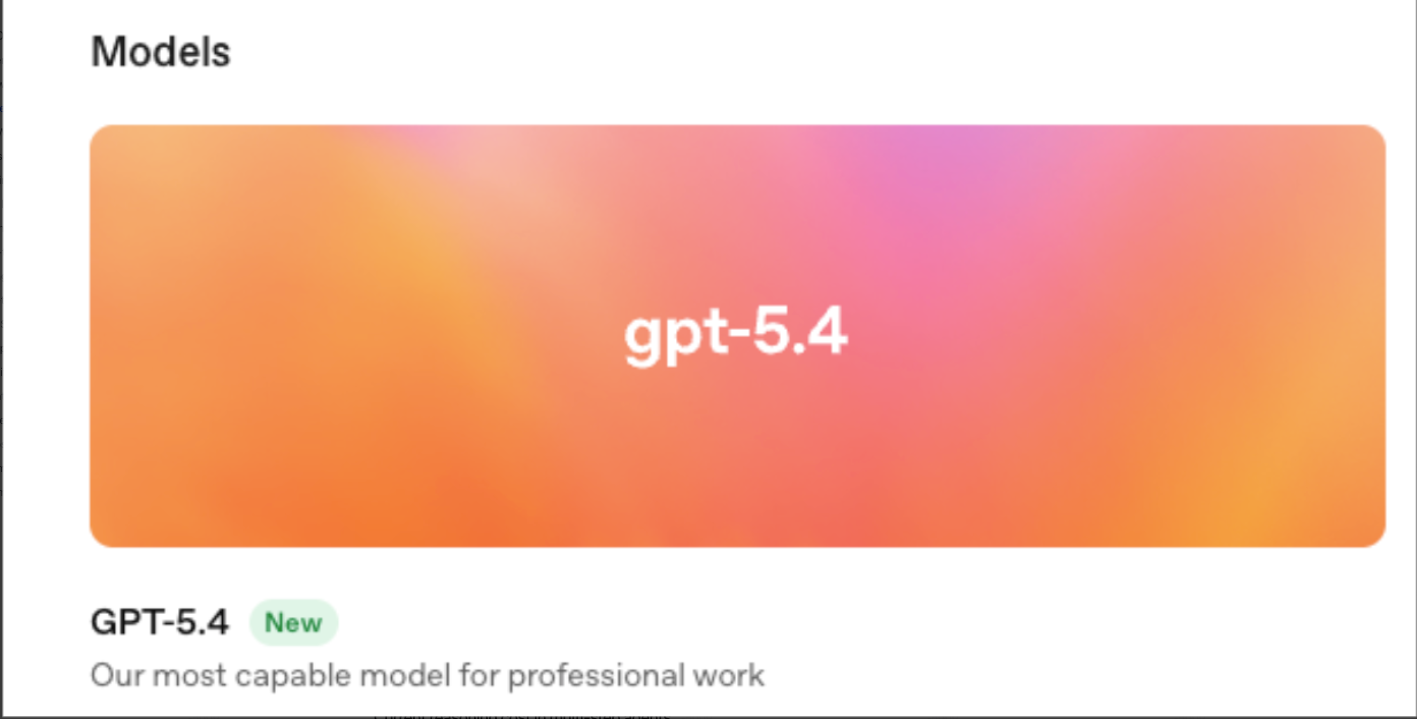
Fast Mode — What It Changes for Agent Workflows
Current reasoning cost in multi-step agents
In my runs over the last month with current gen models, a typical multi‑step agent (plan → retrieve → call tools → summarize) takes 8–15 model calls. Each call costs two things: tokens and attention. The tokens you can budget. The attention is what drains you, the little waits, the partial retries, the moments where you wonder if it’s stuck.
For me, a common internal tool resolution task averages 20–45 seconds end‑to‑end. Most of that isn’t heavy reasoning: it’s lightweight checks and formatting. If GPT‑5.4’s Fast Mode trims the latency on these light steps while keeping accuracy good enough, it shifts the shape of the whole run. The long tail of tiny waits gets shaved down. That doesn’t look dramatic on paper, but it feels better in daily work.
Dual-mode inference and routing logic
What I’m watching is whether “Fast Mode” is just a smaller model, or truly a model paired with a thinker inside one boundary. If the API exposes a clean hint, say a parameter or a tool‑level routing rule, I can centralize the decision: fast for classification, full for synthesis. No more bespoke forks in every agent step.
In tests with today’s models, I’ve prototyped dual‑route behavior by checking step intent and confidence. It’s clunky but works: quick route for known patterns, deep route when uncertainty is high. GPT-5.4 will likely do the same if the API doesn’t auto‑route. If it does auto‑route, the job shifts to writing sane guardrails and logging, so you can see when the model overuses the slow lane.
Either way, logic is the point. A feature called “Fast” doesn’t help if you can’t tell when it’s used. I’ll take a plain parameter and a good trace over magic.
Tool-calling loop implications
Here’s where it matters day to day: tool loops. When an agent calls your calculator, database, or browser three times in a row, the overhead stacks. If Fast Mode reduces the round-trip cost for intent parsing and function argument construction, you shrink the loop. That frees budget for the steps that actually need reasoning.
But there’s a catch: if the fast pass misroutes even 5–10% of calls, you pay it back in retries and guardrails. My rule of thumb is simple: measure total loops completed per minute, not per‑call latency. If that number climbs with Fast Mode on, keep it. If it drops (more retries, more corrections), turn it off for that flow. It’s not about speed, it’s about dependable throughput.
Full-Resolution Vision — Real-World Use Cases
Screenshot-to-code pipelines
I run a small screenshot‑to‑component pipeline for internal tools. Today, low‑res vision misses tiny spacing or state cues (hover vs. active). Full‑resolution vision, if real and accessible at sane token costs, changes this. The model can see the 1‑pixel border and the subtle shadow that signals elevation.
In practice, I’d wire it like this: high‑res pass to label atomic UI elements, then a fast text‑only pass to assemble code using a library map. Two passes, each good at its thing. The payoff isn’t “design to code” magic, it’s fewer manual corrections. On a simple dashboard, that might save me 10–15 minutes and a couple of trips back to Figma.
UI debugging workflows
A quiet but useful case: bug repros. I often get screenshots with error toasts half‑cut off or modal overlays. High‑res vision helps the model reason for z‑index and layout stacking without me describing it in words. The model can note: the toast’s close button overlaps the nav: likely CSS stacking issue. I still verify, but starting closer to the fix is a relief.
For teams, it could slot into triage: paste a screenshot, get a probable cause list, plus selectors to inspect. Nothing magical, just a tighter loop.
Design asset interpretation
Designers hand me exports with naming conventions that drift under deadline pressure, it happens. Full‑res vision plus context about the design system can restore order. The model can map visual tokens (spacing, radius, color contrast) to the closest design‑system variables.
Limits still apply. The model won’t know your team’s taste. But it can do the boring part: “these 12 icons are 20px, these 3 are 16px: probable mismatch.” That’s not headline‑worthy, but it’s the kind of small correctness that adds up across a sprint.
Coding Agent Signals in Context
Why leaks appeared in Codex repos
You’ve probably seen hints, commits referencing agent signals, or configs with unexplained routing flags. I don’t read too much into leaks, but they track with what developers need: clearer signals about when the model is planning, acting, or reflecting. Earlier Codex‑era repos often faked this with heuristics in the client. That’s why configs leaked: logic had to live outside the model.
If GPT‑5.4 exposes firmer state signals (even simple ones like “planning” vs “executing”), coders can sync UI and logging without parsing vibes from the text.
Multi-file editing potential
Multi‑file edits are where coding agents break down. Today, I chunk context, ask for a plan, then apply diffs with a linter in the loop. It works until it doesn’t, usually when the agent forgets a small file or renames something mid‑flight. Better native support would look like: propose a commit with a file map, include rationale by file, and let me accept per‑file changes.
Even without new primitives, GPT‑5.4’s improved reasoning (if it lands) plus stricter messages, “show me a patch set, not prose”, could reduce the foot‑guns. I’ve had some success forcing a patch format and rejecting anything else. It’s boring. It helps.
Repo navigation improvements
Context windows got bigger, but navigation still matters. The best coding runs I’ve had in 2026 use a fast indexer that builds a symbol map and a dependency graph, then feed only the relevant slices. If GPT‑5.4 is better at reading these maps, cross‑ref tables, symbol summaries, we can pass thinner, sharper context.
One practical signal to watch: how often the agent asks for a file it already saw. Fewer repeats usually means it’s building a better working set. I log that. If you don’t, start now: it’s an easy metric to trend across releases.
What Developers Should Build Toward Now
Model-agnostic architecture patterns
I try to keep models behind a narrow port. A broker decides routing: tools stay stateless and visible in logs: prompts live in versioned files with tests. That way, if GPT‑5.4 makes Fast Mode worth it, I can switch lanes without rewiring everything.
Two patterns that aged well for me:
- Typed tool schemas with strict validators. Less guesswork, fewer bad calls.
- Trace‑first design. Every agent step writes a compact trace I can replay. When a model update changes behavior, I can diff old vs. new runs.
Neither is shiny. Both are what keep shipping from stalling when models shift.
Monitoring model release channels
Even if you don’t move fast, watch the channels. I subscribe to model pages and skim the model list and release notes. I mark three things per update: latency hints, token pricing, and any new system‑level switches (modes, routing, safety behavior). Then I rerun a small benchmark set, 10–20 traces that represent my real workflows.
It takes an hour. It saves days later. If GPT‑5.4 rolls out in phases (it usually does), you’ll see the edge cases first in traces, not in support tickets. That’s the point of monitoring: catching drift calmly, before it becomes a fire.
Status Disclaimer
I haven’t been sponsored to write this. I also haven’t made production bets on GPT‑5.4 yet. My notes here come from adjacent experiments and patterns that held across earlier model updates. If and when official docs clarify modes or vision details, I’ll link them and adjust. Until then, treat this as field notes, useful, I hope, but provisional.
One last thing I’m still chewing on: if Fast Mode makes the quiet parts faster, do we notice less, or just worry less? I’m okay with either.
Related Articles

SkyReels V4 Use Cases: 6 Ways Creators Can Use It Right Now

GPT-5.4 Release Date: What the Signals Say

GPT-5.4 vs GPT-5.3: What Might Actually Change
