
Seedream V4 빠른 시작
Seedream V4 빠른 시작
할 수 있는 것들
Seedream 4.0은 세 가지 유형의 입력을 지원합니다: 텍스트, 단일 이미지, 그리고 여러 이미지입니다.
다중 이미지 융합, 이미지 편집, 그리고 테마 일관성을 갖춘 시퀀스 기반 배치 생성을 제공하여 창작을 더욱 유연하고 제어 가능하게 만듭니다.
모델 선택
bytedance/seedream-v4
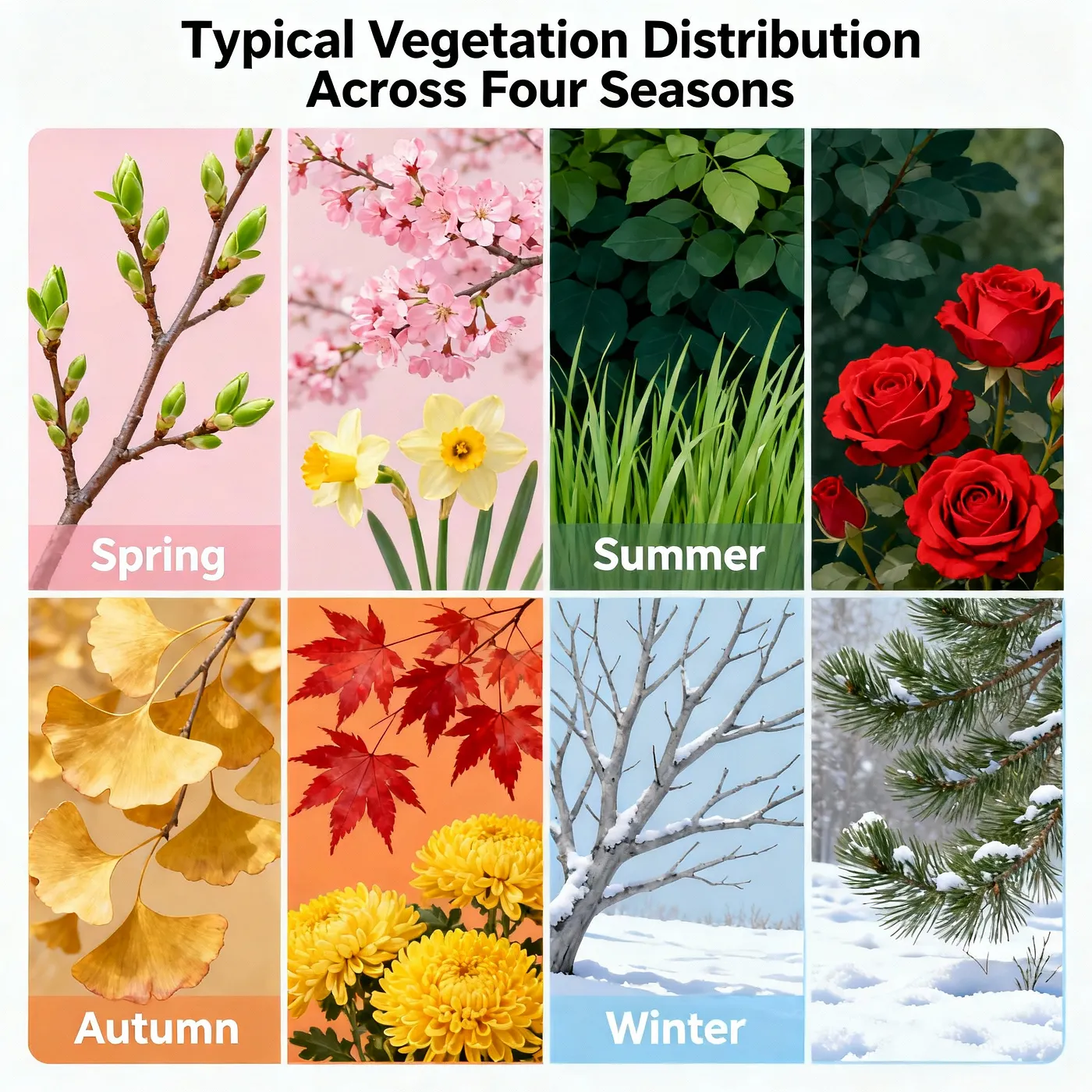
이 모델은 T2I 모델로, 다중 패널 또는 다중 타일 포스터, 카피가 있는 컨셉 디자인, 시리즈 KV, 그리고 소셜 미디어 에셋과 같은 시나리오를 위해 설계되었습니다.
기본 출력은 2048×2048(2K)이며, 크기를 직접 조정할 수도 있습니다. 격자 기반 레이아웃, 제목 및 부제목을 위한 여백, 그리고 텍스트 가독성 개선에 매우 적합합니다.
사용할 때는 프롬프트에서 주제, 레이아웃(예: 2×2 그리드 또는 삼연화), 텍스트 배치(제목, 부제목, CTA), 그리고 선호하는 스타일을 지정해 주세요. 그러면 모델이 원하는 것을 더 정확하게 생성할 수 있습니다.
아래는 몇 가지 프롬프트 템플릿과 예시입니다. 자유롭게 실험해 보세요!
프롬프트 템플릿
2×2 그리드 포스터
2x2 grid poster layout, clean margins for typography, title at top center: "{TITLE}", subtitle: "{SUBTITLE}". Panel 1: {SCENE_A}; Panel 2: {SCENE_B}; Panel 3: {SCENE_C}; Panel 4: {SCENE_D}. consistent color grading, cinematic lighting, brand color {BRAND_COLOR}, high legibility background, minimal clutter삼연화
horizontal triptych panels, left-to-right narrative: {SCENE_A} -> {SCENE_B} -> {SCENE_C}, unified palette {BRAND_COLOR}, soft vignette, clear gutters, strong typographic hierarchy, space reserved for CTA "{CTA}"만화
4-panel comic strip layout, speech bubble placeholders, Panel 1: {SCENE_A}; Panel 2: {SCENE_B}; Panel 3: {SCENE_C}; Panel 4: {SCENE_D}. bold line art, flat shading, clear gutters, high readability미니멀리스트 포스터
minimal poster, large title center: "{TITLE}", small subtitle below: "{SUBTITLE}", single focal object: {OBJECT}, monochrome + accent {BRAND_COLOR}, high legibility background, grid-based layout예시
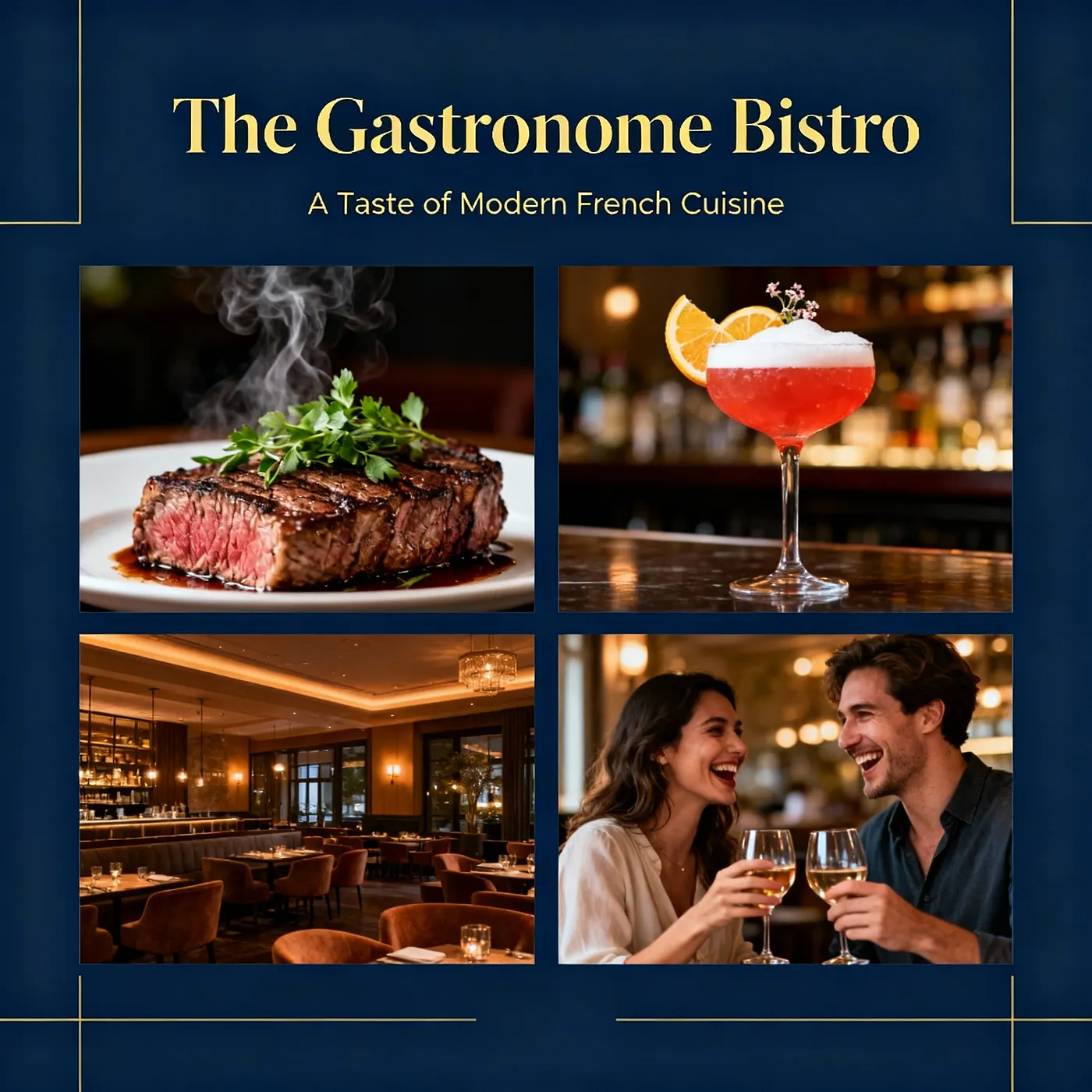
음식점 광고
제품 디자인
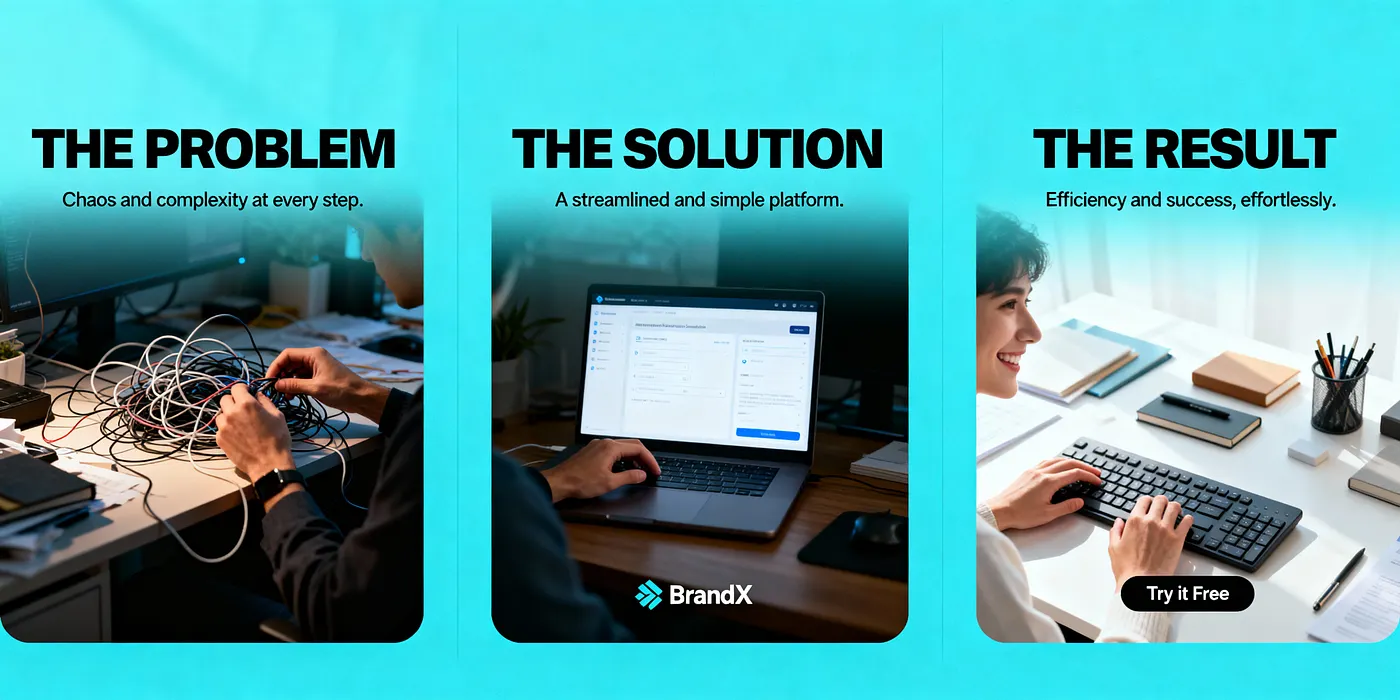
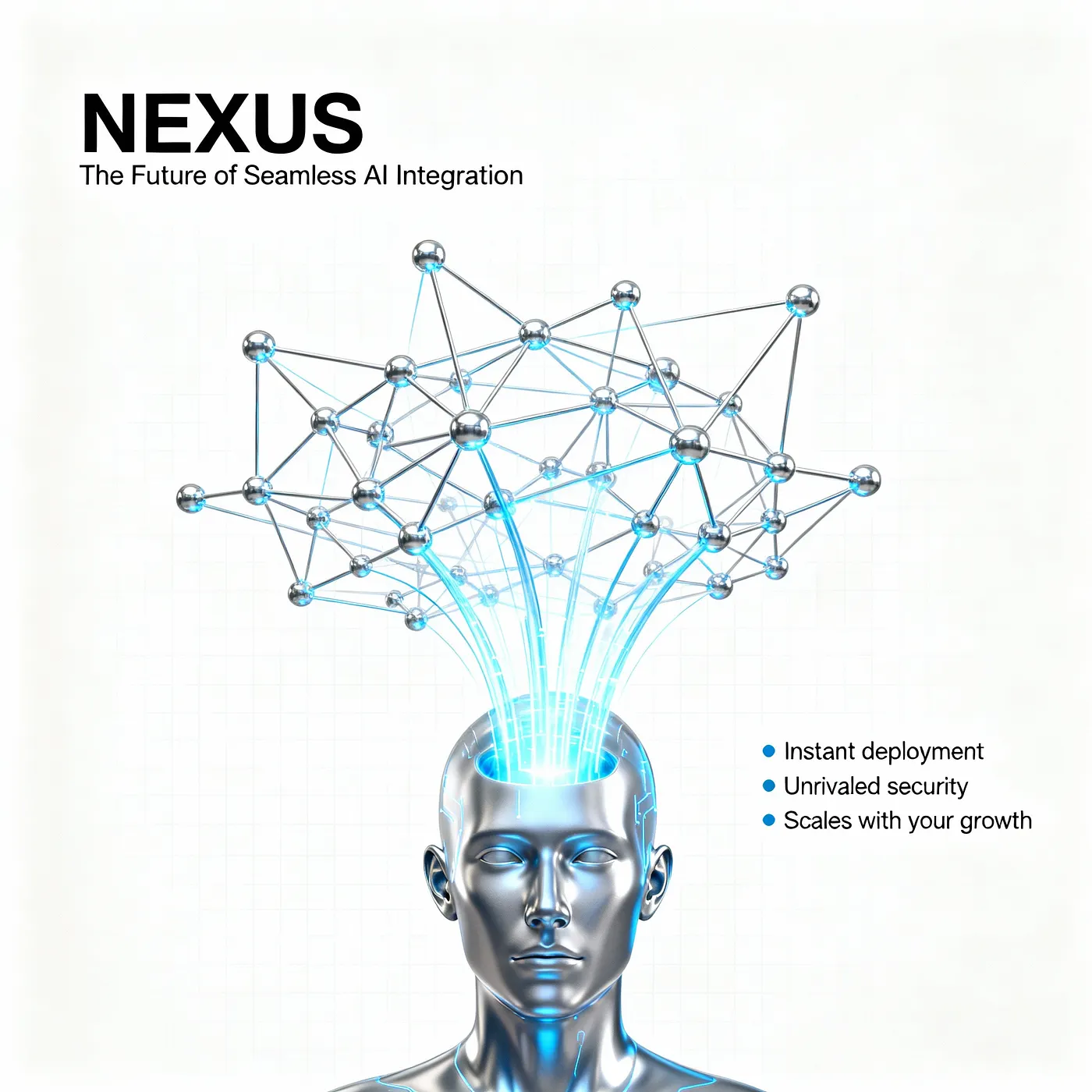
포스터 디자인
bytedance/seedream-v4/edit
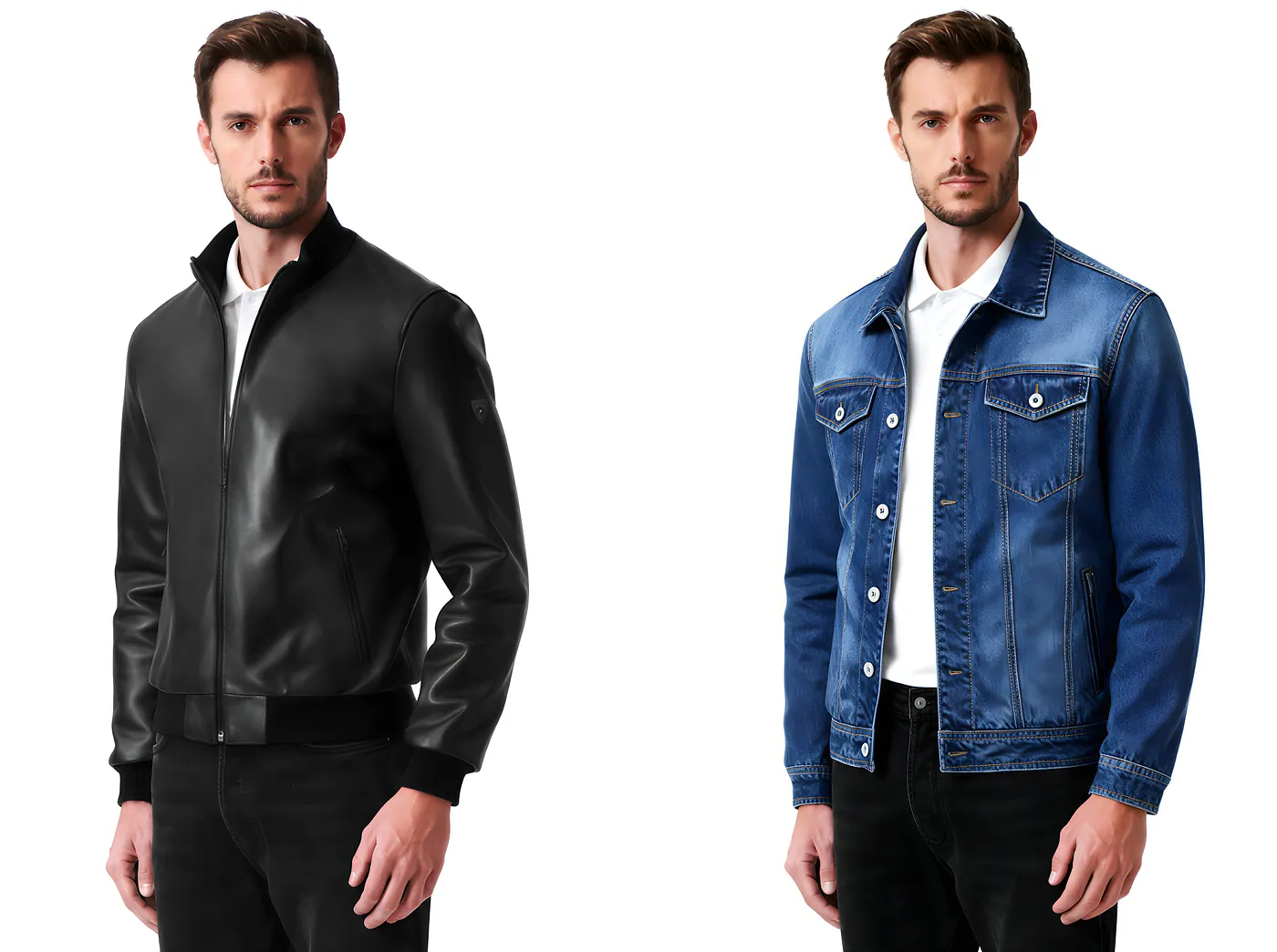
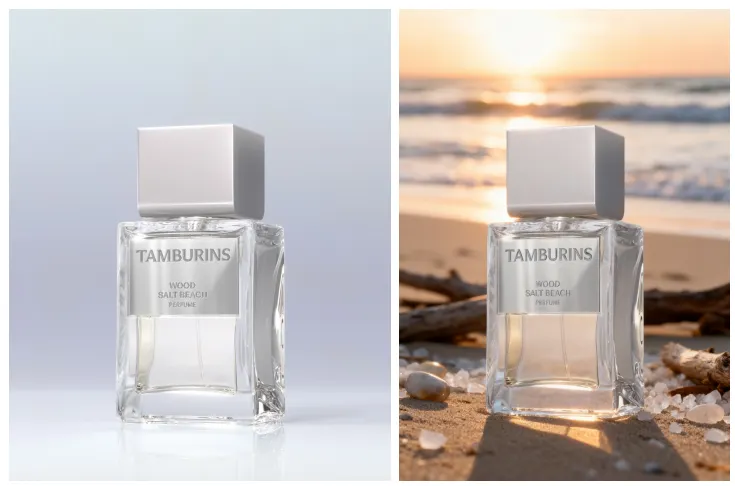
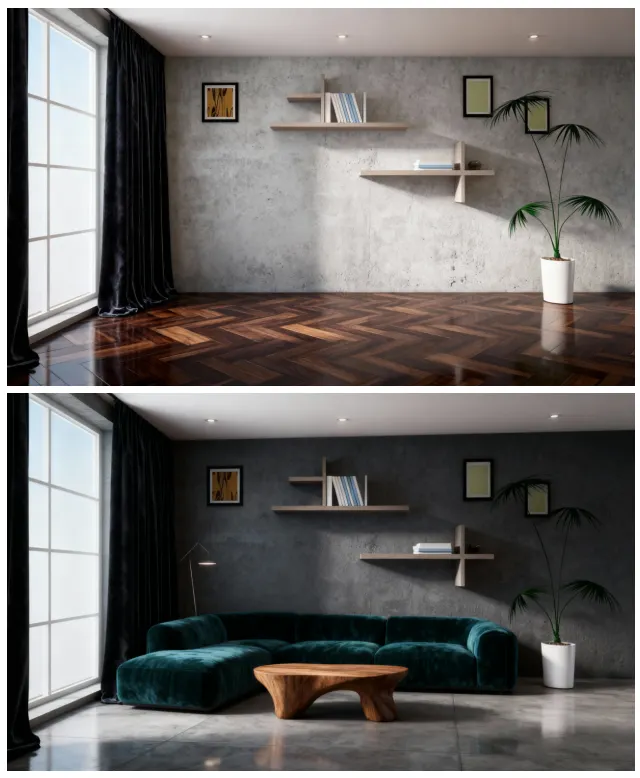
edit은 기존 이미지에 수정을 가하도록 설계된 I2I(이미지-투-이미지) 모델입니다. 예를 들어, 옷과 액세서리를 바꾸고, 머리카락과 메이크업을 조정하고, 제품 색상, 재질, 패턴을 수정하고, 바닥, 벽, 가구의 인테리어 마감재를 교체할 수 있습니다.
국소 편집과 강도 조절을 지원하므로 주제와 조명을 일관되게 유지하면서 빠르게 여러 변형을 만들 수 있습니다.
마찬가지로 i2i 모델은 처음부터 목표를 명확하게 지정할 때 더 잘 작동합니다. 아래는 직접 사용할 수 있는 몇 가지 예시와 공식입니다!
프롬프트 템플릿
1. 초상화
portrait KV series, {STYLE} style, consistent color grading {BRAND_COLOR}, fixed camera look (85mm shallow depth), interchangeable persona: {PERSONA}, reserved lower-third text "{NAME} — {ROLE}"2. 옷/보석/메이크업 변경
Outfit swap for portrait, replace clothing with {OUTFIT_DESC}; keep pose and composition; accessories {JEWELRY_DESC}; makeup/hair {MAKEUP_HAIR}; preserve skin tone and lighting; clean edges, no artifacts3. 배경 교체
Background replacement for subject, keep subject edges; new environment: {SCENE_DESC}; match light direction and color temperature; soft contact shadows; no haloing4. 실내 및 실외 교체
Interior finish swap, update wall {WALL_MATERIAL}, floor {FLOOR_MATERIAL}, furniture upholstery {FABRIC}; layout and lighting unchanged; realistic PBR textures예시
옷 변경
배경 변경
집 디자인
bytedance/seedream-v4/sequential
Sequential 모델은 배치 이미지 생성을 위한 Seedream 변형입니다. 프롬프트를 기반으로 한 번에 여러 이미지를 생성하므로 대규모 창작에 이상적입니다.
다만 주의할 점은: 프롬프트에서 생성할 이미지의 수를 명확히 지정하고, max_images를 동일한 수로 설정해야 합니다. 그렇지 않으면 실제로 하나의 이미지만 생성되었더라도 시스템은 max_images를 기준으로 요금을 청구합니다.
사용 가이드라인
여러 생성의 경우:
- 프롬프트:
Generate four images of …/Generate a set of images of … - max_image = 4
단일 생성의 경우:
- 프롬프트:
Generate an image of … - max_image = 1
프롬프트 템플릿
1. 광고 창의
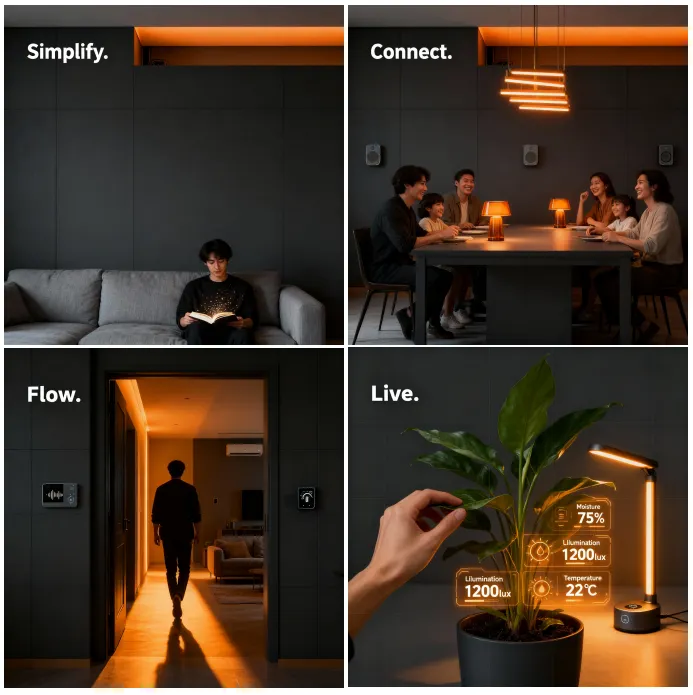
Generate 4 poster concepts of the same campaign. Image 1: headline "{H1A}", {BG_A}; Image 2: headline "{H1B}", {BG_B}; Image 3: headline "{H1C}", {BG_C}; Image 4: headline "{H1D}", {BG_D}. Keep brand color {BRAND_COLOR}, consistent grid and margins, cinematic lighting.2. 캐릭터 디자인 (여러 포즈/표정)
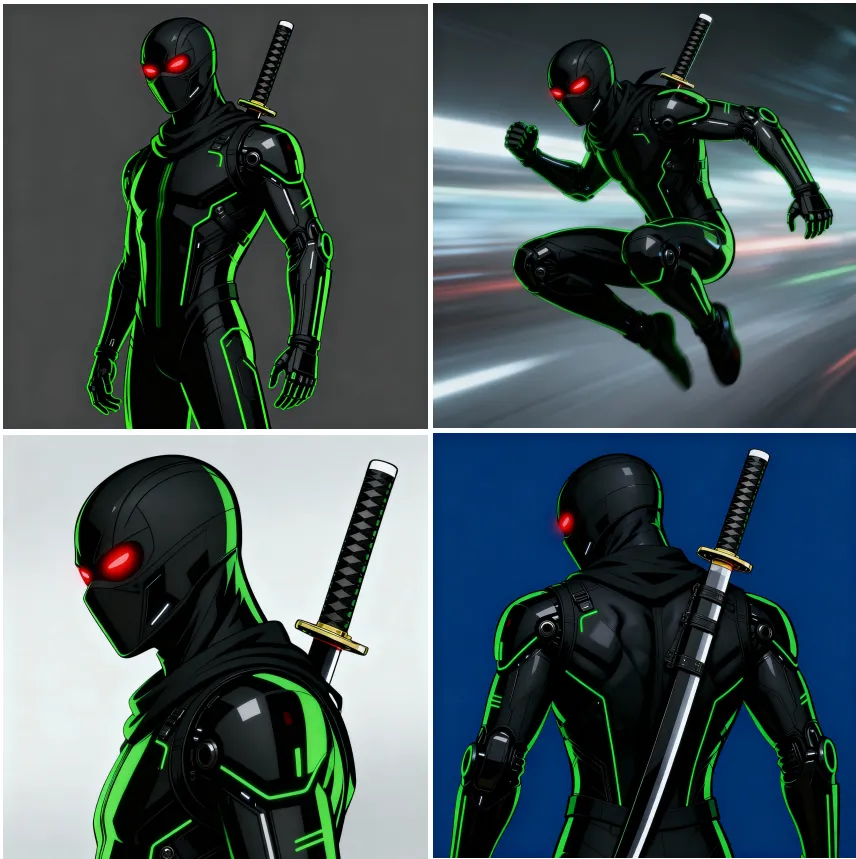
Generate 6 character sheets of {CHARACTER}. Image 1: neutral pose; Image 2: action pose; Image 3: side profile; Image 4: back view; Image 5: happy expression; Image 6: serious expression. Same outfit and palette, clean turnaround style.3. 단계 다이어그램 (1→N)
Generate 3 step-by-step visuals for {PROCESS}. Image 1: step 1 {STEP1}; Image 2: step 2 {STEP2}; Image 3: step 3 {STEP3}. Uniform style and icons, numbered labels.예시
광고 창의
캐릭터 디자인
bytedance/seedream-v4/edit-sequential
bytedance/seedream-v4/sequential이 0에서 1로 가서 디자인을 시작하도록 도와준다면, 다중 이미지 입력을 처리하고 배치 출력을 생성하는 기능은 더욱 큰 부스트를 제공합니다!
bytedance/seedream-v4/edit-sequential을 사용하면 한 번에 여러 참고 이미지를 제공하고, 다중 이미지 융합을 수행하고, 스타일과 구성을 변경하고, 동시에 여러 버전을 생성하고, 빠르게 A/B 비교를 실행할 수 있습니다.
시리즈 KV, 포스터 에셋이거나 제품 색상, 재질, 패턴을 탐색하는 것이든, 일관성을 유지하면서 효율적으로 반복할 수 있으므로 워크플로우의 중요한 부분입니다.
마찬가지로 생성 중에 프롬프트와 max_images 간의 관계에 주의하여 불필요한 비용을 피하세요.
몇 가지 예시를 살펴보겠습니다.
프롬프트 템플릿
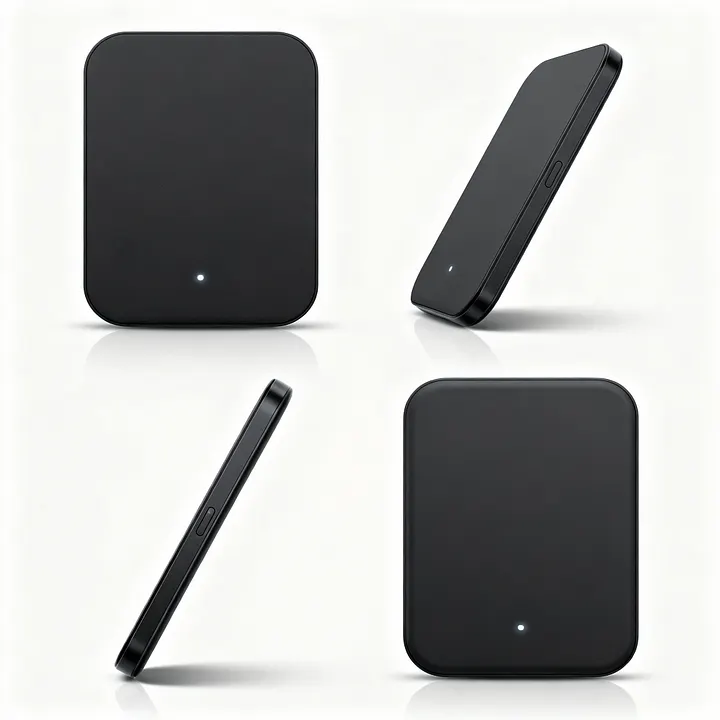
제품 다중 시각 각도 (앞/옆/뒤/45°)
Generate 4 images of the same product from fixed angles. Image 1: front view; Image 2: 45-degree view; Image 3: side view; Image 4: back view. Identical lighting and scale, white studio background, shadow under product.전자상거래 시리즈
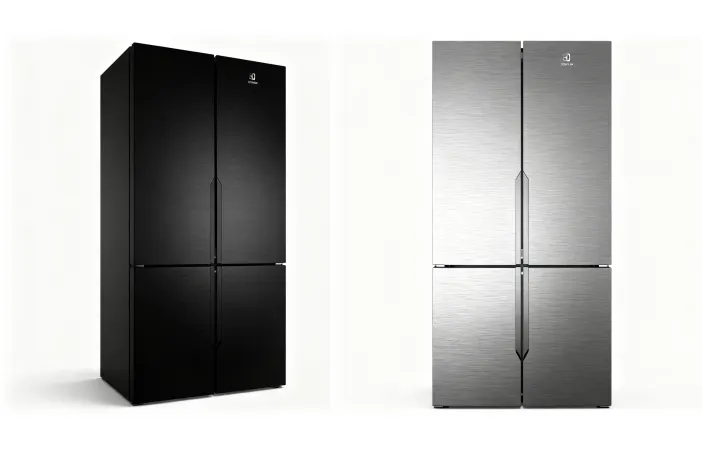
Generate 6 images of the same product in different colorways/materials. Image 1: {COLOR_A}/{MATERIAL_A}; Image 2: {COLOR_B}/{MATERIAL_B}; Image 3: {COLOR_C}/{MATERIAL_C}; Image 4: {COLOR_D}/{MATERIAL_D}; Image 5: {COLOR_E}/{MATERIAL_E}; Image 6: {COLOR_F}/{MATERIAL_F}. Studio lighting, identical angle and composition, clean background, high consistency.배경/장면 전환
Generate 5 images of {SUBJECT} in different environments. Image 1: {SCENE_A}; Image 2: {SCENE_B}; Image 3: {SCENE_C}; Image 4: {SCENE_D}; Image 5: {SCENE_E}. Keep subject pose and proportions, match light and color temperature per scene.로고/패키징 레이아웃
Generate 4 packaging concepts for {PRODUCT}. Image 1: logo top-centered; Image 2: logo vertical layout; Image 3: diagonal sash layout; Image 4: minimal label bottom-right. Keep same can/bottle geometry, realistic reflections.UI 스타일 팔레트
Generate 8 icons in {STYLE} for {THEME}. Image 1: {ICON1}; Image 2: {ICON2}; … Image 8: {ICON8}. Pixel-perfect, unified line weight and corner radius, consistent grid.예시
다양한 색상
제품의 다양한 각도
UI 디자인

참고자료
관련 기사
Seedance 2.0, WaveSpeedAI에 출시 예정: 네이티브 오디오가 포함된 ByteDance의 차세대 비디오 모델
Seedance 2.0 완벽 가이드: 멀티모달 비디오 생성

Seedream 5.0-Preview 완벽 가이드: 지능형 이미지 생성

Seedream 5.0 vs Nano Banana Pro vs GPT Image 1.5 vs Flux Klein vs Qwen Image: 완벽한 비교

Vidu Q3 리뷰: Sora 2, Wan 2.6, Seedance 1.5, Veo 3.1, Grok Imagine Video와의 비교
