WaveSpeedAI Video Outpainter: The Fastest Way to Expand Videos & Convert Aspect Ratios Without Cropping
Introduction
If you need to repurpose videos for multiple platforms—TikTok, YouTube, Instagram, Reels, Shorts, ads—cropping isn’t an option. It cuts faces, removes key content, and ruins the composition.
WaveSpeedAI’s Video Outpainter solves this with one click.
This advanced AI model expands your video beyond its original frame, generating coherent new surroundings while preserving motion, identity, and scene consistency.
Perfect for aspect-ratio conversion, cinematic expansion, reframing, and adding safe margins.
What Is Video Outpainter?
WaveSpeedAI Video Outpainter is an AI video expansion model that synthesizes new background content outside the original boundaries of any clip.
No cropping. No distortion. No manual painting.
Use it to:
- Convert 9:16 ↔ 16:9 without losing content
- Add empty space for graphics and text
- Reframe shots for film or broadcast
- Create ultra-wide cinematic visuals
- Repurpose old footage for new platforms
Key Features
Expand in any direction
Top, bottom, left, right—fully coherent, seamless results.
Aspect-ratio conversion
Supports: 1:1, 4:3, 3:4, 16:9, 9:16, 3:2, 2:3, 21:9, 9:21, and auto.
Preserves identity & motion
No flicker. No mismatches. Characters remain consistent across all frames.
Prompt-guided or automatic
Add forest, skyline, studio background, cityscape, or anything else—or leave blank for auto-matched environments.
Repeatable with seeds
Seed −1 = random Any integer = consistent output
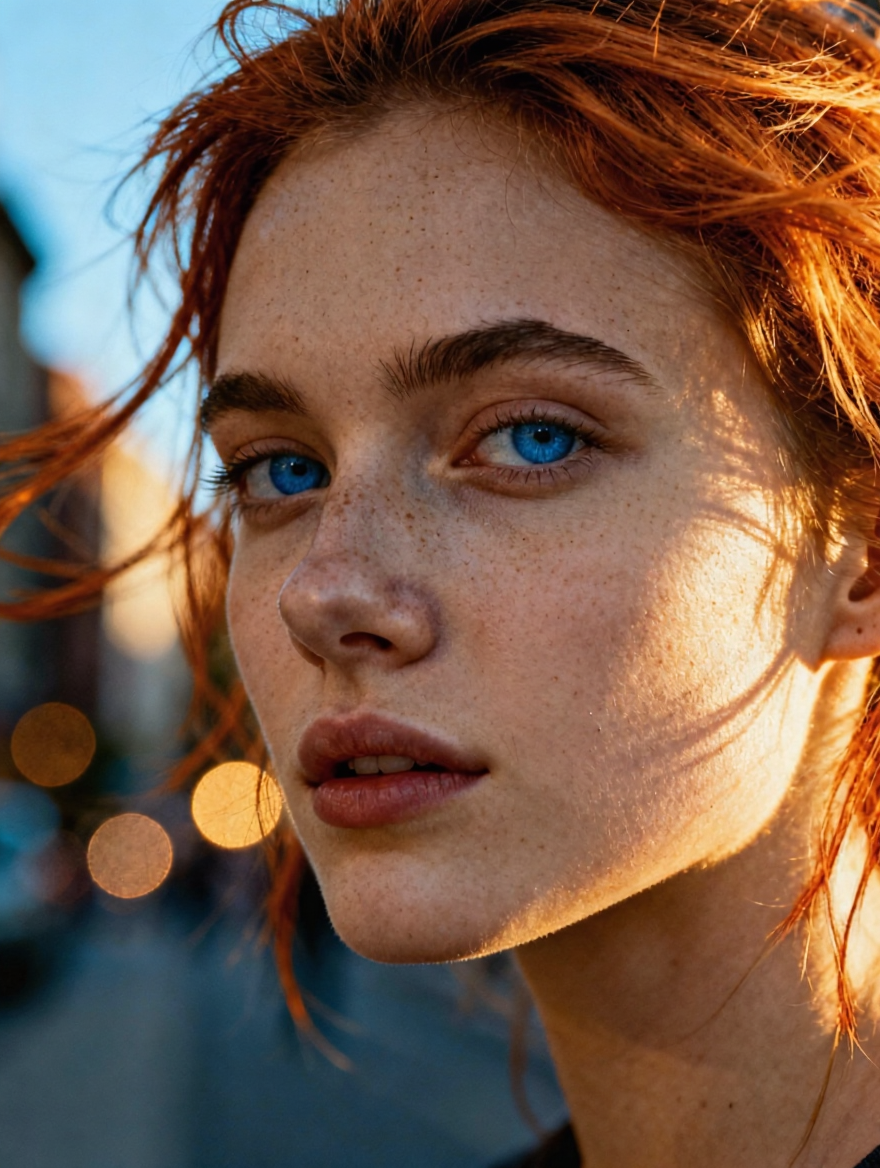
Before (16:9 Original Video):
After (Converted to 9:16 with Video Outpainter):
Designed For
Social teams
Instantly convert one master clip into TikTok, Reels, Shorts, and YouTube formats.
Editors & studios
Reframe footage, create safe margins, or deliver cinematic versions without reshoots.
Advertisers & marketers
Add contextual space around products and subjects for new placements or campaigns.
Creators
Add breathing room, enhance scenery, or turn simple shots into wide cinematic compositions.
How to Use It
Upload your video, then:
- Choose an aspect ratio
- (Optional) Add a prompt
- Set your seed
- Generate → preview → export
Why It’s Better Than Cropping or Manual Editing
- No lost content
- No warping
- No time-consuming frame painting
- Fully automated
- Cinematic, consistent results
Outpainting lets you keep the shot exactly as it was, while expanding everything around it.
Conclusion
WaveSpeedAI Video Outpainter makes it easier than ever to adapt and enhance your videos without losing valuable content. With seamless expansion and consistent visual quality, it turns any clip into a flexible, platform-ready asset.
Expand your frame.Extend your story.
Try WaveSpeedAI Video Outpainter today.
Stay connected with us
Discord Community | X (Twitter) | Open Source Projects | Instagram
© 2025 WaveSpeedAI. All rights reserved.