Best AI Watermark Remover for Videos and Images -- Clean Logos, Text, and Captions Seamlessly
Introduction
Removing watermarks and text overlays from creative assets has always been a challenge for content creators. Whether you’re working with video clips, product photos, social visuals, or templates, overlays like logos, subtitles, timestamps, corner bugs, or supplier marks can limit how you reuse or repurpose your material.
Manually removing them is slow and error-prone — blur tools, clone stamping, or frame-by-frame cleanup often result in smearing, soft edges, or visible patch artifacts.
WaveSpeedAI solves this with its high-quality Watermark Remover that removes your overlays and images naturally — without blur, without flicker, and without losing detail.
Why It Matters
Modern creators work across multiple platforms and formats:
- TikTok → YouTube Shorts → Instagram Reels
- Brand campaign → localized regional variations
- E-commerce product photos → multi-market listings
- Client template assets → adapted visual themes
To work efficiently, your materials need to be clean, flexible, and visually consistent. WaveSpeedAI lets you reuse footage and graphics without sacrificing quality.
Key Capabilities
| Capability | Videos | Images | Result |
|---|---|---|---|
| Remove watermarks & corner logos | ✅ | ✅ | Clean, consistent visual composition |
| Remove captions, subtitles & lower-thirds | ✅ | ✅ | Background details reconstructed naturally |
| Remove stickers / labels / overlaid text | ✅ | ✅ | No smudging or clone-stamp artifacts |
| Texture-aware reconstruction | ✅ | ✅ | Preserves realistic surface detail |
| Temporal stability (no flicker) | ✅ | ✅ | Smooth motion across frames |
How It Works
WaveSpeedAI does not blur or cover the overlay. Instead, it reconstructs what was underneath, using:
- Temporal-aware inpainting (keeps motion stable, no flicker)
- Clean plate reconstruction (recovers natural texture + lighting)
- Smart overlay targeting (handles opaque & semi-transparent marks)
- Grain & edge fidelity (no plastic smoothing, no blurry patches)
In short: It doesn’t hide the watermark — it rebuilds the image as if it was never there.
Examples: Before & After Results
Example 1 — Video Watermark Removal
Before
After
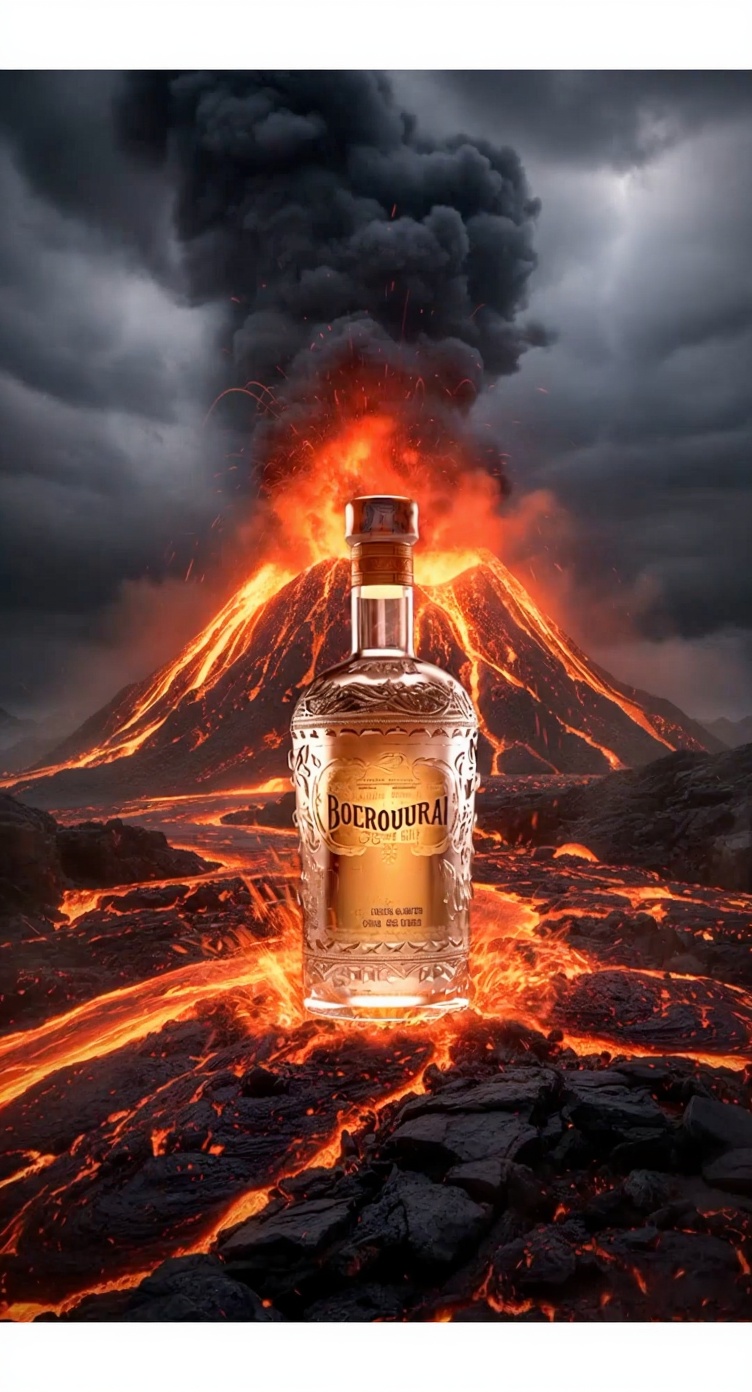
Example 2 — Image Watermark Removal
Before

After
Performance & Limits (Video)
| Property | Value |
|---|---|
| Max video length | Up to 10 minutes |
| Supported resolution | 720p → 4K |
| Processing speed | ~5–20s of processing per 1s of video |
| Supported formats | Standard video & image formats |
Pricing
| Task | Price |
|---|---|
| Video Watermark Removal | $0.05 per 5 seconds |
| Image Watermark Removal | $0.015 per image |
Conclusion
Clean visuals tell clearer stories.
When overlays and text are gone, the original message becomes easier to see and easier to use.
The WaveSpeedAI Watermark Remover does not sharpen or restyle your footage —
it simply removes what shouldn’t be there, while preserving the natural look, texture, and motion of your content.
If you want your clips or images to feel clean, intentional, and ready to publish, try it directly on the WaveSpeedAI website.
Start using the Watermark Remover:
🔗Image Watermark Remover
🔗Video Watermark Remover
Stay connected with us
Discord Community | X (Twitter) | Open Source Projects | Instagram
© 2025 WaveSpeedAI. All rights reserved.